ineo+ 353/253/203 1-13
Setup items by operation
1
1.5 Acquiring the certificate for this machine
Acquire the certificate for this machine at the user side.
Download the created certificate for this machine by accessing this machine with Web Connection. Once the
certificate for this machine is acquired, messages are encrypted based on the acquired certificate (public
key), and then sent from the user to this machine.
Specify the settings according to the following flowchart.
!
Detail
Users can acquire the certificate for this machine by receiving a message with a digital signature
attached from this machine. For details on sending E-Mails with the digital signature attached, refer to
"Sending scan data by E-mail (With the digital signature attached)" on page 1-31.
1.5.1 Create a certificate
Create a certificate for this machine.
For details, refer to "Creating a certificate for this machine for SSL-based communication" on page 1-7.
1.5.2 Download a certificate
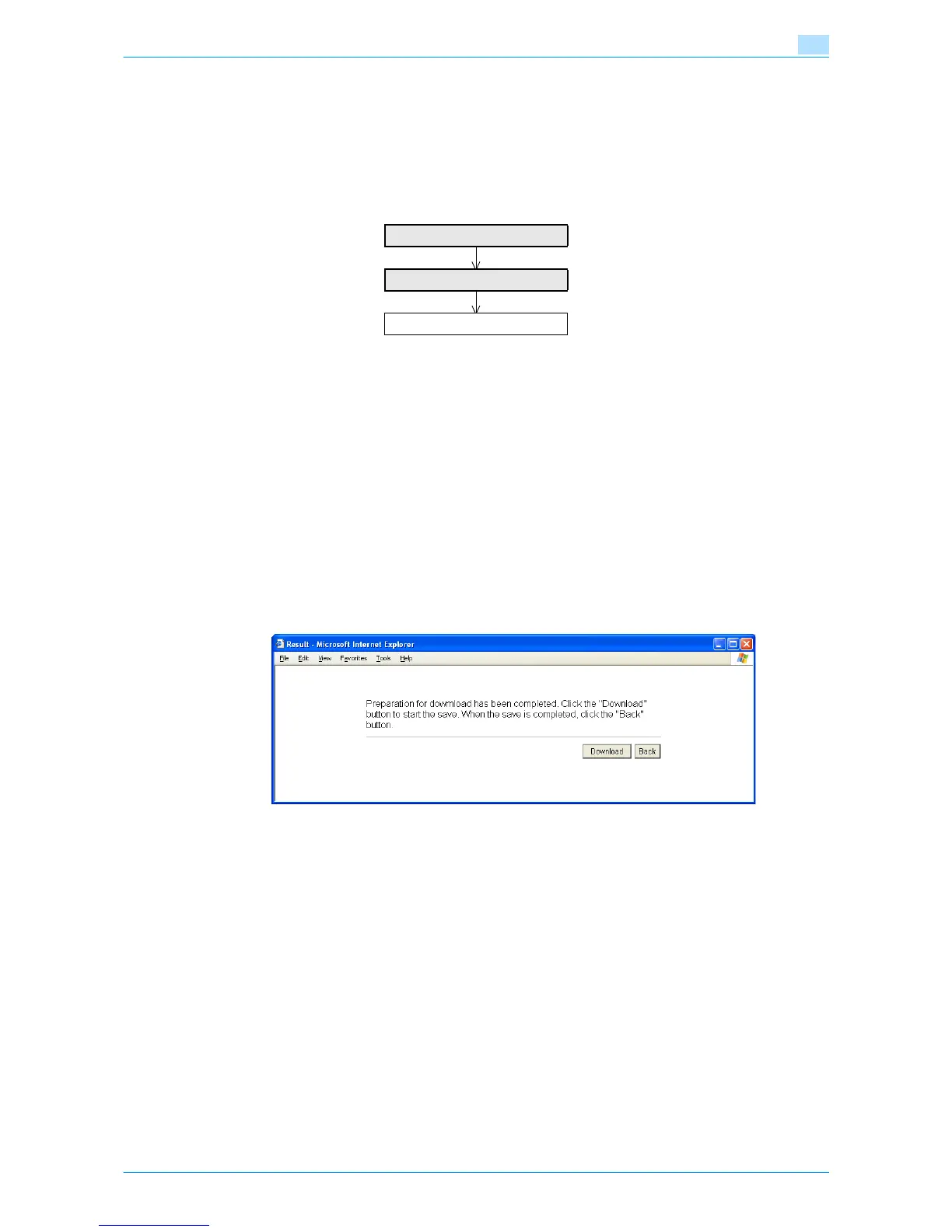
In Administrator mode of Web Connection, select the Security tab - "SSL/TLS Setting"- [Setup] - "Certificate
Download".
To download a certificate to the computer, click [Download].
Create a certificate
Download a certificate
Finish











 To Next Page