ineo+ 353/253/203 1-105
Setup items by operation
1
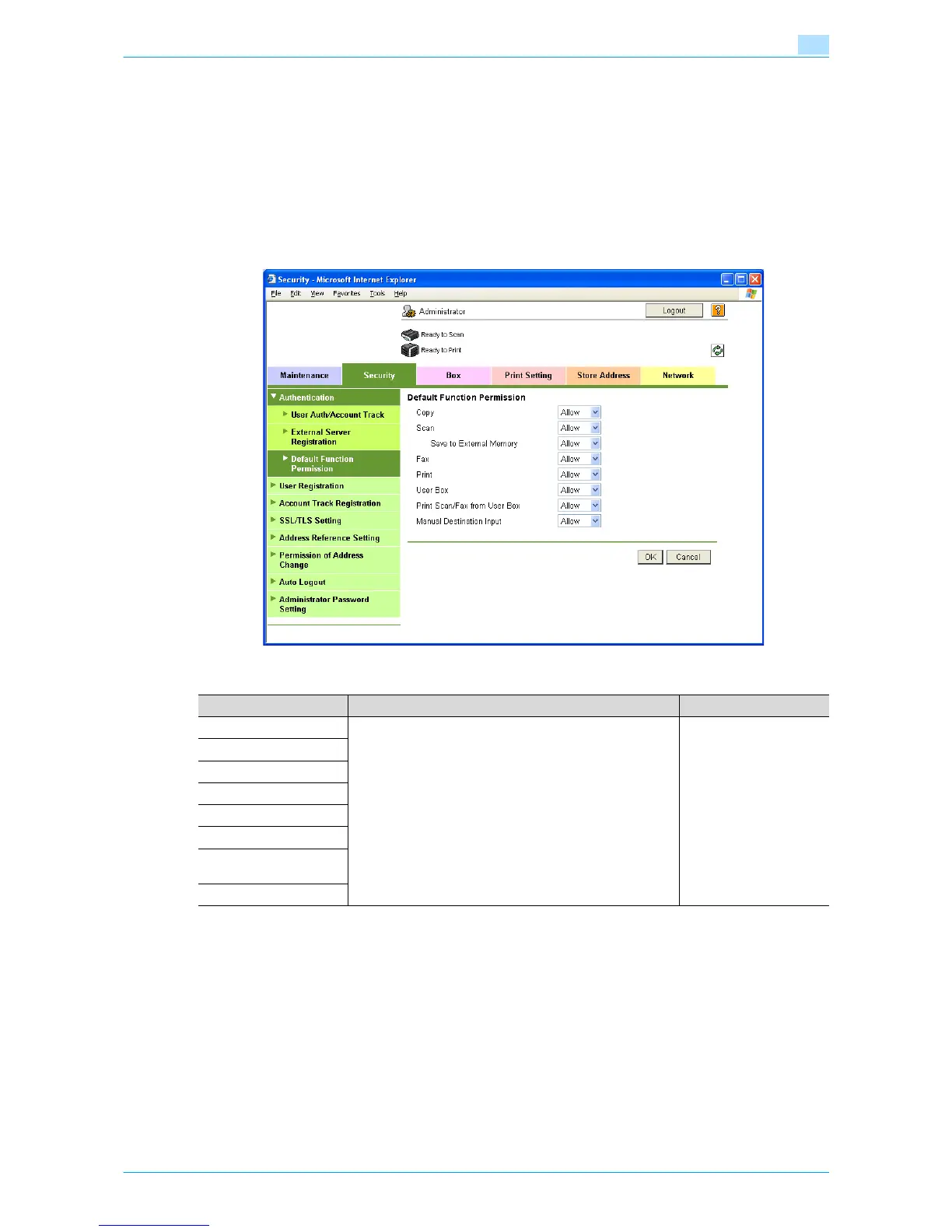
1.35.4 Default Function Permission
In Administrator mode of Web Connection, select the Security tab - "Authentication" - "Default Function
Permission".
Specify the following settings.
!
Detail
If authentication is performed with Authentication Manager, this menu item does not appear.
1.35.5 Date/Time Setting
When using Active Directory, specify the date and time on this machine.
For details, refer to "Specifying the date and time on this machine" on page 1-16.
Item Definition Prior confirmation
Copy Limits functions available to authorized users on this ma-
chine. Specify whether to allow each function.
Scan
Save to External Memory
Fax
Print
User Box
Print Scan/Fax from User
Box
Manual Destination Input











 To Next Page