ineo+ 353/253/203 1-128
Setup items by operation
1
1.43 Using FTP server/WebDAV server functions
Specify settings for FTP server and WebDAV server of this machine.
This machine serves as an FTP server or WebDAV server by specifying the following settings. To use an
application that synchronizes with this machine as an FTP or WebDAV client, specify these settings.
By using this machine as an WebDAV server, communication with application software can be encrypted
using SSL and safer communication is enabled.
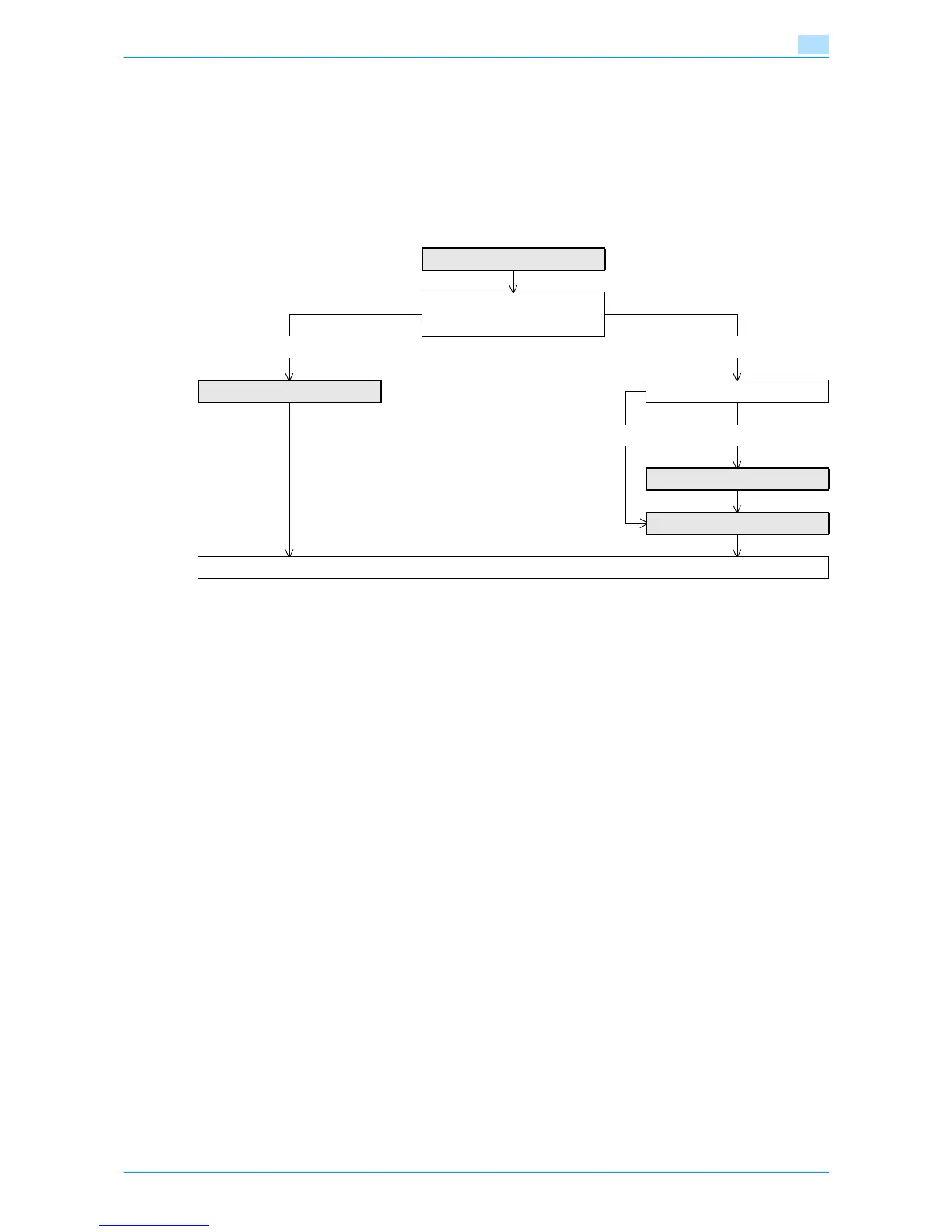
Specify the settings according to the following flowchart.
1.43.1 TCP/IP Settings
Specify settings to use this machine in a TCP/IP network environment.
For details, refer to "Specifying general settings for TCP/IP-based communication" on page 1-2.
1.43.2 SSL/TLS Setting
Specify settings for SSL-based communication.
For details, refer to "Creating a certificate for this machine for SSL-based communication" on page 1-7.
TCP/IP Settings
➀ FTP Server
➁ WebDAV Server
➀ ➁
FTP Server Setting Communicate using SSL?
No Yes
SSL/TLS Setting
WebDAV Server Settings
Finish











 To Next Page