ineo+ 353/253/203 1-56
Setup items by operation
1
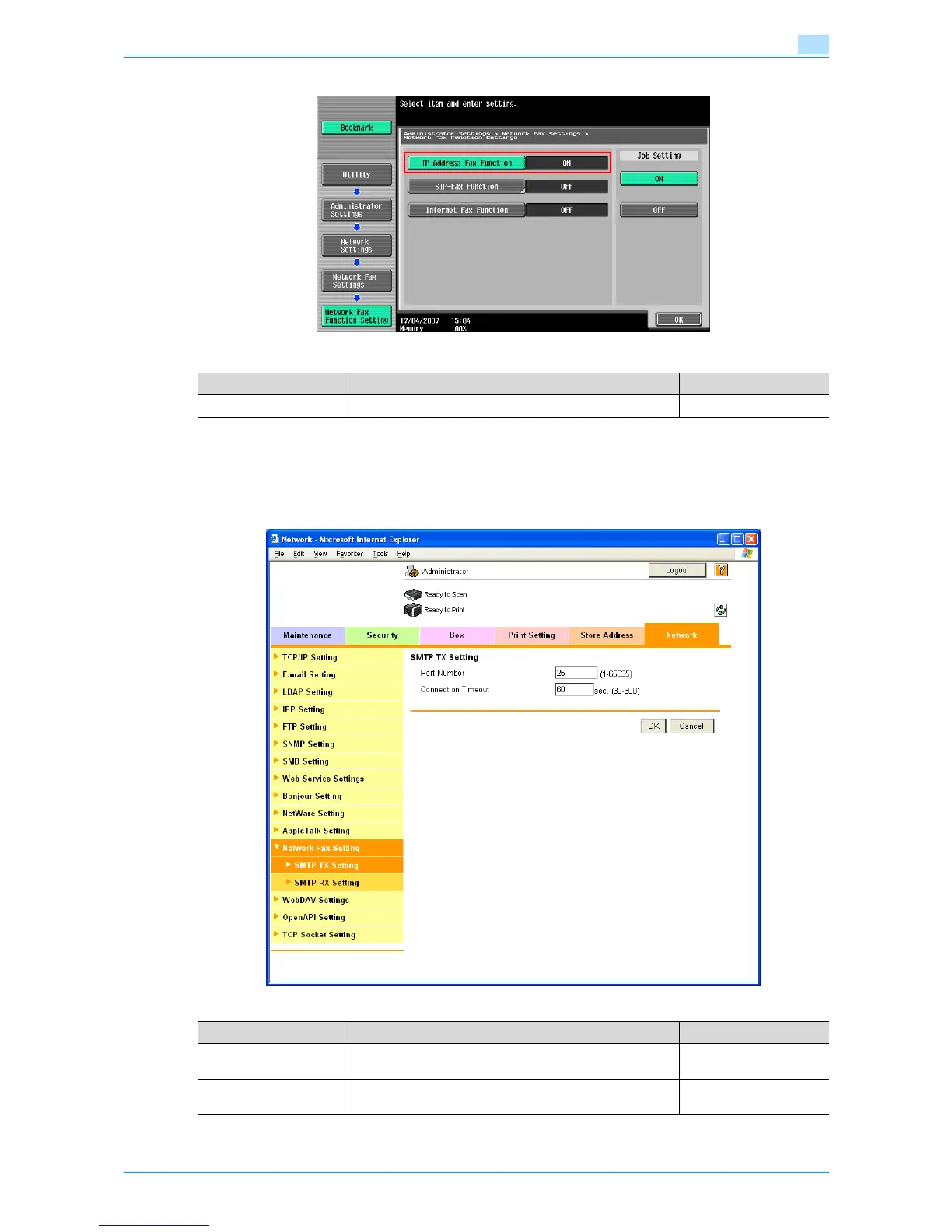
1.17.3 SMTP TX Setting
In Administrator mode of Web Connection, select the Network tab - "Network Fax Setting" - "SMTP TX
Setting".
Specify the following settings.
Item Definition Prior confirmation
IP Address Fax Function Select [ON].
Item Definition Prior confirmation
Port Number Default setting: 25
Specify the port number.
Port number to be used
Connection Timeout Specify the time period before the server connection times
out.











 To Next Page