ineo+ 353/253/203 1-145
Setup items by operation
1
1.45.4 Specifying the administrator password
Specify the password for the machine’s administrator.
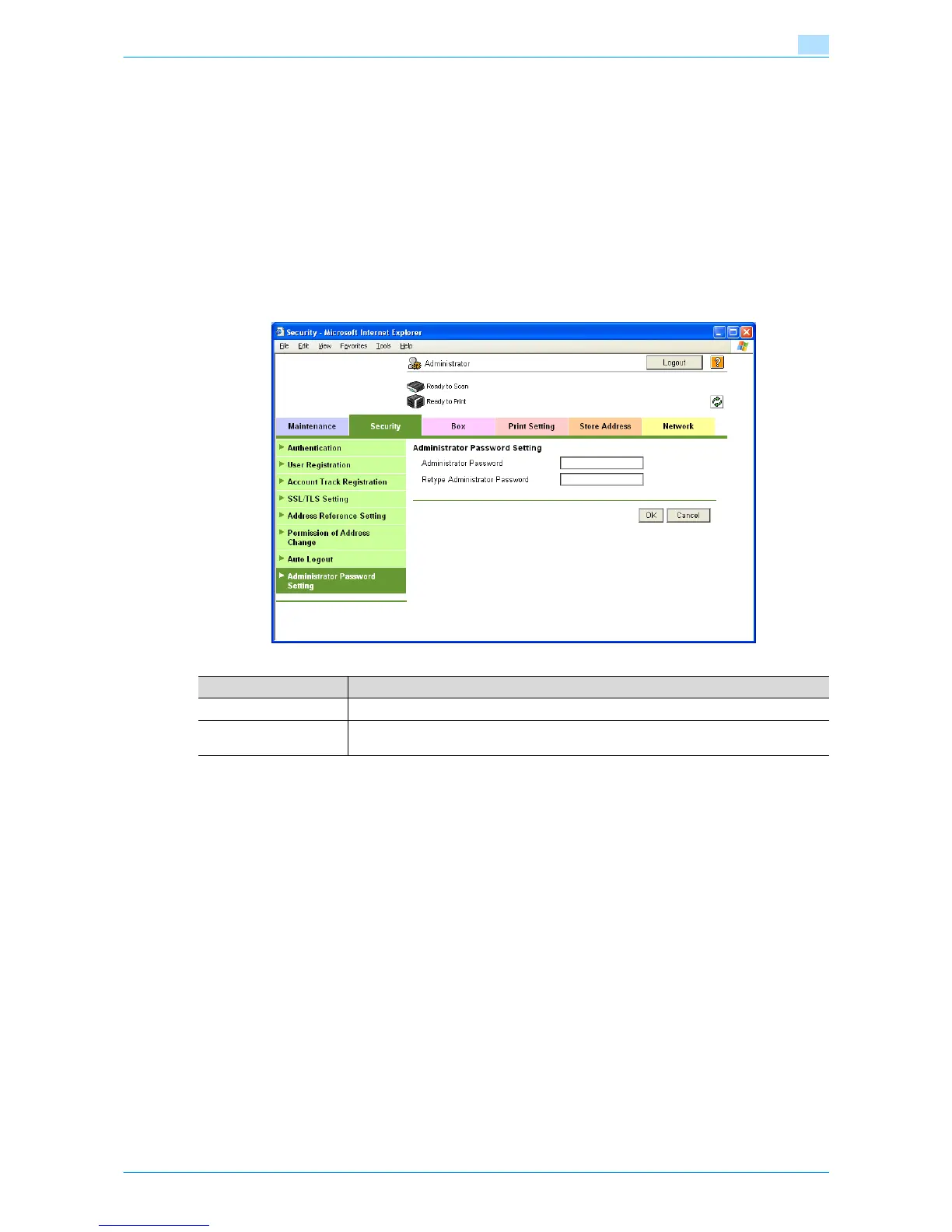
Administrator Password Setting
In Administrator mode of Web Connection, select the Security tab - "Administrator Password Setting".
Specify the following settings.
!
Detail
If Enhanced Security Mode is set to "ON", this menu item does not appear.
If the certificate for this machine is not installed, this menu item does not appear.
!
Detail
If "Password Rules" is enabled, no password containing less than eight characters can be registered.
If you have already registered a user password containing less than eight characters, change it to one
using eight characters before enabling "Password Rules". For details on the password rules, refer to
the User’s Guide [Copy Operations].
Item Definition
Administrator Password Specify the administrator password (up to 8 characters).
Retype Administrator
Password
Enter the administrator password again for confirmation.











 To Next Page