ineo+ 353/253/203 1-159
Setup items by operation
1
1.48.2 Registering or editing a group destination
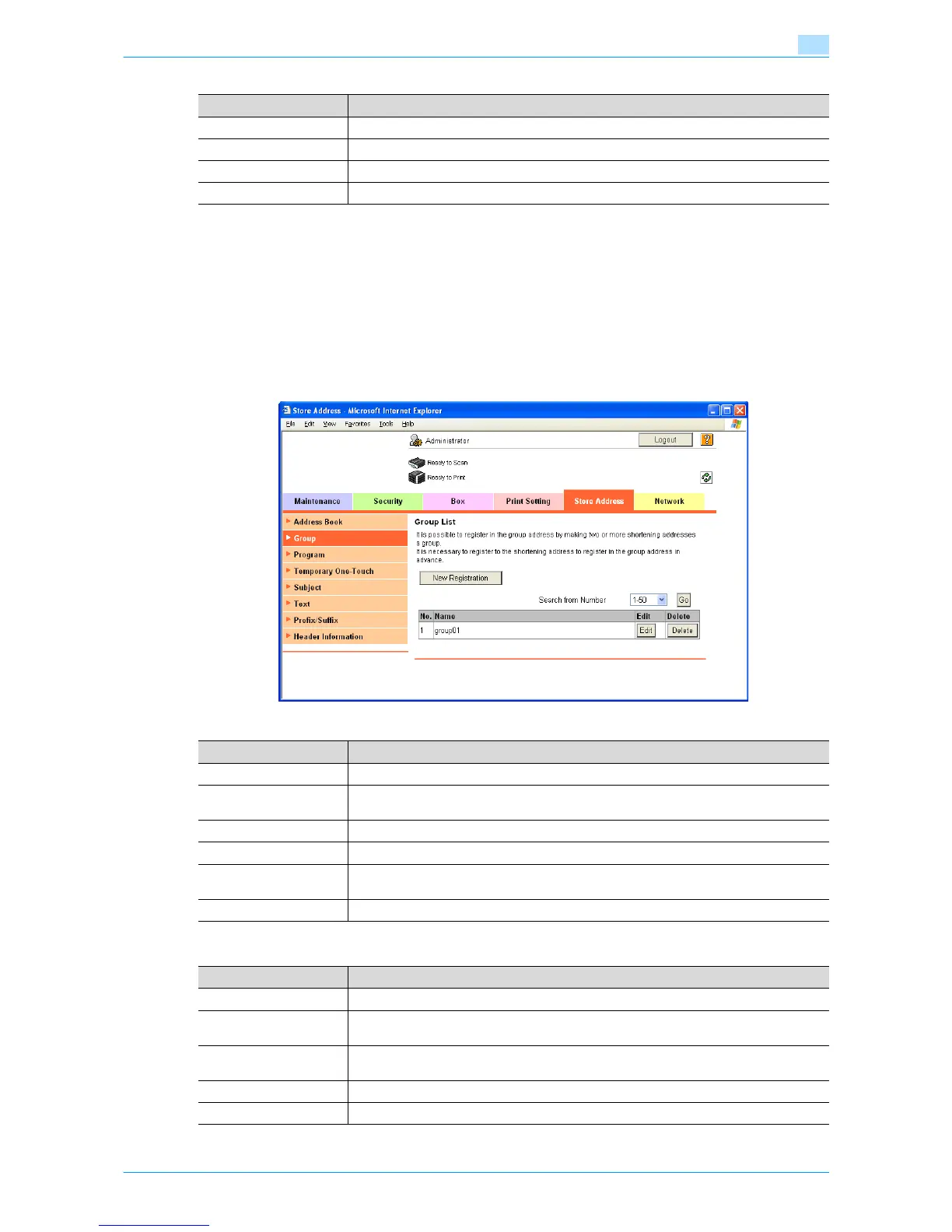
Register a new group destination or change group destination settings.
Register multiple addresses as a group destination by grouping. To broadcast the fax, use this function. To
register addresses in a group, they must be registered in the address book in advance.
Group
In Administrator mode of Web Connection, select the Store Address tab - "Group".
Specify the following settings.
New Registration
Item Description
No. The registration number of the address book appears.
Name The registered name of the address book appears.
Specify Icon Select "Specify Icon".
[Search from List] The icon list appears. Select an icon to be registered.
Item Definition
[New Registration] Registers a new group destination.
Search from Number Select a range of registration numbers, and then click [Go] to display the list of destina-
tions of the selected number.
No. Displays the registration number.
Name Displays registered names.
[Edit] Edits the registered group destination. The settings are the same as ones available during
registration.
[Delete] Deletes the group destination.
Item Definition
Name Enter the group name (up to 24 characters).
Scan/Fax Address Select the scan/fax address to be grouped. Select addresses to be grouped from the list
of registered addresses.
User Box Select the user boxes to be grouped. Select addresses to be grouped from the list of reg-
istered addresses.
[Check Destination] Checks registered destinations.
Specify Icon From [Search from List], specify an icon for the user to be registered.











 To Next Page