ineo+ 353/253/203 1-133
Setup items by operation
1
Weekly Timer Setting
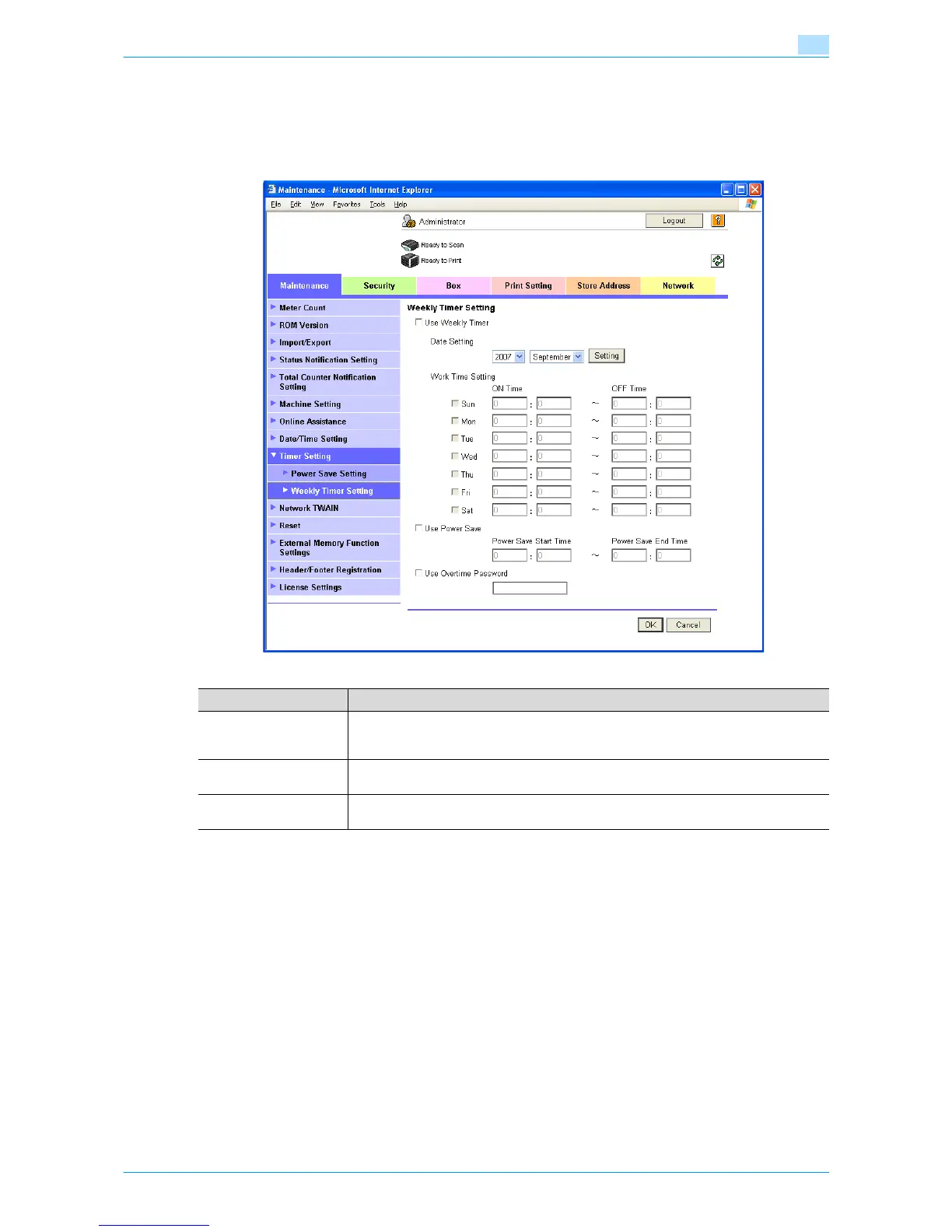
In Administrator mode of Web Connection, select the Maintenance tab - "Timer Setting" - "Weekly Timer
Setting".
Specify the following settings.
Item Definition
Use Weekly Timer To use the weekly timer function, select this check box, and then specify the operating
date and time. To display the screen for specifying dates, click [Setting]. Weekly setting
and daily settings are possible.
Use Power Save To use the power save function, select this check box, and then specify the starting and
ending times for power saving
Use Overtime Password To use the non-business hours password function, select this check box, and then specify
the password.











 To Next Page