ineo+ 353/253/203 1-4
Setup items by operation
1
1.2 Using Web Connection
Specify settings for using Web Connection. This manual describes how to specify settings required for each
operation using Web Connection.
Web Connection is a device management utility supported by the HTTP server integrated into the printer
controller. Using a Web browser on a computer connected to the network, machine settings can be specified
and the status of the machine can be checked. Some settings can be specified from the computer instead
of from the machine control panel.
Specify the settings according to the following flowchart.
1.2.1 TCP/IP Settings
Specify settings to use this machine in a TCP/IP network environment.
For details, refer to "Specifying general settings for TCP/IP-based communication" on page 1-2.
1.2.2 Web Settings
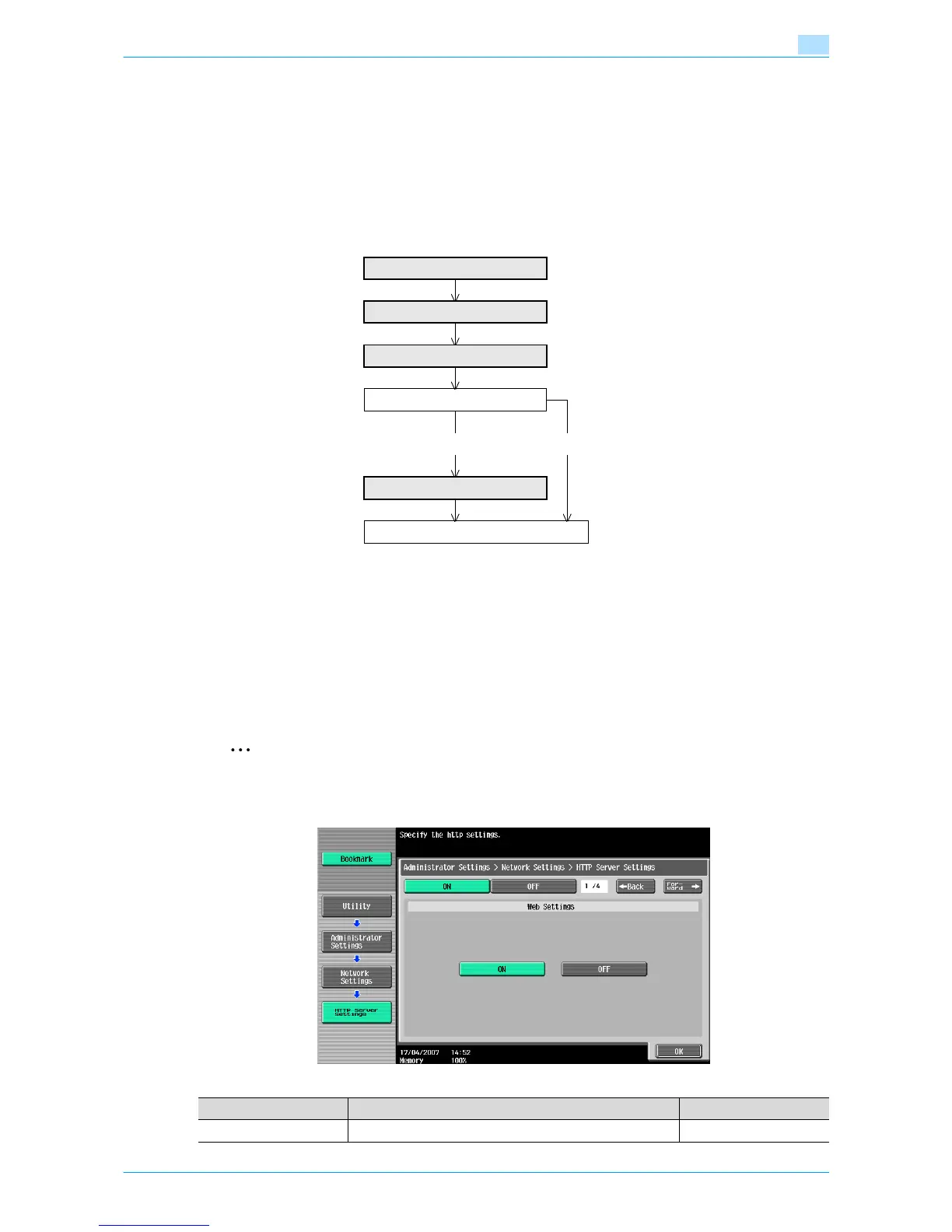
On the Administrator Settings screen of the control panel, select [Network Settings] - [3 HTTP Server
Settings].
Specify the following setting.
2
Note
For details on displaying the Network Setting screen, refer to "Displaying the Network Settings
screen" on page 2-2.
TCP/IP Settings
Web Settings
TCP Socket Setting
Use with SSL?
Yes No
SSL/TLS Setting
Finish
Item Definition Prior confirmation
Web Settings Select [ON].











 To Next Page