ineo+ 353/253/203 1-46
Setup items by operation
1
1.15.2 Internet Fax Function
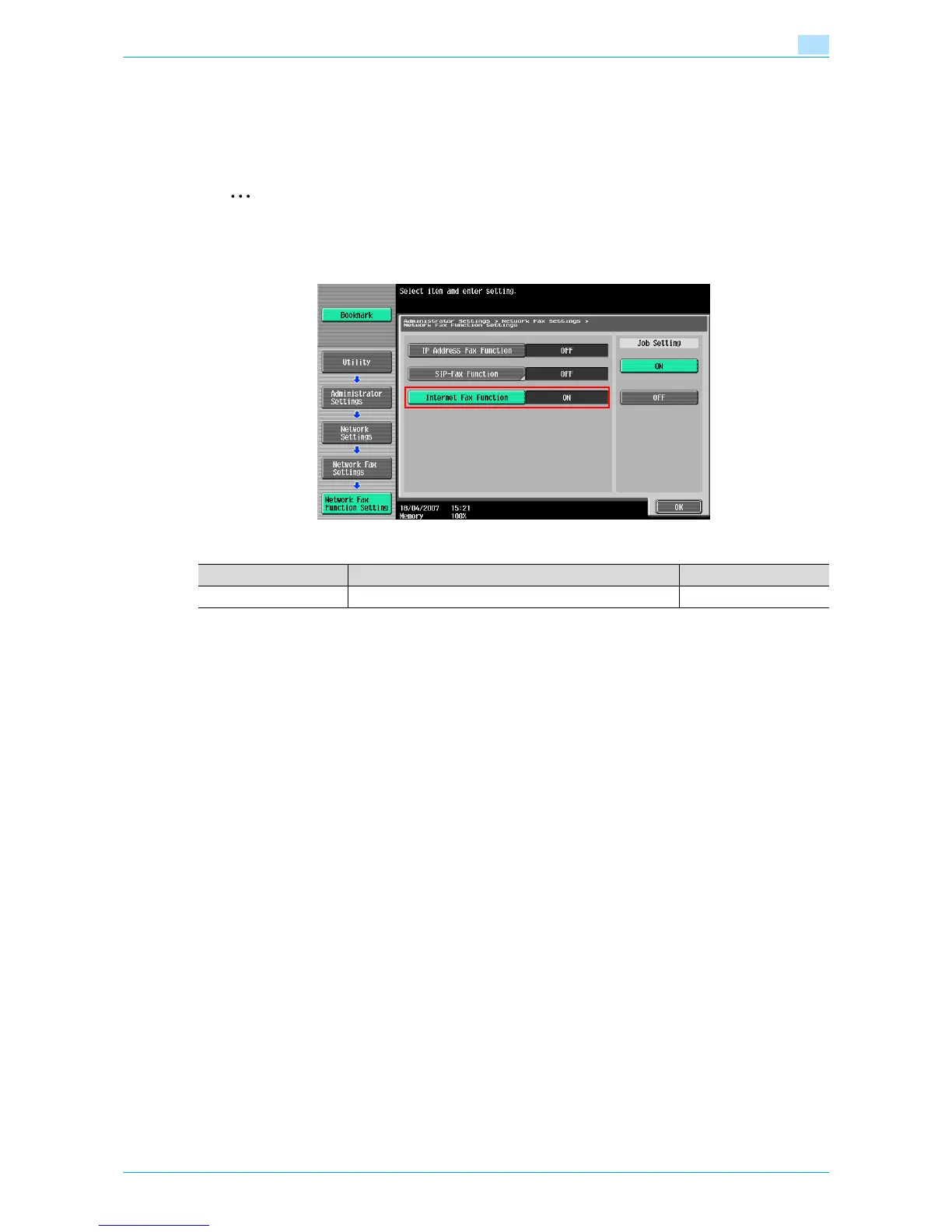
On the Administrator Settings screen of the control panel, select [Network Settings] - [2 Network Fax Setting]
- [1 Network Fax Function Setting].
Specify the following setting.
2
Note
For details on displaying the Network Setting screen, refer to "Displaying the Network Settings
screen" on page 2-2.
Item Definition Prior confirmation
Internet Fax Function Select [ON].











 To Next Page