ineo+ 353/253/203 1-143
Setup items by operation
1
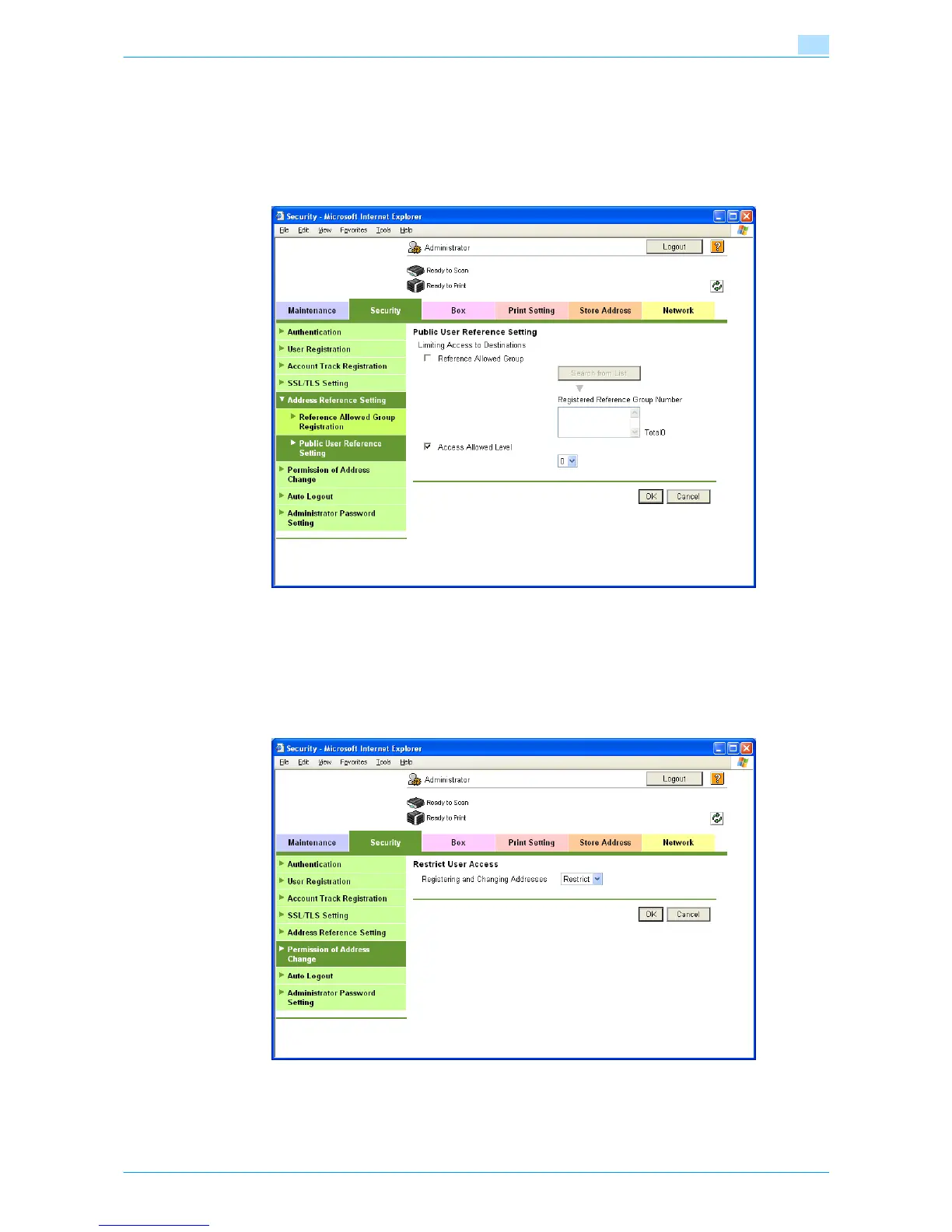
Public User Reference Setting
In Administrator mode of Web Connection, select the Security tab - "Address Reference Setting" - "Public
User Reference Setting".
Specify the destination access right of public users. When "Reference Allowed Group" is selected, click
[Search from List], and then select a reference allowed group from the list. When "Access Allowed Level" is
selected, specify a level.
1.45.2 Restricting address registration by a user
Restrict address registration or change by a general user.
Permission of Address Change
In Administrator mode of Web Connection, select the Security tab - "Permission of Address Change".
Specify the following setting.











 To Next Page