ineo+ 353/253/203 1-152
Setup items by operation
1
!
Detail
The staple function is available only if the optional finisher is installed.
The punch function is available only if the optional finisher and punch kit are installed.
1.47.2 Specifying settings for PCL/PS/XPS print
Specify settings for PCL/PS/XPS print
PCL Settings
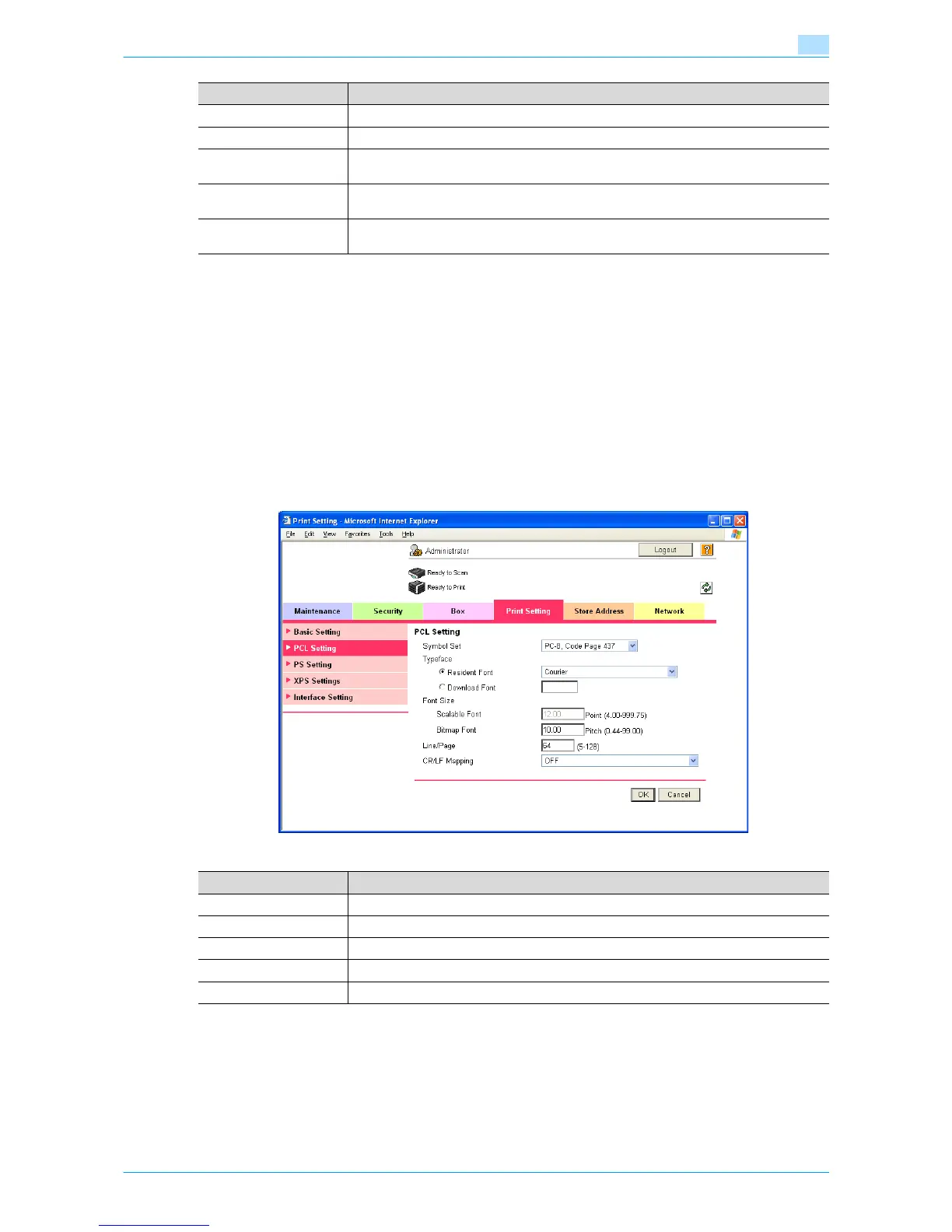
In Administrator mode of Web Connection, select the Print Setting tab - "PCL Setting".
Specify the following settings.
Banner Sheet Setting Specify whether to print the first page on the banner page.
Banner Sheet Paper Tray Select the default paper tray used for printing the banner pages.
No Matching Paper in
Tray Setting
Specify whether to continue printing from a different paper tray when there is no paper of
the appropriate size in the specified paper tray.
A4/A3←→LTR/LGR
Auto Switch
Select whether to print an A4 (Letter)/A3 (Ledger) original in the same size with disregard
to image missing when the Letter (A4)/Ledger (A3) paper tray is selected.
Binding Direction Adjust-
ment
Specify the binding direction adjustment method.
Item Definition
Item Definition
Symbol Set Specify the symbol set.
Typeface Select the internal font ("Resident Font") or downloaded font ("Download Font").
Font Size Specify the font size.
Line/Page Specify the number of lines per page.
CR/LF Mapping Specify the text data CR/LF replacement method.











 To Next Page