ineo+ 353/253/203 1-157
Setup items by operation
1
When "WebDAV" was selected using [New Registration]
When "User Box" was selected using [New Registration]
When "Fax" was selected using [New Registration]
!
Detail
Appears if the optional fax kit has been installed.
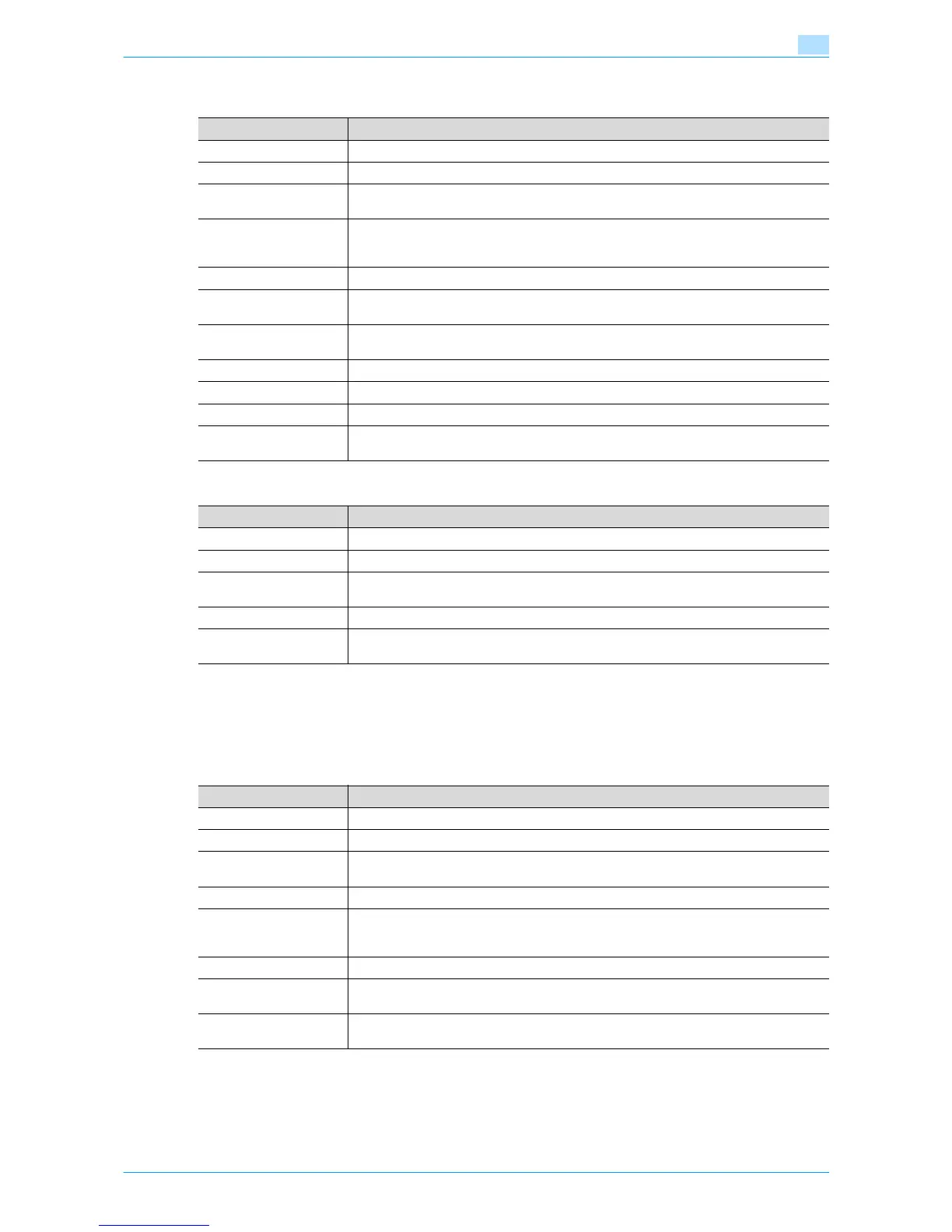
Item Definition
No. Specify the registration number ("Use opening number" or "Direct Input").
Name Type in the address name (up to 24 characters).
Index Specify the index characters for the destination. To normally display the destination in the
control panel, select the "Main" check box.
Host Address Specify the IP address of the WebDAV server of the destination.
If the DNS server is specified, the address can be specified using the host name (up to
255 characters).
File Path Specify the directory of the destination (up to 47 characters).
User ID Type in the user ID for logging in to the WebDAV server of the destination (up to 21 char-
acters).
Password Type in the password for logging in to the WebDAV server of the destination (up to 63
characters).
SSL Settings Specify whether perform encryption using SSL.
Proxy Specifies whether or not a proxy server is used.
Port No. Specify the port number to be used.
Limiting Access to Desti-
nations
Specify the group that is allowed to access a destination and reference allowed level.
Item Definition
No. Specify the registration number ("Use opening number" or "Direct Input").
Name Type in the address name (up to 24 characters).
Index Specify the index characters for the destination. To normally display the destination in the
control panel, select the "Main" check box.
User Box No. Specify the user box number of the destination.
Limiting Access to Desti-
nations
Specify the group that is allowed to access a destination and reference allowed level.
Item Definition
No. Specify the registration number ("Use opening number" or "Direct Input").
Name Type in the address name (up to 24 characters).
Index Specify the index characters for the destination. To normally display the destination in the
control panel, select the "Main" check box.
Destination Enter the fax number for the destination (up to 38 characters).
Confirm Fax Number Enter the fax number again in order to prevent misentering of the fax number.
This menu item appears when "Confirm Address (TX)" is set to [ON] from the control pan-
el.
Line Setting Specify the line to be used. This item is enabled if the optional fax multi line is installed.
Communication Setting Click [Display], and then select the check box for the displayed item ("V34 off", "ECM Off",
"International Communication" or "Check Dest. & Send").
Limiting Access to Desti-
nations
Specify the group that is allowed to access a destination and reference allowed level.











 To Next Page