ineo+ 353/253/203 2-3
Network Settings
2
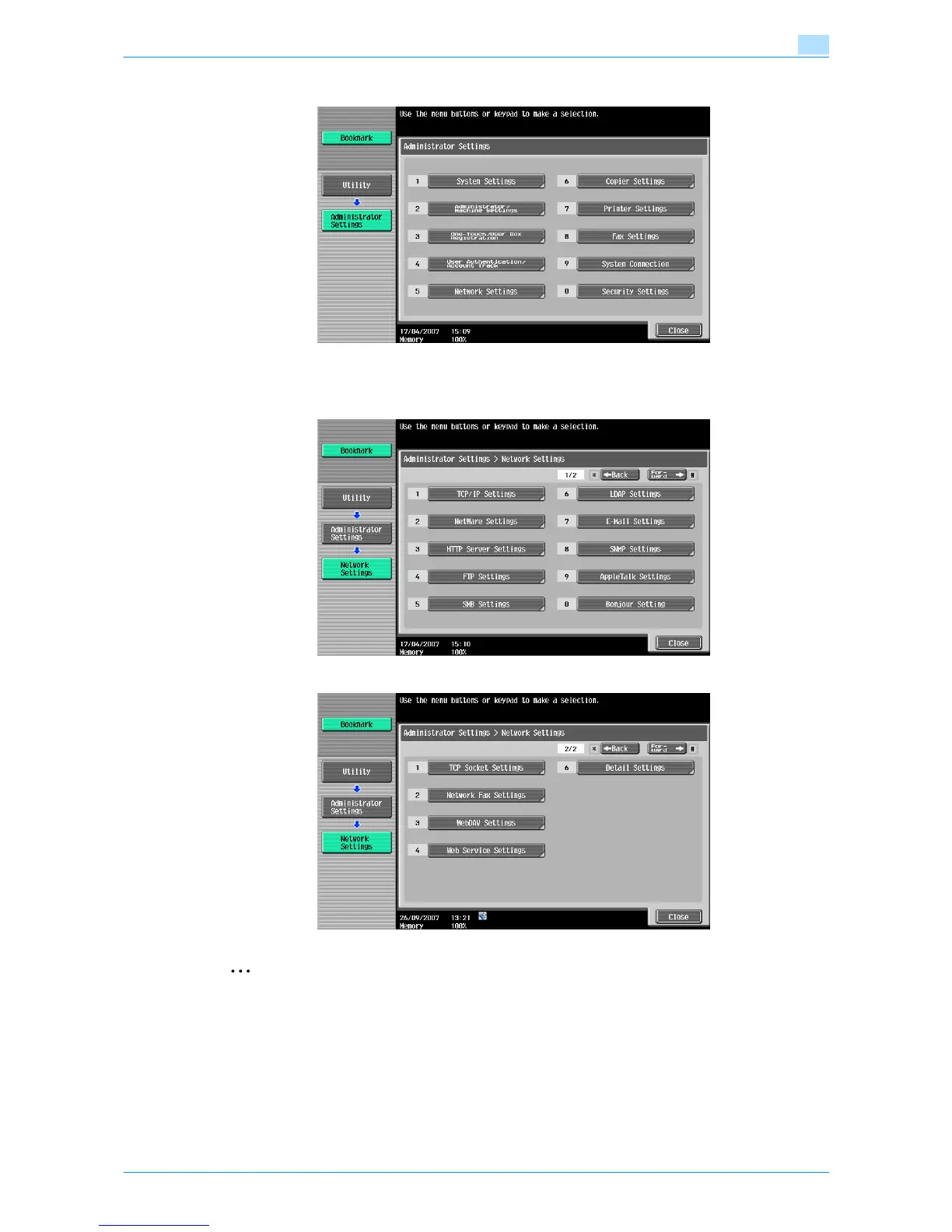
The Administrator Settings screen appears.
4 Touch [5 Network Settings] in the Administrator Settings screen.
The Network Settings screen appears.
2
Reminder
In order to apply all changes to the network settings, turn off this machine, then on again.
When turning off the main power switch and turning it on again, wait for 10 seconds or longer after
power-off, and then turn on the power again. Otherwise, the machine may not operate correctly.











 To Next Page