G6 Pro User Guide
46Chapter 6: Unblinded – Using the G6 Pro
What Patient Does: Setting Up System
Setting Up System
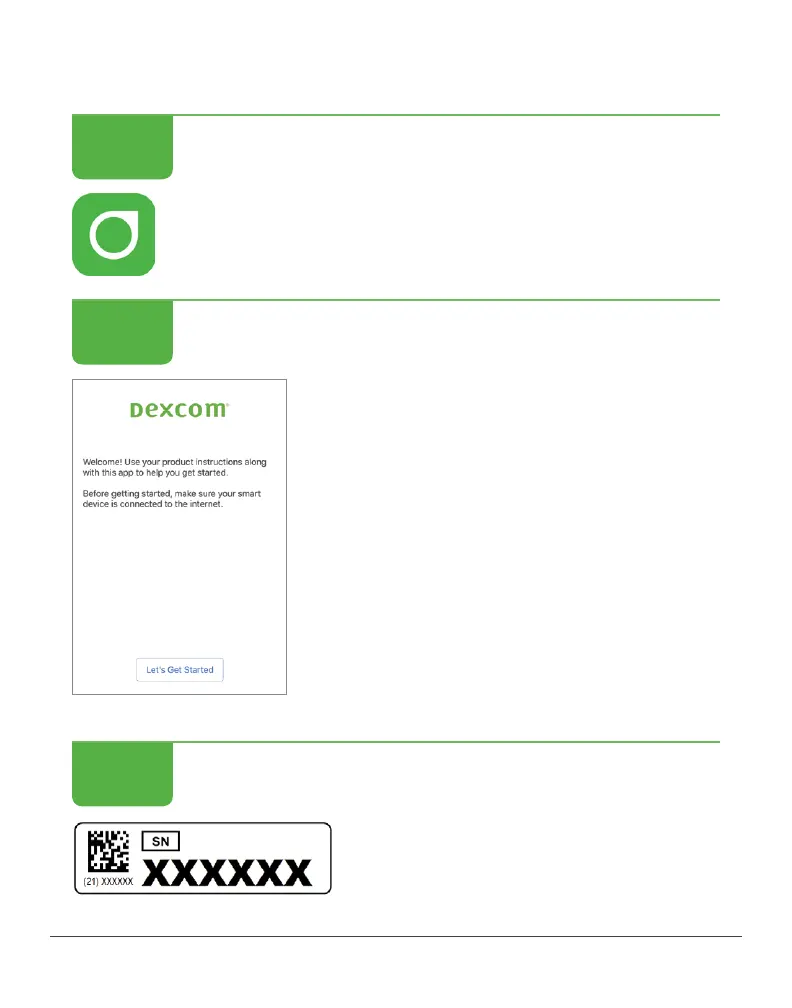
Download and open the Dexcom G6 app.
Setting Up System
Follow onscreen instructions.
Setting Up System
When prompted, patient enters
transmitter SN from materials.
Enters code starting with “3”.
STEP
1 of 4
STEP
2 of 4
STEP
3 of 4



 To Next Page