G6 Pro User Guide
47Chapter 6: Unblinded – Using the G6 Pro
Setting Up System
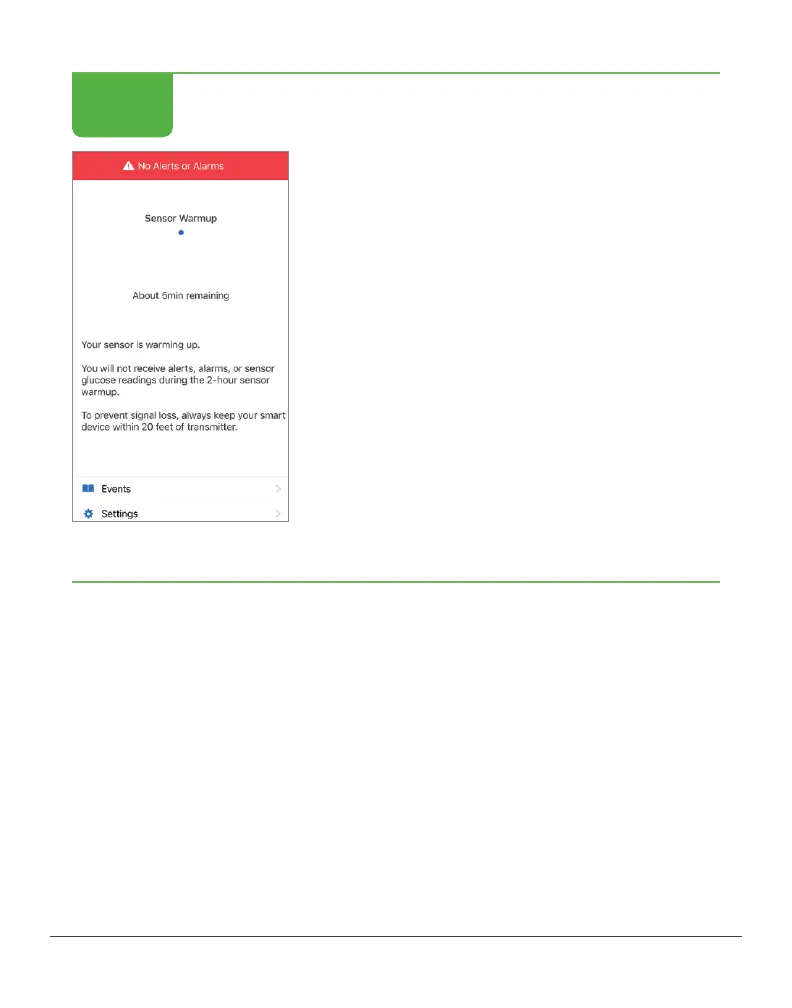
Confirmation app setup was successful.
If still in 2-hour warmup, app screen
shows countdown.
If 2-hour warmup is over, app screen shows
home screen.
Finished!
After inserting the sensor, your patient will have a 2-hour sensor
warmup. During this time the sensor is getting used to your patient’s
body. After the 2-hour warmup, your patient begins getting their
sensor readings.
If your patient turns off their smart device, when they turn it back on,
the app must be restarted.
STEP
4 of 4



 To Next Page