158
ADJUSTMENTS - MAINTENANCE
VENTING THE CLUTCH
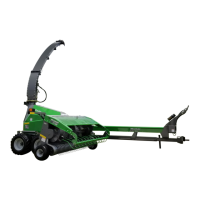
FIGURE 246 AND FIGURE 247
Prior to operating the machine and after long periods
of inactivity, check the proper functioning of the friction
clutch:
1. Tighten nuts (item 9) to relieve pressure on friction
disks (item 3) and setting rings (item 1).
2. Open the cover to access the knives.
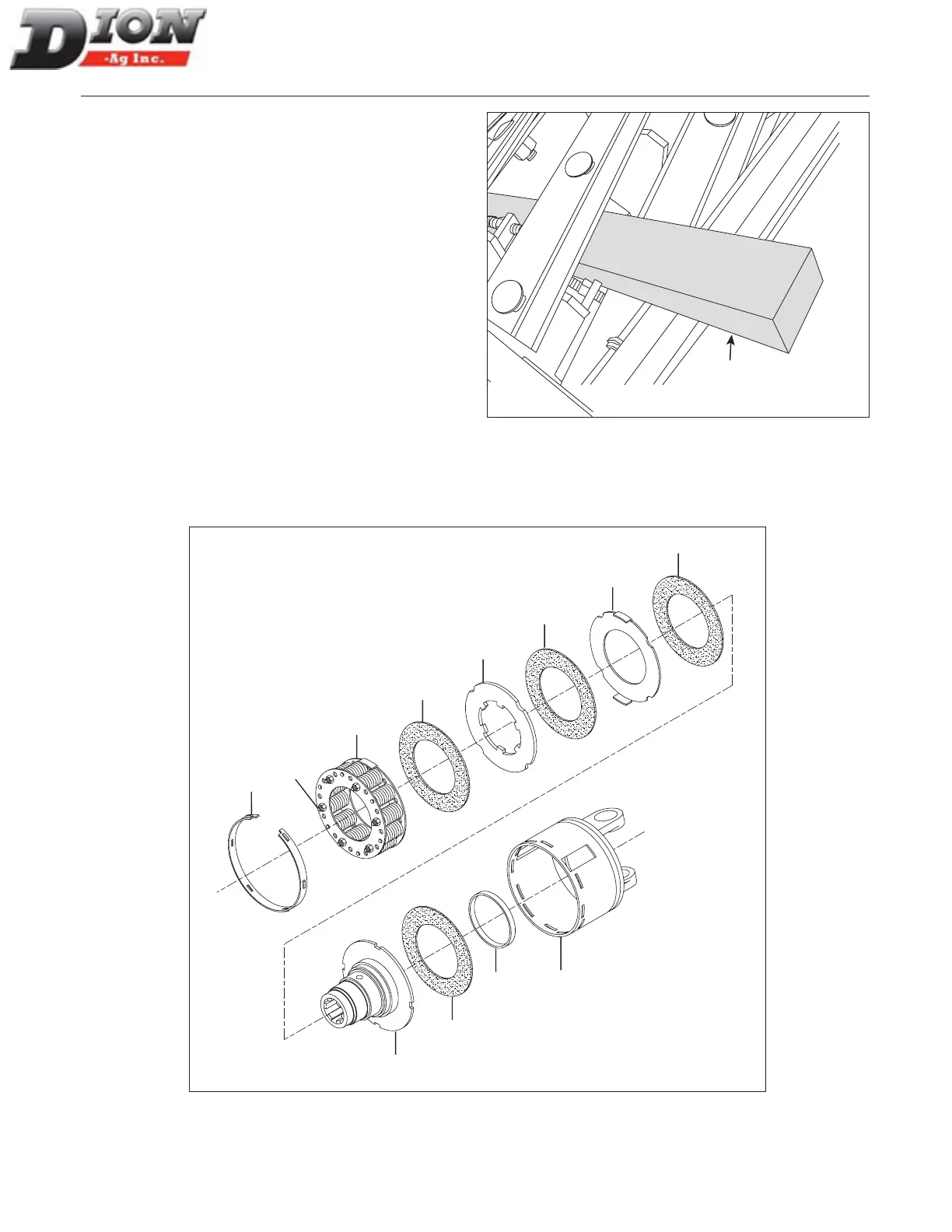
3. Jam the knives by inserting a piece of wood between
the knives and the machine frame (gure 180, item
10).
4. Start PTO at idle and run for approximately 5 to 10
seconds to release galled friction disks, if any.
5. Loosen nuts (item 9) back to the end of the thread to
put pressure back on the friction disks.
6. Remove the piece of wood and close back the cov-
er.
Clutch is now ready to operate.
10
Figure 246 Jaing knives with a piece of wood
1
6
3
7
8
2
9
3
4
3
3
5
Figure 247 Friction clutch exploded view
Manual No. F4117E987E V1.1



 To Next Page