User manual DPC Touch V2 DOC.60352-11/20
Signals to select fastening presets on the tool in
binary or direct logic (see the table below). Logic is
selected in operating settings.
Signal is provided after successful completion of a
job.
Signal is provided after if a job was interrupted or
completed with missing screws.
Signal is provided when the controller is in operating
mode and ready for selection of jobs. Once a job is
started the signal drops down.
Signal is provided when the controller is in Alarm
mode
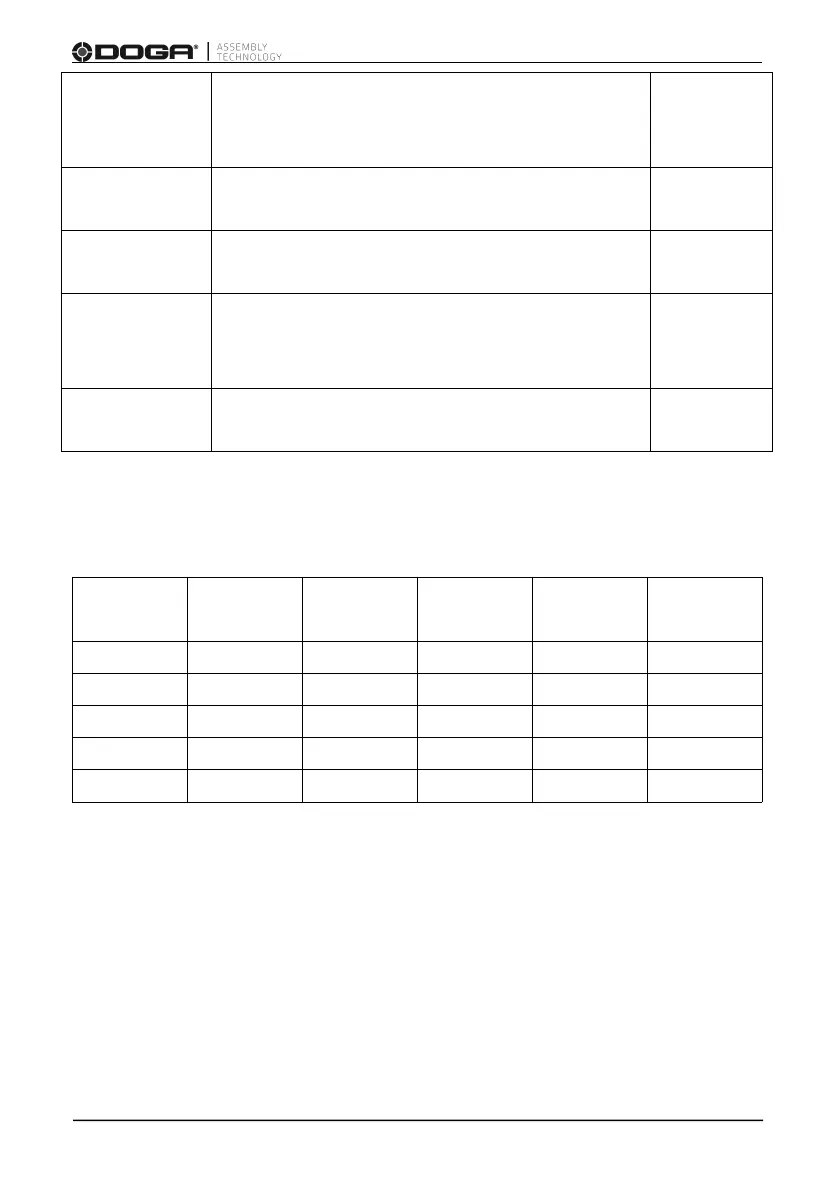
The table below shows the relation between Torque select signals and Preset
number in direct logic.
NOTE: See Input’s settings for binary logic example.



 To Next Page