you should calibrate this level before beginning the equalization process. You can perform this adjustment
by using the MIC GAIN input level trimpot on the CP950/CP950A rear panel, or through the RTA mic input
level adjust, which is located below the RTA mic input level display in the equalization screen. You should
adjust the RTA mic input level so it is as close as possible to 50% of full range (playing pink noise at 85 dBC
from the center channel). Logically, this calibrates the microphone level for use in the equalization process.
For a more detailed description of this procedure, see Chapter 4.
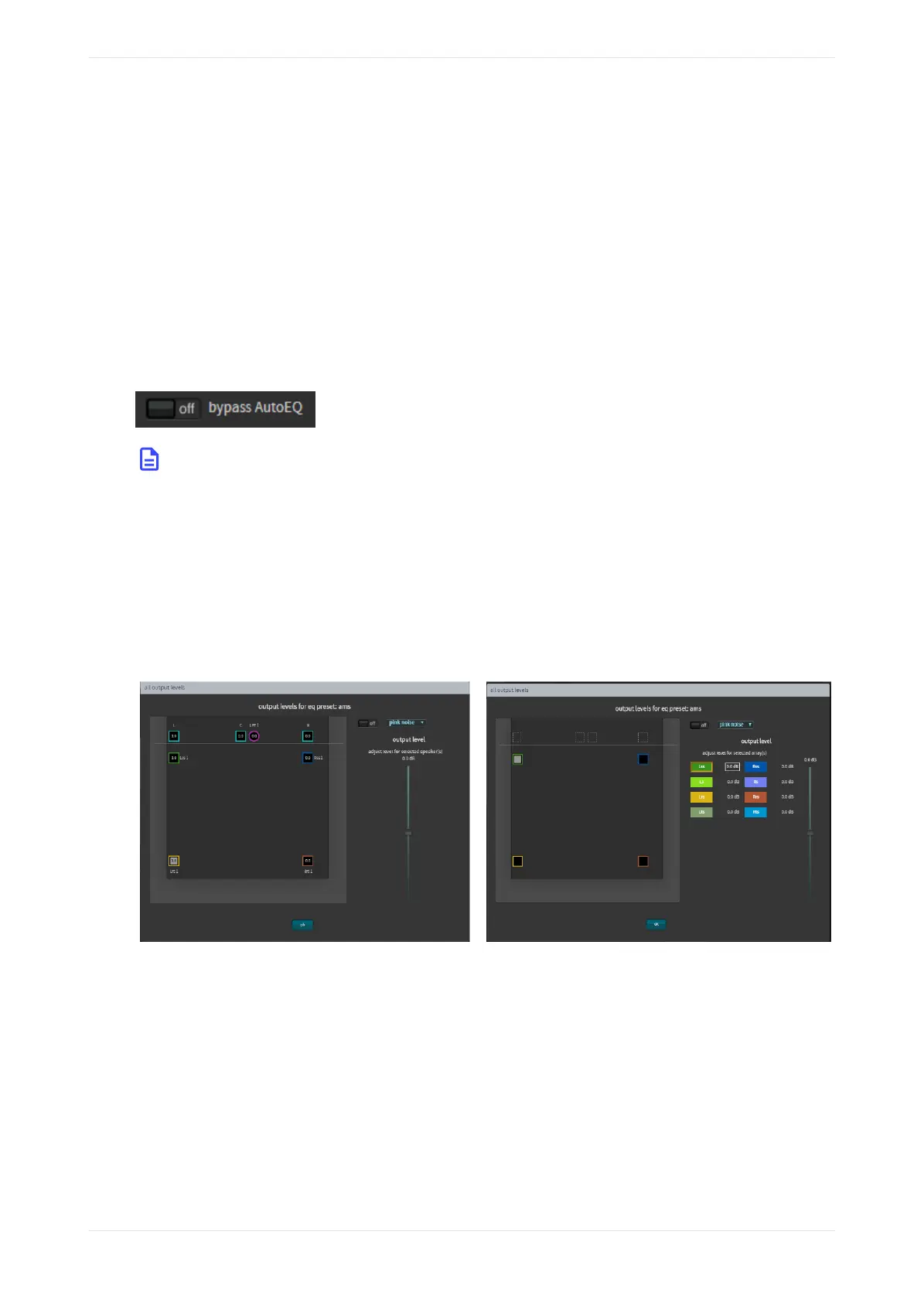
Bypass AutoEQ
Click this on/o toggle button to on to bypass all AutoEQ audio calibration. If an AutoEQ preset is uploaded
to the Dolby CP950/CP950A and you turn bypass AutoEQ to on, the system processes only manual
equalization (entered in the one-third octave equalization or Grossman eq). If you are not using AutoEQ and
no AutoEQ preset is uploaded, the bypass AutoEQ button does not function in any way.
Figure 71: Bypass AutoEQ
Note: When you select on, the system bypasses AutoEQ only for the speaker you are currently editing
(as specified in the speaker feeds drop-down menu, shown in Figure 57).
All output levels
Click this button to display and adjust the output levels for each speaker or array in your preset, as shown in
the following figure. Select an individual speaker or array by clicking on it, or press <Ctrl> (or <Command> on
a Mac) on your keyboard to make multiple selections. To change output levels, move the slider with the
mouse or the up/down arrow keys. In addition, you can test with content or generate test signals in this
screen. Click ok to confirm your entries.
Figure 72: All output levels speakers and arrays
Copy speaker EQ
Click this button to copy manual speaker EQ settings from one source to one or more destinations, as shown
in the following figure. When you click on a source and then click on a destination, the copy button is
activated, and you can click on this button to confirm the location.
Displaying the equalization screen
Dolby Cinema Processor CP950 and Dolby Atmos Cinema Processor CP950A Manual 59
Issue 9 Part Number 8800298 19 January 2022



 To Next Page