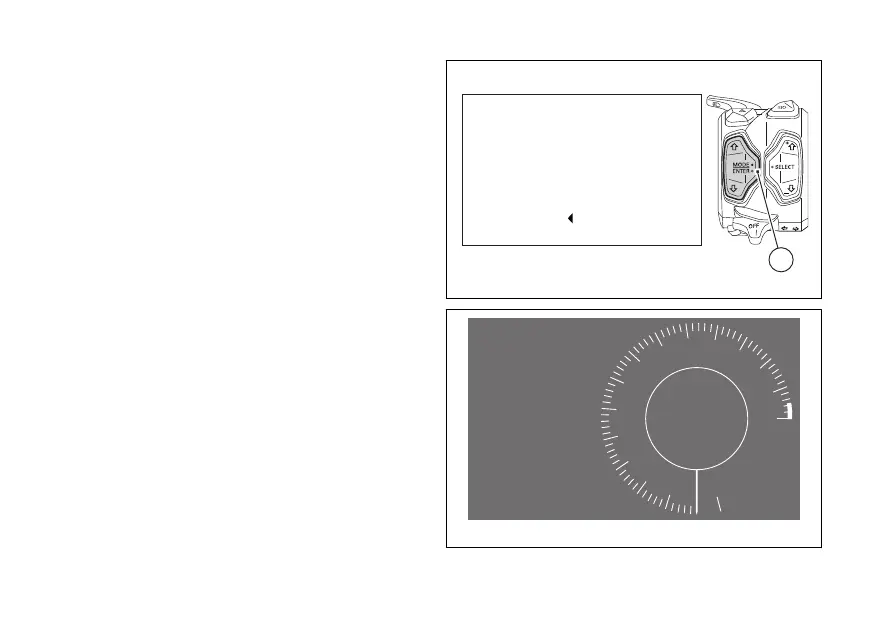
Once the DPL level is set, the instrument panel
shows the wait screen for 1 second (Fig. 157): during
this time, if you press button (4) the wait phase is
interrupted and the instrument panel displays the
main screen and sets the DPL to OFF.
Then the instrument panel shows the "assisted
launch" screen (Fig. 158).
After the assisted start, the instrument panel sets the
DPL to OFF and shows the "main screen" again.
The DPL is set to OFF by default by Ducati.
Launch Waiting...
Pull the clutch
Engage 1
st
gear
Open Full Throttle
Exit
4
Fig. 157
Ready
to launch
Gradually
release the clutch
and start
RPM X 1000
Gear
N
10
9
8
7
6
5
4
3
2
1
11
12
13
14
15
Fig. 158
199













 To Next Page