8 | 3. Safety Instructions
DuraLabel.com | 800.788.5572
SAFETY INSTRUCTIONS
DANGER: Risk of explosion if battery is replaced by an incorrect type. Dispose of used
batteries according to their instructions.
NOTE: Changes or modications not expressly approved by the party responsible for
compliance could void the user’s authority to operate the equipment.
WARNING: Do not place your ngers between the label cutting blades. If you must
clear a label jam, use a tool; do not use your fingers.
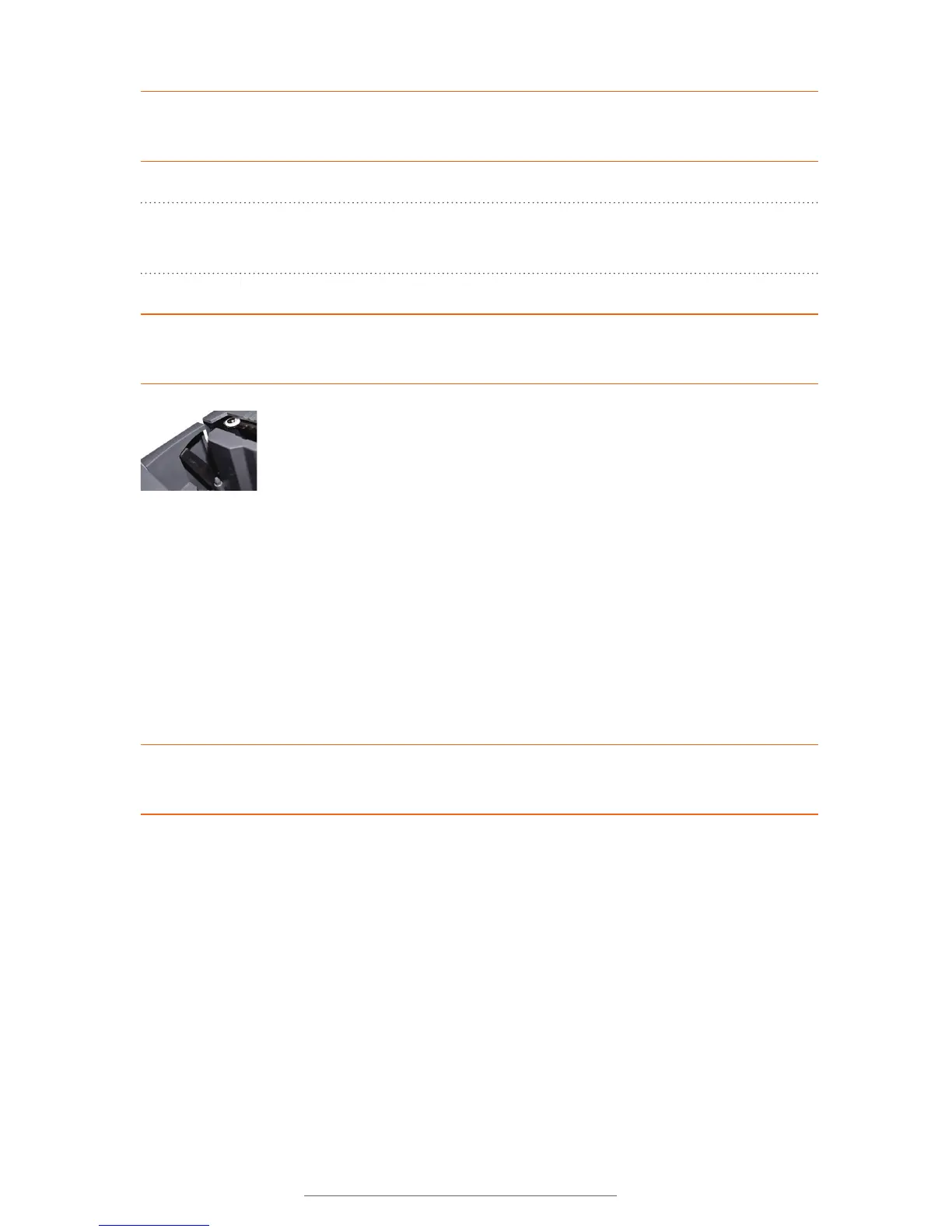
The label cutting blade is located on the inside of the printing unit,
where the print cartridge label material exits the printer. The cutting
blade is sharp and cycles automatically after a label is printed.
Under normal operating conditions, the blade poses no harm to a user. The Lobo is
designed so that the blade cannot cycle unless a print cartridge is sensed in the printing
compartment. Also, the blade mechanism is equipped with an over-torque circuit that is
meant to shut off the blade if too much resistance is sensed.
But you should be aware that the blade still has the potential to cause injury. Never
place your fingers between the blades at any time. If you must clear a label jam from
between the blades, use a tool, such as a pen, pencil, or pliers. Be sure to turn the
printer off before attempting to clear a jam.
WARNING: The Lobo is shipped with the battery removed.
Don’t use in static-sensitive environments.



 To Next Page