DuraLabel.com | 800.788.5572
16.10 Label File Doesn’t Match Cartridge Type | 51
TROUBLESHOOTING
16.8 Saved Label is Blank
If you have opened a saved label and it is blank, there are three explanations:
• It is possible your label project contains multiple labels and the first label is blank.
Check the label count indicator on the display screen to see if there are multiple
labels in the project.
• It is possible you are looking at an older version of the label and you saved a more
recent version under a different name. Browse the internal drive to see if the label
might be there.
• It is possible the label was not saved correctly. If the previous two explanations are
not true, then the label project was most likely not saved.
16.9 Labels are Wrinkled or Missing Ink
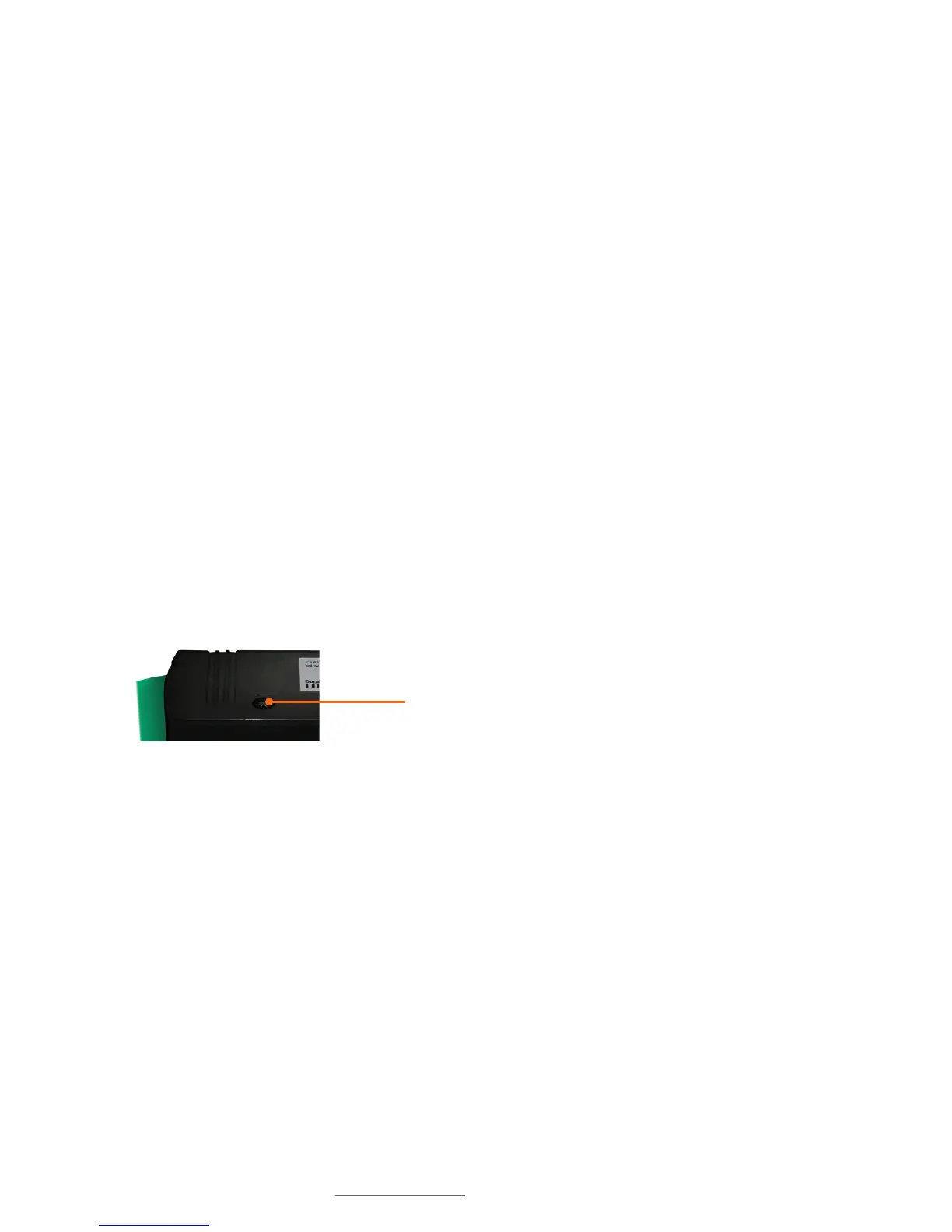
Sometimes, a newly-inserted print cartridge may print labels that are wrinkled, or labels
with some parts of the printed area missing. This is usually a result of the ribbon not
being properly tight.
If this happens, turn the cartridge’s ribbon rewind spindle counter-clockwise
(the direction indicated by the arrow on the top of the cartridge). A full 360° rotation
is recommended.
16.10 Label File Doesn’t Match Cartridge Type
If you try to open a saved label file, and the file doesn’t match the dimensions of the
supply in the loaded print cartridge, you will receive an error message that reads:
Selected template does not match current cartridge.
Below that message, the Lobo will display the necessary cartridge needed. For example,
it may display: Template width: 1”
Pressing the Esc button will clear this error message. You can then remove the current
cartridge and insert the correct cartridge. (Note that you can leave the printer on when
switching out a cartridge.) You will now be able to open the label file.
Cartridge rewind spindle



 To Next Page