DuraLabel.com | 800.788.5572
8.3 Improving Long-Term Battery Life | 13
8. Battery
The battery is an optional accessory. This lithium-ion battery can power Lobo for up to 3
hours of continuous printing, or several days of normal use. When the battery is in use,
an indicator on the Lobo screen shows the battery’s status.
8.1 Battery Installation
IMPORTANT: Turn off and unplug Lobo before installing the battery.
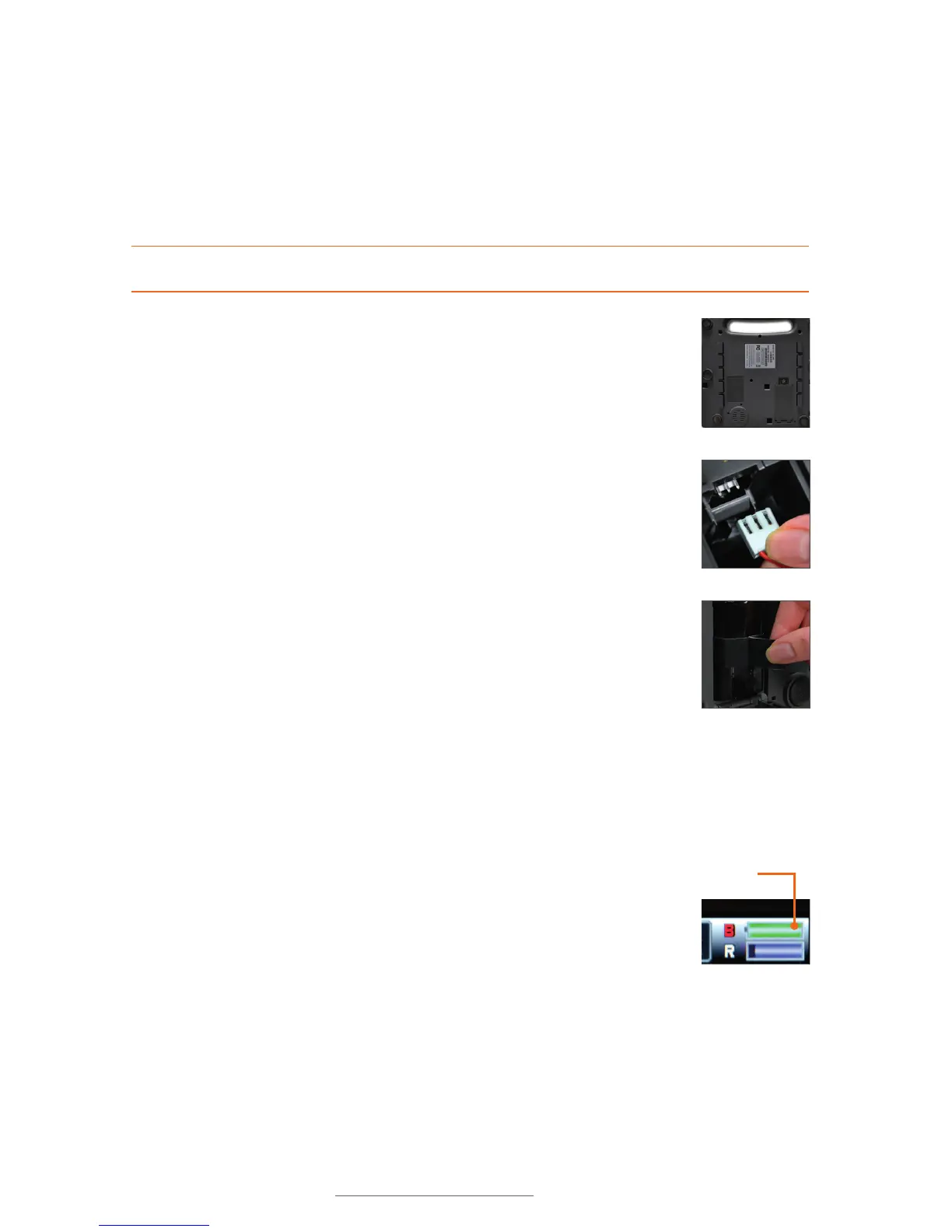
Battery
indicator
The battery
indicator shows
that battery is
charging.
The battery compartment is on the flat underside of the system. Before
installing the battery, be sure that the power switch is in the Off position
and unplug the Lobo from its power source. Set your Lobo upright,
with its handle at the top, as shown. Open the battery compartment by
turning the compartment screw counterclockwise until the door opens.
The battery’s connection uses a special plug with three holes, which fit
over three metal prongs at the top of the battery compartment. Hold
the plug so the side with three metal leads faces toward you, and move
the plug upward, so that the three metal prongs in the top part of the
compartment slide into the three holes in the connector.
Once the plug is attached, place the battery into the compartment with
the pull tab facing out, and tuck the battery wires into the empty space
above the battery. Then, close the compartment door and turn the door
screw clockwise until tight.
If you need to remove the battery, be sure that the power switch is in
the Off position and unplug any AC power supply. Then, open the battery
compartment door. Carefully remove the battery from the compartment,
without pulling on the wires. Finally, hold the battery connector plug, and
pull it down to disconnect it.
8.2 Battery Charging
To charge the battery, simply leave it installed and connect Lobo’s AC
power supply. When the battery is at less than 10% power, it will take
approximately 2 hours to fully charge. The battery will charge even when
the Lobo is powered off.
8.3 Improving Long-Term Battery Life
A charged battery will lose its charge over time, even when not being
used. To improve long-term battery life, give the battery a partial charge
every two months. Avoid fully charging the battery before a long period
of storage.



 To Next Page