DuraLabel.com | 800.788.5572
15.3 Polyester Printhead Shield | 47
CLEANING INSTRUCTIONS
15.2 Printhead
• Locate the printhead component within the cartridge bay, near the platen roller. The
printhead is located on a white ceramic rectangle. The printhead heater line is a
very thin black line travelling almost the entire length of the ceramic piece.
• Rub the swab along the entire heater line. Try to remove any build-up present. If
excessive build-up is present and more leverage is needed, insert the swab through
the cutter opening and clean the heater line from this angle.
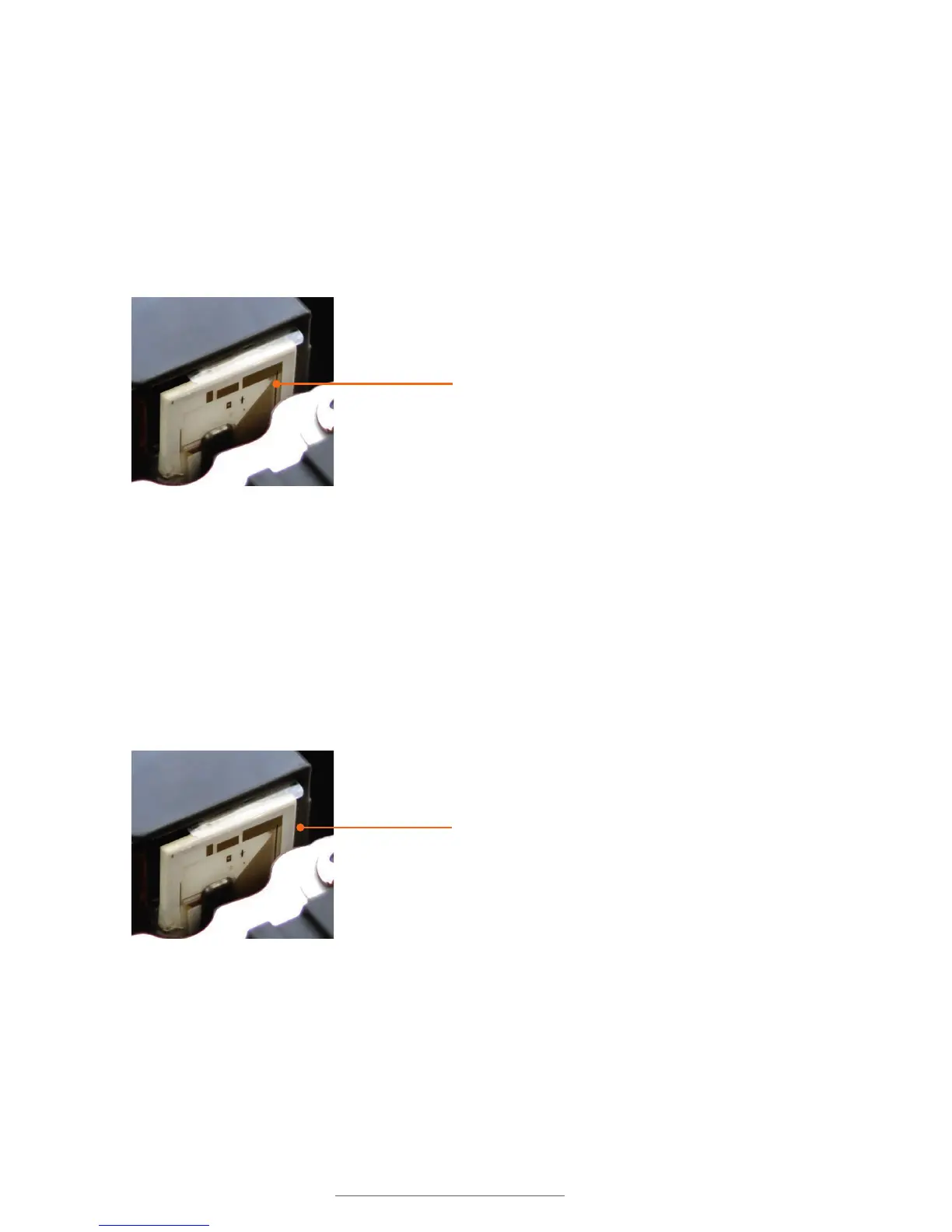
15.3 Polyester Printhead Shield
• Locate the printhead component within the cartridge bay, near the platen roller. At
the very top of this component is a thin, clear plastic film made of polyester. This
shield helps guide the cartridge safely over the printhead. Over time, it may collect
adhesive.
• Rub the swab along the top surface of the plastic film. Try to remove any
build-up present.
Printer heater line
Polyester printhead shield



 To Next Page