DuraLabel.com | 800.788.5572
9.3 Switching Cartridges | 15
PRINT CARTRIDGE
9.2 Removing Cartridge
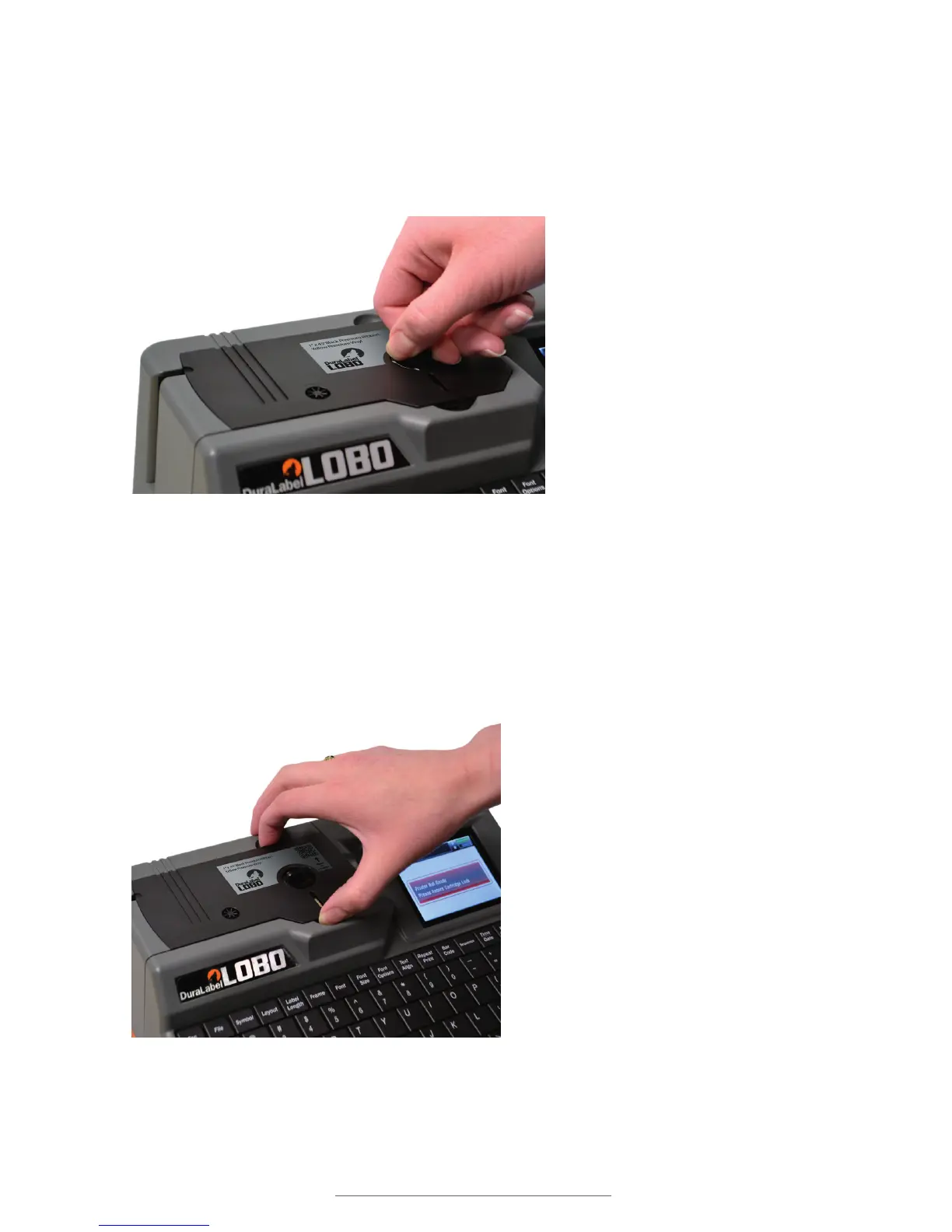
To unlock the print cartridge, simply turn the Cartridge Lock counter-clockwise one
quarter-rotation. To remove the print cartridge from the Lobo, grip the cartridge at the
indented spaces (shown right) and lift the cartridge out.
9.3 Switching Cartridges
The Lobo can be left on when switching from one print cartridge to another cartridge.
The Lobo will automatically detect the type of cartridge loaded. You will have an option
to either save the label that was being worked on, or delete it.
Locking the cartridge.
With the cartridge unlocked, grip it with two ngers and pull it out.



 To Next Page