38 | 13.16 Setup
DuraLabel.com | 800.788.5572
LABEL-EDITING FUNCTION KEYS
Cut Mode: There are three options for Cut Mode: Off, Every, and Batch.
1. Off: Turning Cut Mode to Off turns off the automatic cut between labels.
2. Every: When Auto Cut is set to On, the Every option will cut between every single
label that is printed.
3. Batch: When Auto Cut is set to On, this mode prints labels in a multiple-label print
job continuously, without cutting between labels. The only cut performed is after all
labels from a single print request are finished printing.
Print Speed: This setting cannot be changed and is only shown for reference.
Print Darkness: This setting cannot be changed and is only shown for reference.
Language: This lets you switch between available display languages.
Units of Length: This lets you switch between Inches and cm (centimeters) as the unit
of length in Lobo menu screens.
Font Size Units: This lets you switch between Points, Inches and cm as the displayed
font size unit in Lobo menu screens.
Time/Date Stamp: This lets you edit the setting of the Time/Date function. The three
choices are Time, Date, and Both. By default, both the time and date will be added
when you press the Time/Date key. The other options will insert only the Time or only
the Date.
Time Format: There are two Time Format options: 12 hour and 24 hour. Selecting
12 hour will use the 12-hour time format, with AM or PM shown after the time, while
24 hour will use the 24-hour time format, popularly known as military time.
Date Format: There are two options for the date format: Short and Long. Short will
display the date in the MM/DD/YY format, where MM is the month number, DD is
the day number, and YY is the year number. Selecting Long will display the date in the
longer Month/Day/Year format; e.g., Oct. 08, 2012.
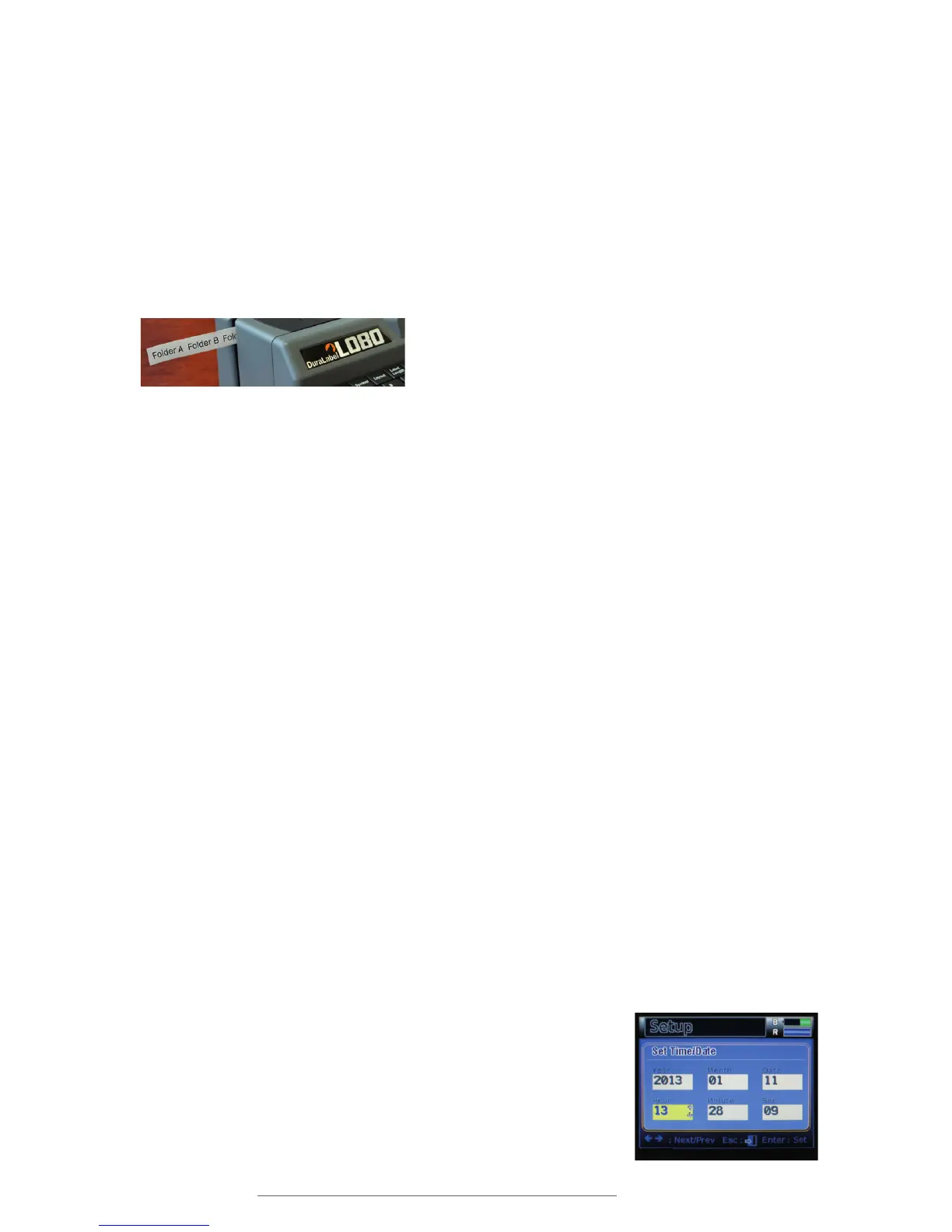
Set Time/Date: This menu lets you edit the internal time and
date settings of the Lobo. There are six units of time and date
information, ranging from the year down to the second.
The Set Time/Date menu lets you set
the Lobo’s internal time and date.
Selecting Batch mode will print multiple copies of labels continuously.



 To Next Page