DxO ONE - User Guide - Copyright © DxO Labs 1999-2015 - All rights reserved 71
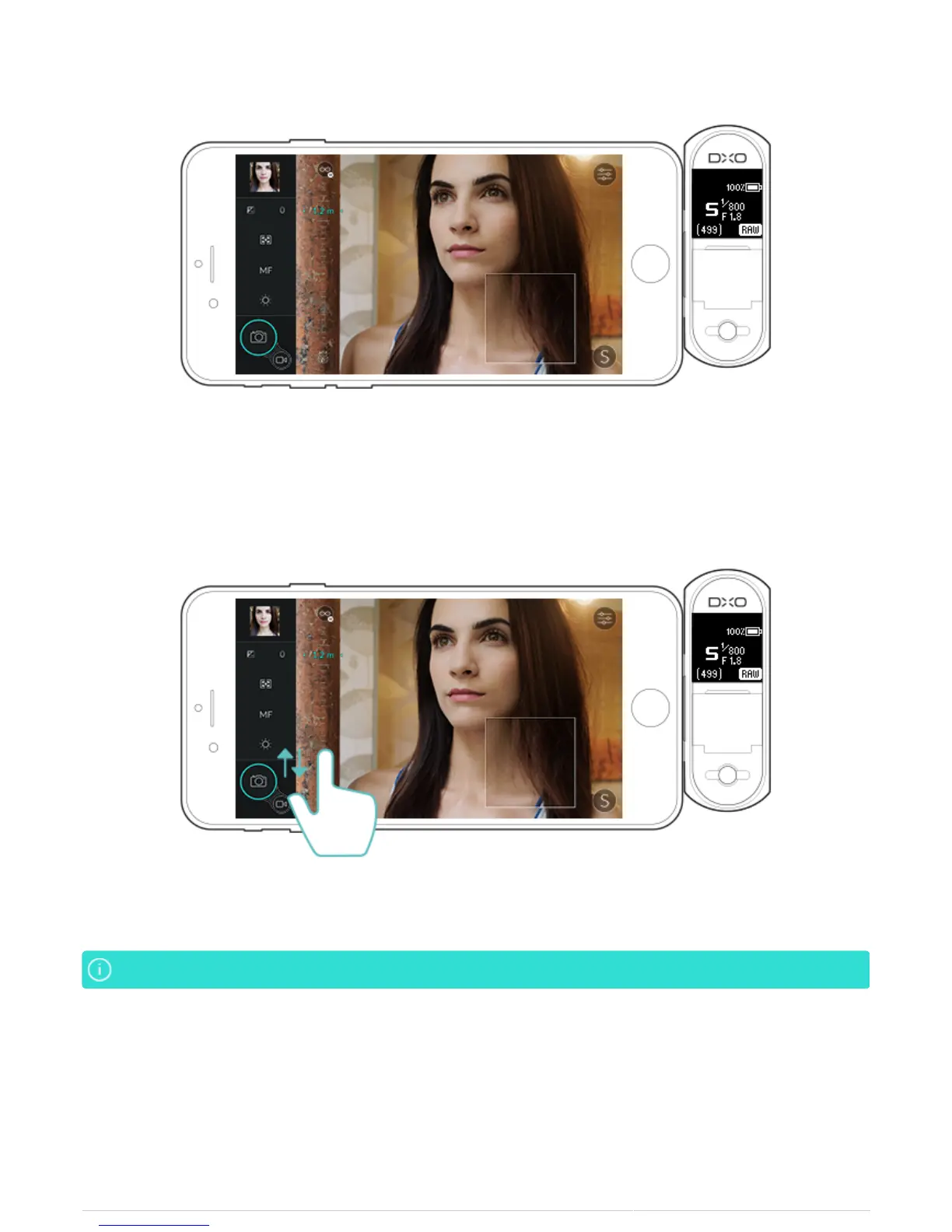
6. Place your finger on the scale and adjust the focusing distance by sweeping up or down (the distance is
indicated in centimeters and then in meters).
7. The loupe displays in real time the sharpness of that part of the image where you have placed it.
You can use your finger to move the loupe anywhere within the viewfinder.You can use your finger to move the loupe anywhere within the viewfinder.
8. To return to AF mode, click on MF in the control bar on the left.
Focusing using hyperfocal distance
You can select a maximum depth of field by tapping the on the focus to infinity symbol at the top of the manual
focus scale.



 To Next Page