DxO ONE - User Guide - Copyright © DxO Labs 1999-2015 - All rights reserved 72
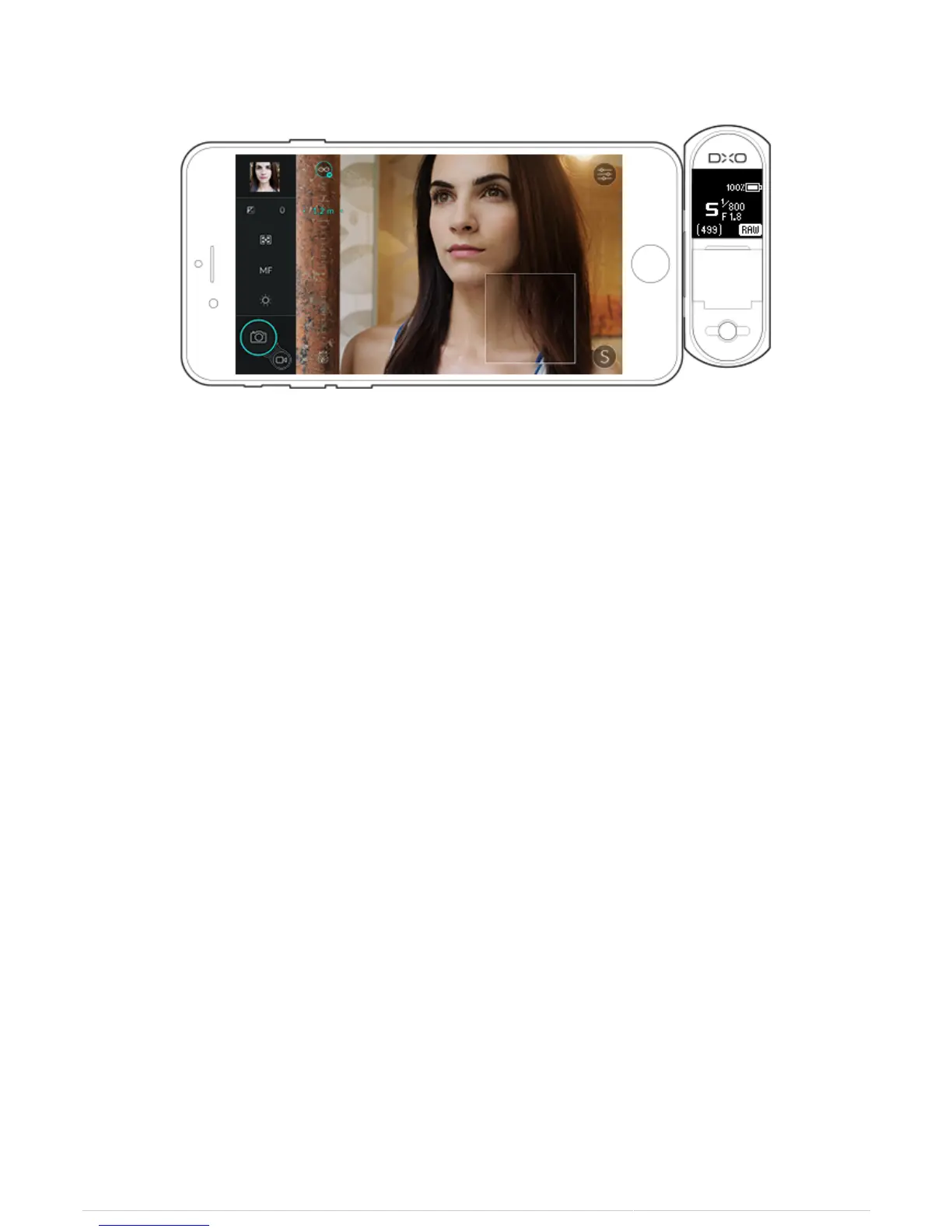
To change the depth of field, select an aperture value. The focus distance is automatically adjusted so that the
image remains sharp throughout the hyperfocal distances to infinity.
Minimum Focus Distance
When you are in manual focus mode, you can return to the minimum focus distance of 20 cm at any time by
tapping the icon at the bottom of the focus scale.



 To Next Page