Machine Description – Instruments/Controls
10-03-2022 4812331840EN 41
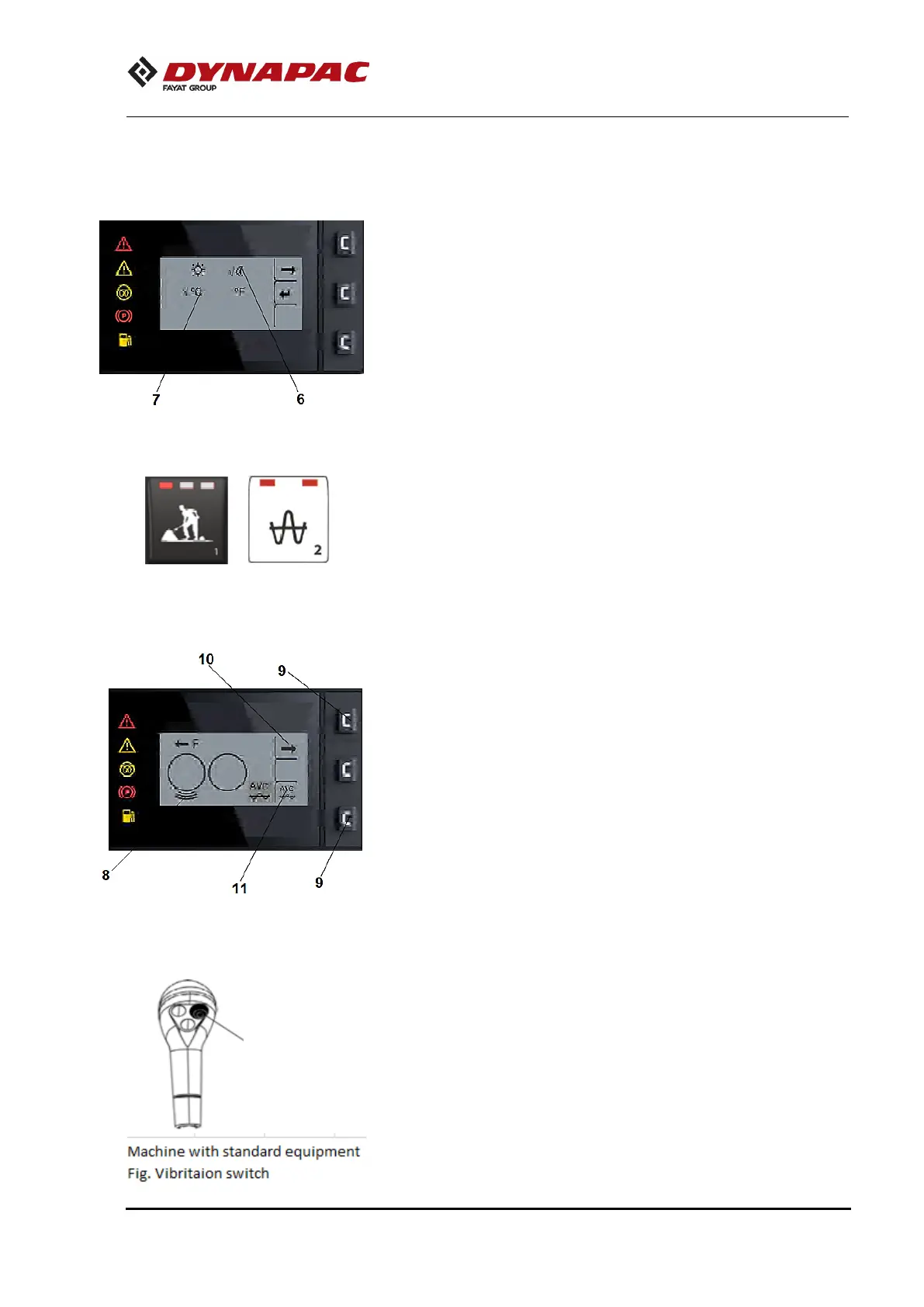
User settings
Users can change the lighting configurations (6), Brightness &
contrast. Temperature systems (7).
SW: - 4812330988_A – Display
4812330987_A – ECU software
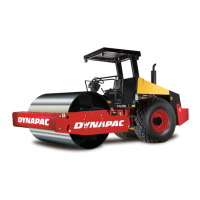
Working mode – Vibration
Different Vibration modes are chosen by pressing the
corresponding button (2) on the membrane panel.
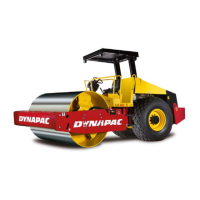
Vibration status
Vibration status activated on the drum (8).
Automatic Vibration Control – AVC
Press bottom buttons (9) on the far edge of the Display. An arrow
will appear on the right (10).
Press the bottom button (9) and the submenu is displayed.
Press the bottom button (9) to activate AVC (11), and after it is
activated, the icon will appear on the bottom right of the display.
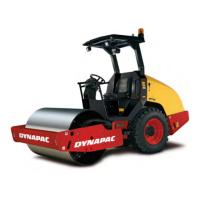
To activate the vibration, click on the button (3).
Fig. Working mode – Vibration



 To Next Page