Model 200i and 250i Motorcycle Dynamometer Installation Guide
CHAPTER 2
Routing Cables
2-26
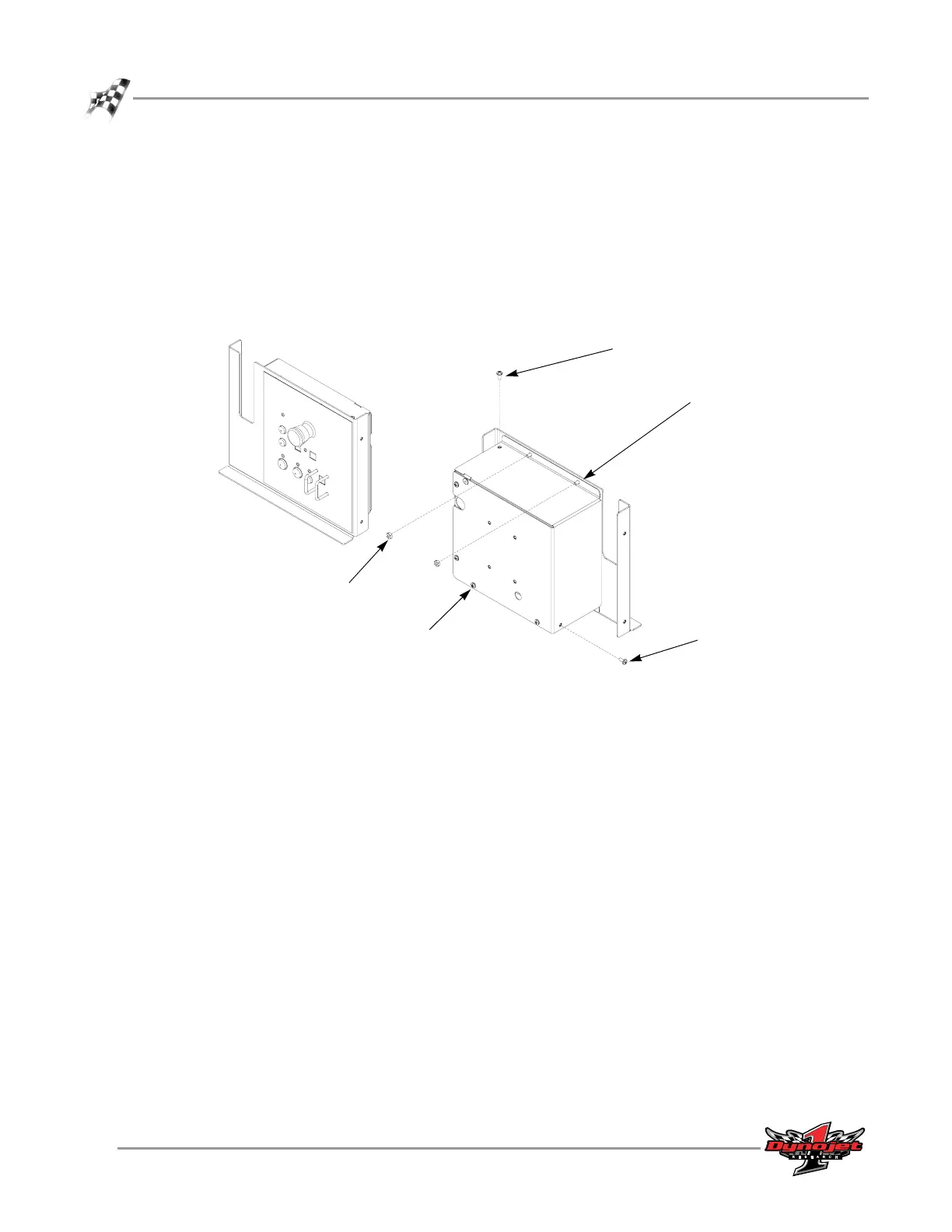
6 Locate the control panel and ready it to connect the control panel cable. The
control panel ships in a separate container inside the dyno.
6a Remove the two nuts from the top of the cover and set aside.
6b Remove the screw on the top of the cover and set aside.
6c Remove the screw on the side of the cover and set aside.
6d Remove the four screws on the back of the cover and set aside.
6e Remove the control panel rear cover and set aside.
Figure 2-26: Locate the Control Panel and Remove the Back Cover
CP025
top nuts
top screw
side screw
rear screws
back cover screws



 To Next Page