EBS-6100 Printer User's Manual
Paragraph 4 - Operating the Printer
EBS
Ink-Jet Systems
®
82
20070529#20.5
a text file). If you press the V key, the message is cleared but none of the indications
specified at points 2 and 3 are generated.
2. Light signals are generated with the following lamps:
• the red lamp ERROR on the external panel flickers,
• the green lamp ALARM (a duplication of the ERROR
lamp) on the internal panel flickers,
• the red lamp on the internal panel designed for
indicating the reason comes on or flickers.
The internal panel is on the main electronic board of the
printer. It is available after the upper door has been opened.
3. The sound alarm is generated with a built-in buzzer.
4. The interpretation of the reason for an alarm is available
with the DISPLAY ERRORS command from the
AUX. COMMANDS submenu.
NOTE:
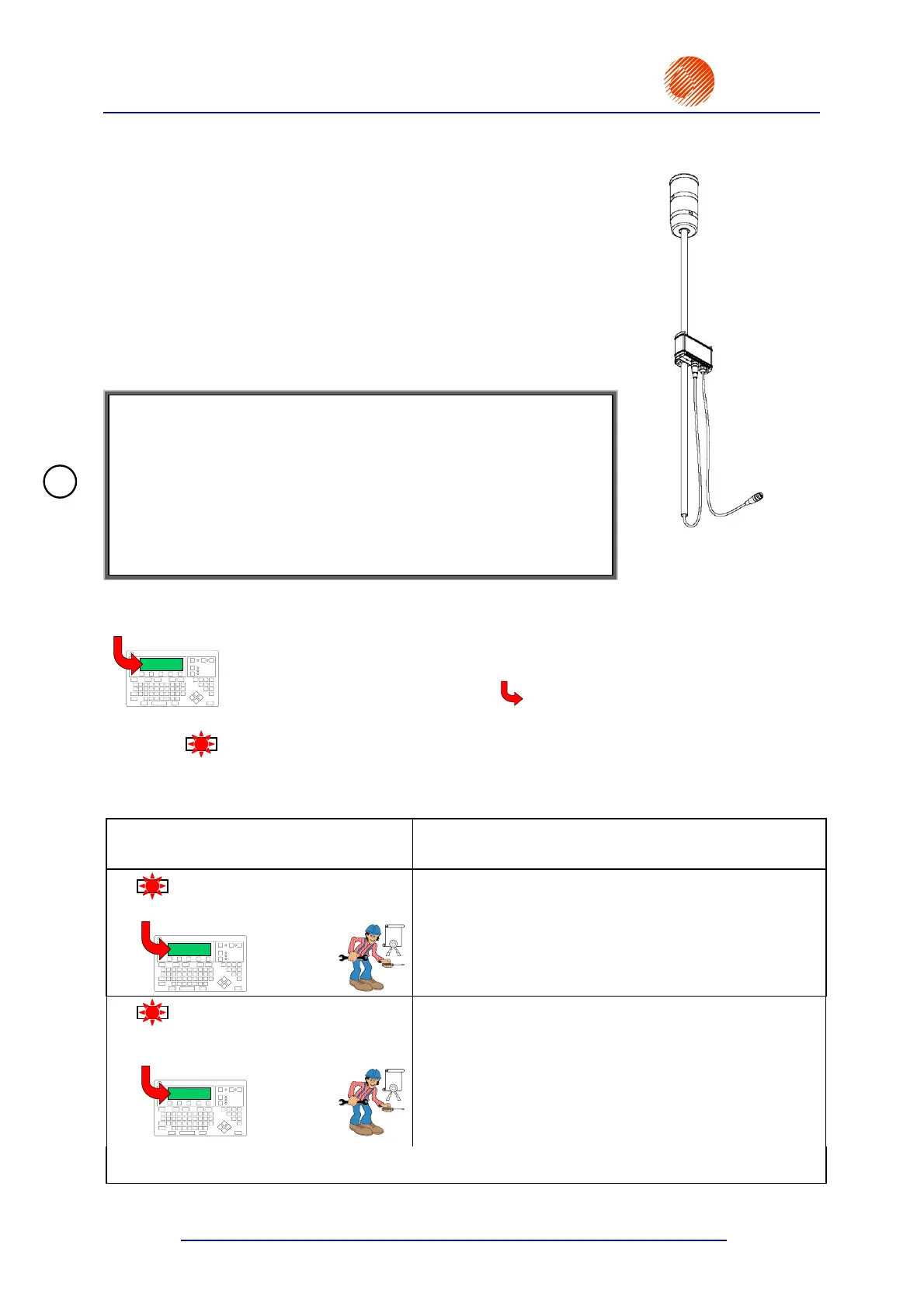
The printer can optionally be equipped with a unit that is designed for:
• controlling a big light signalling device installed on an outrigger,
• controlling other pieces of user equipment (after a fatal error has
occurred and further printing has been disabled) via built-in relays,
in order to, for example, automatically stop a factory conveyor and
the printing.
Fig. 4.5.1
The table below describes alarms and indications appearing on the internal panel and on the terminal
display. The icons have the following meaning:
EBS-6000
A message shown above the arrow is displayed on the terminal display for
a given alarm.
LED
A LED lamp comes on for the above alarm. A description of the lamp is given on its
right-hand side.
Other icons - see paragraph 1 General Information.
Alarm LED
Message on the terminal display
Description
LED
300V ERR.
300V ERR !!
EBS-6000
EBS
A +300V power failure.
The failure occurs when no 300V has been applied
although the printer has been switched on, or a voltage
decay occurred during the printer operation. If no 300V is
applied, the head is disabled. The failure can be removed
by a qualified person. Contact a service point.
LED
CHK V.ER.
LEAKS CHECK VALVE
IN THE HEAD !!!
EBS-6000
EBS
A non-return valve failure inside the head.
An error does not exist.
!



 To Next Page