EBS-6100 Printer User's Manual
Paragraph 4 - Operating the Printer
EBS
Ink-Jet Systems
®
84
20070529#20.5
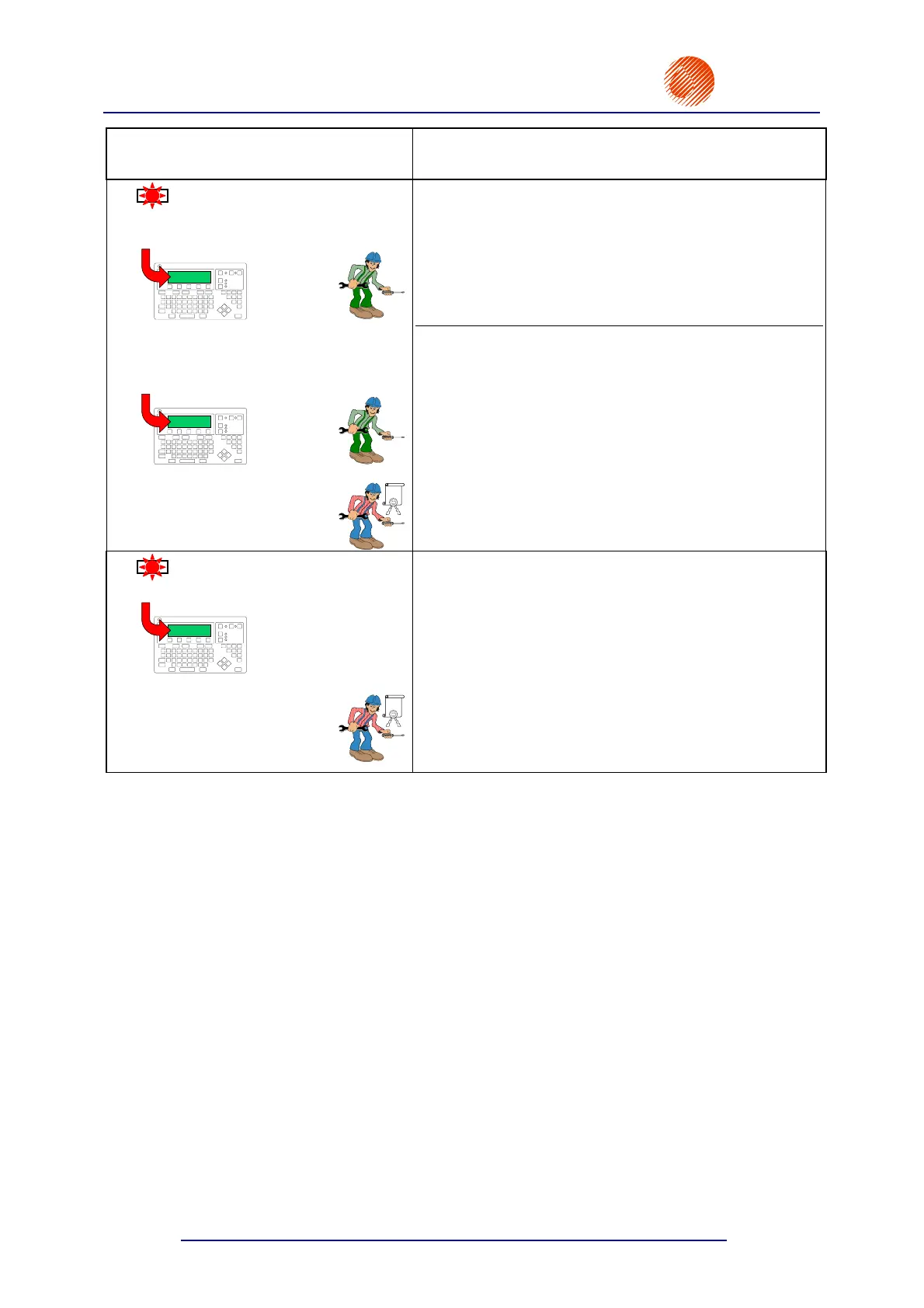
Alarm LED
Message on the terminal display
Description
LED
SOLV LACK
SOLVENT:
EMPTY BOTTLE
EBS-6000
REPLENISHMENT ERROR and
SOLVENT LACK
EBS-6000
EBS
No solvent can be sucked from the solvent bottle.
Supply solvent by replacing the empty bottle with a full
one. If no new bottle is validated within 20 minutes of the
indication of the error, the printing is stopped and the
following message is displayed:
REPLENISHMENT ERROR
Replace the empty solvent bottle with a new full one.
No solvent can be sucked by the system although a new
bottle of solvent has been validated. The error indication
can occur for the following reasons:
• the operator has not inserted any filter-tipped suction
pipe into the bottle and has not screwed the bottle in
place,
• leaky pipes or clogged solvent filter at the tip of the
suction pipe,
• leakage or damage to other elements that are
responsible for refilling the system with solvent from
the bottle.
LED
PRESS.LACK
MAX INK PRESSURE EXCEEDED
EBS-6000
EBS
The ink pressure has exceeded the nominal value.
Ink pump control system or pressure transducer are
damaged. Contact a service point.



 To Next Page