First connection
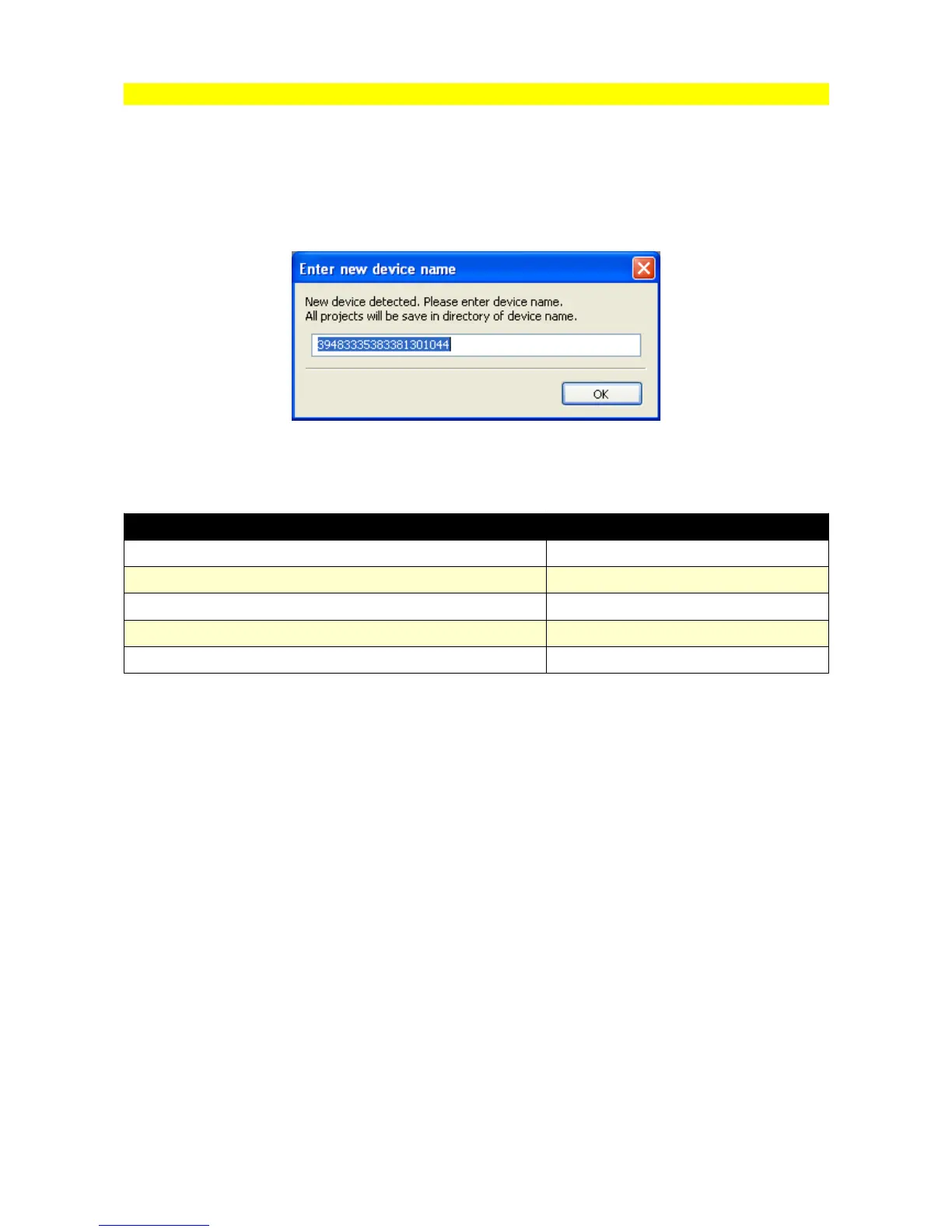
During first connection to the EMU device, there will appear a window with the device name.
By default there will be device unique serial number which can be changed for any name. Based
on this name there will be sub-directory created in directory My documents / EMU. In this sub-
directory, the configuration for the given EMU, projects and logs will be saved.
File extensions:
File description File extension
Project file *.emu
Data log file *.emulog
Scope file *.emuscope
Layout files *.emulayout
Per device layout desktops.xml
For each device quicksave subdirectory is created where working copies of calibration is stored
when the user press F2 button (Makes maps permanent).
Page 14


 To Next Page