MENU HELP
Contributors Show contributors list window
Help Show help window
About
Information about software version. When the EMU device is
connected the information about device serial number and device
region is also displayed
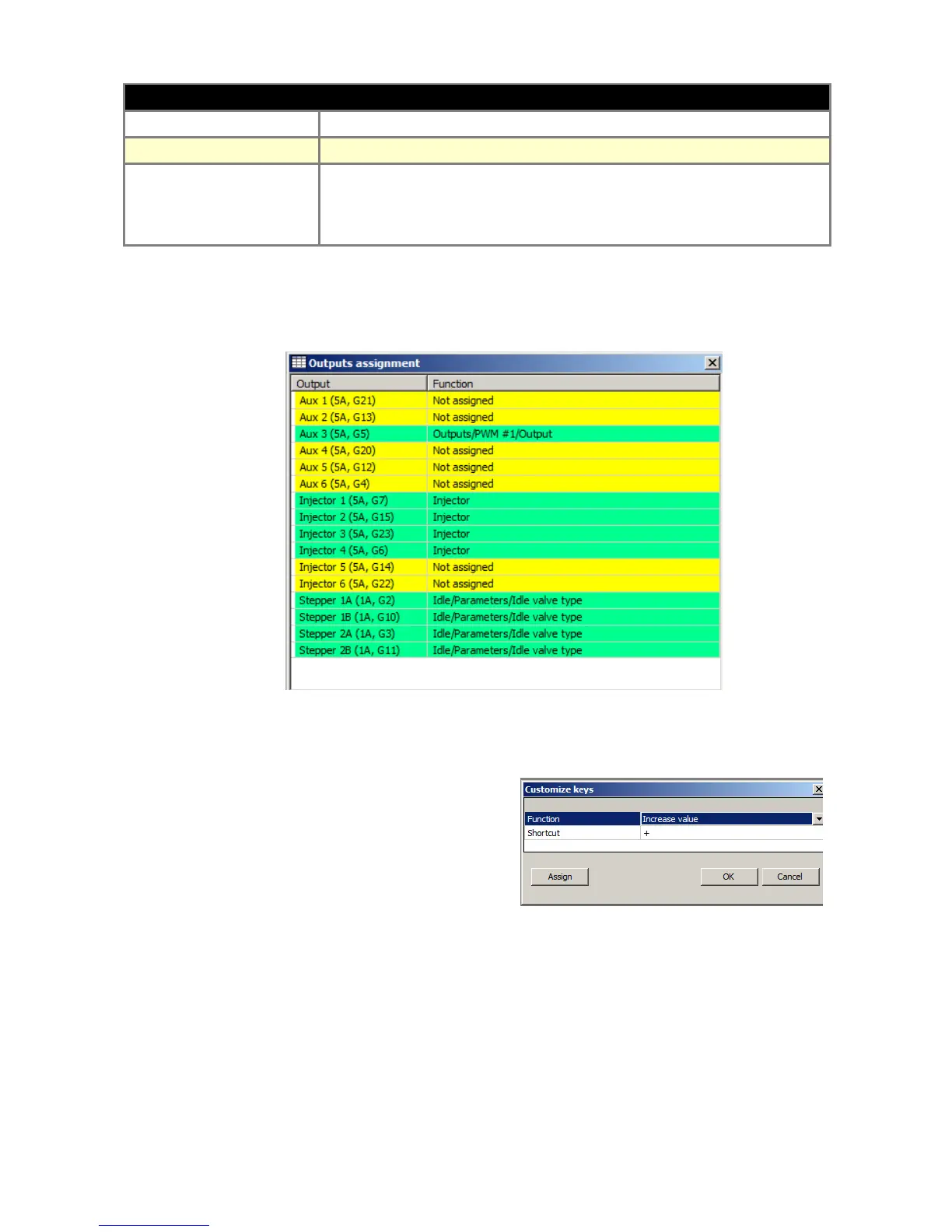
In the menu Tools, you can find the very useful tool “Output assignment” which shows the
assignment of all EMU outputs to the corresponding functions and pins.
Unused outputs are marked yellow and used are marked green. In the case multiple functions use
the one output the color is red.
Other useful tool is the “Customize keys” that allows
user to change default keys assignment. To assign
new keys combination, select function, press Assign
button and then press the keys.
Page 17


 To Next Page