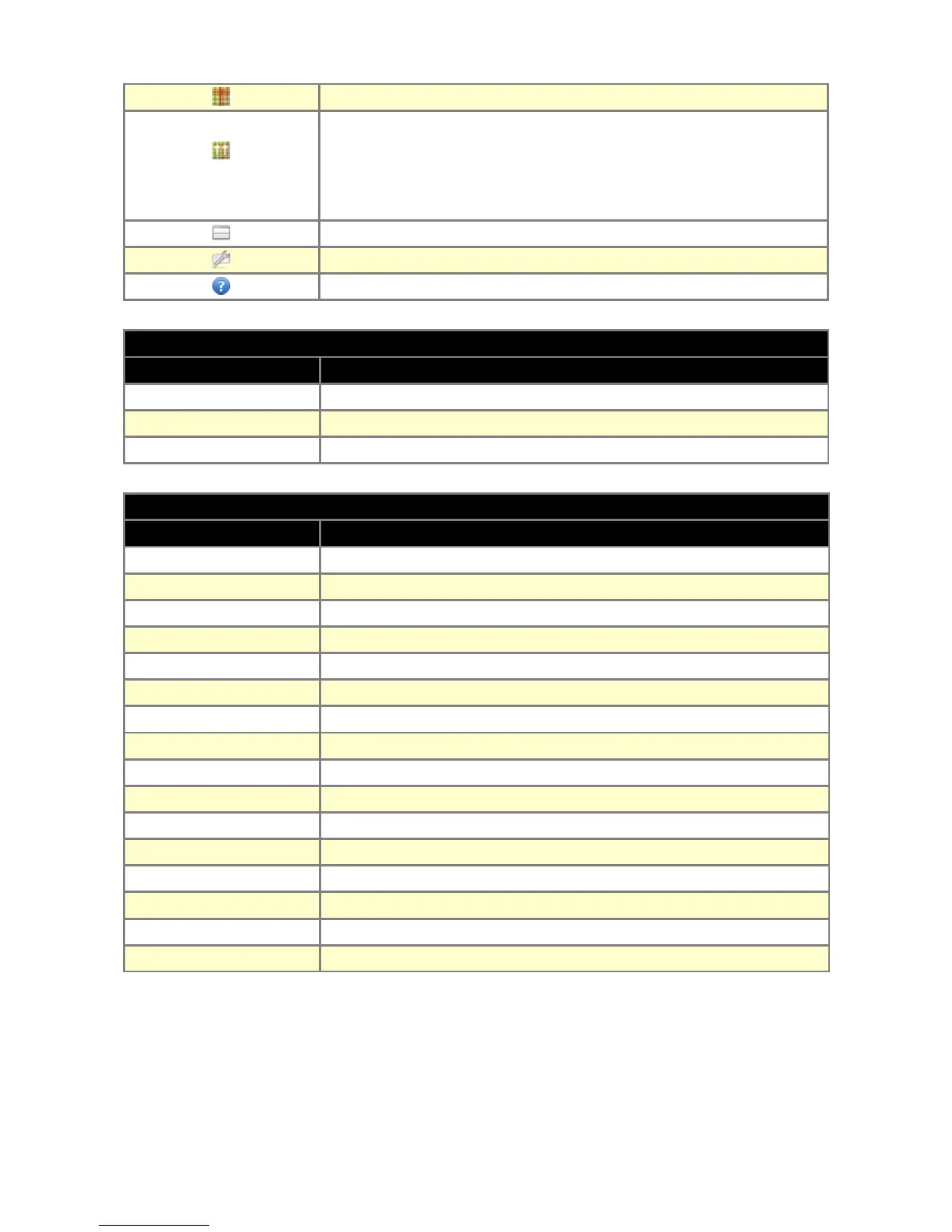
Track with the cursor current table position
This options automatically increases cell values above the current
RPM (cells are marked with white checker) if their value is lower than
the value of the modified cell. This option is useful for creating the VE
table
Change view to both table and 3D graph vertically divided
Tables configuration
Context help window
DESCRIPTION OF 3D TABLES CONFIGURATION1
PARAMETER DESCRIPTION
Color scheme Color scheme of 3D table and graph
Load on Y axis This option defines the load axis direction in VE, AFR and IGN tables
Display square tables Make rectangle tables more square by increasing cells height
DESCRIPTION
SHORT-CUT DESCRIPTION
= Increase cell value
SHIFT = Coarse increase cell value
ALT = Fine increase cell value
- Decrease cell value
SHIFT - Coarse decrease cell value
ALT - Fine decrease cell value
CTRL + C Copy selected cells
CTRL + V Paste copied cells
CTRL + H Interpolation between selected cells
CTRL + ARROWS Copy cell value to the cell indicated by arrow key
CTRL + Z Undo last operation
CTRL + Y Redo last operation
SHIFT + ARROWS Select area
CTRL + A Select all table cells
F Toggle cursor tracking
D Toggle auto-modification of cells above RPM
Page 24


 To Next Page