Edimax Pro NMS
138
Add/Edit Access Point Group
Configure your selected access point group. Access point group settings apply
to all access points in the group, unless individually set to override group
settings.
You can use Profile Group Settings to assign the access point group to WLAN,
Guest Network, RADIUS and Access Control groups.
The Group Settings panel can be used to quickly move access points between
existing groups: select an access point and use the drop down menu or search
to select access point groups and use << and >> arrows to move APs between
groups.
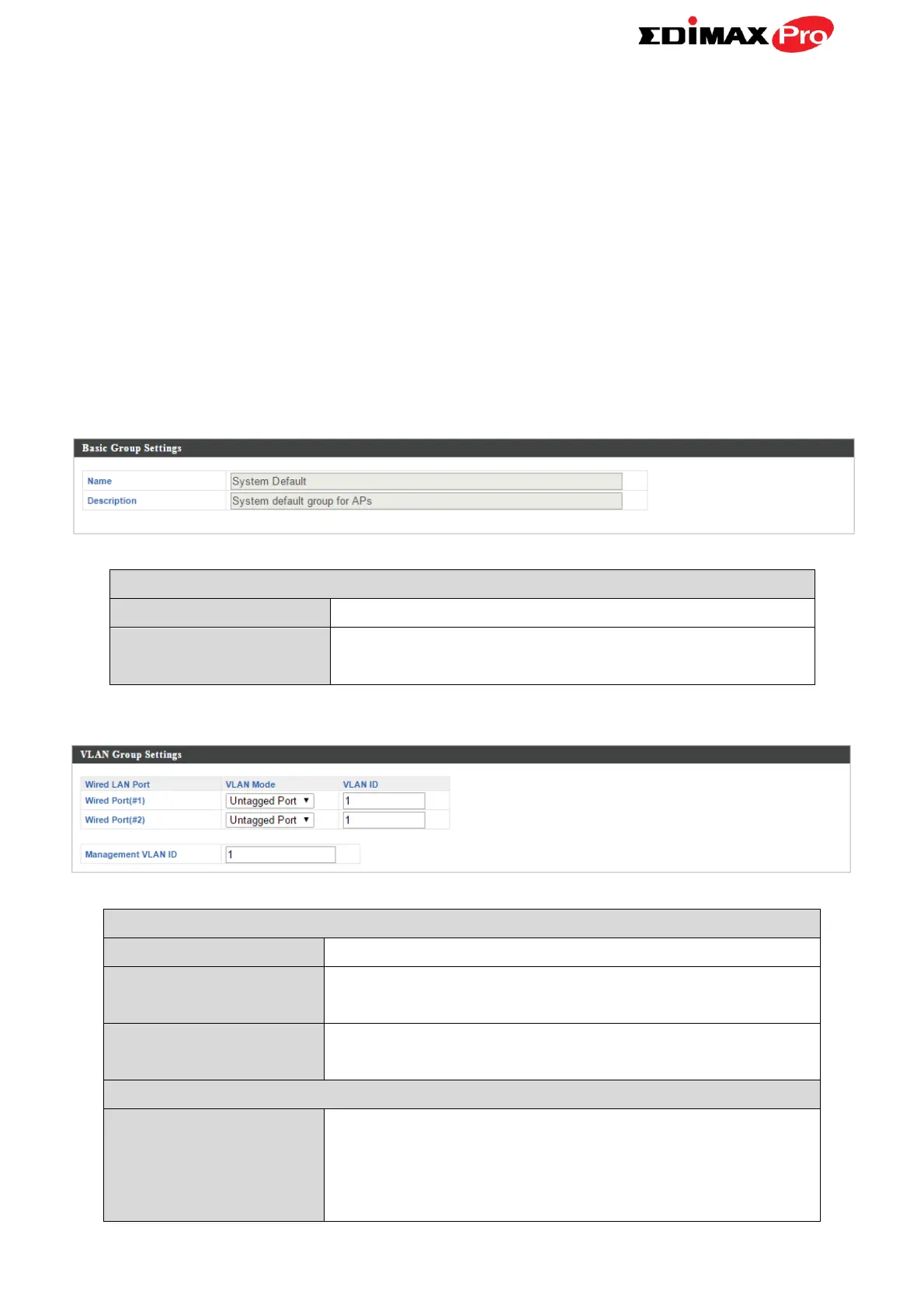
Edit the access point group name.
Enter a description of the access point group
for reference e.g. 2
nd
Floor Office Group.
Identifies LAN port 1 or 2.
Select “Tagged Port” or “Untagged Port” for
specified LAN interface.
Set a VLAN ID for specified interface, if
“Untagged Port” is selected.
Check ‘Override Default Setting’ to specify the
VLAN ID of the management VLAN. Only the
hosts belonging to the same VLAN can manage
the device.



 To Next Page