TP-00347-01 21
Unpacking
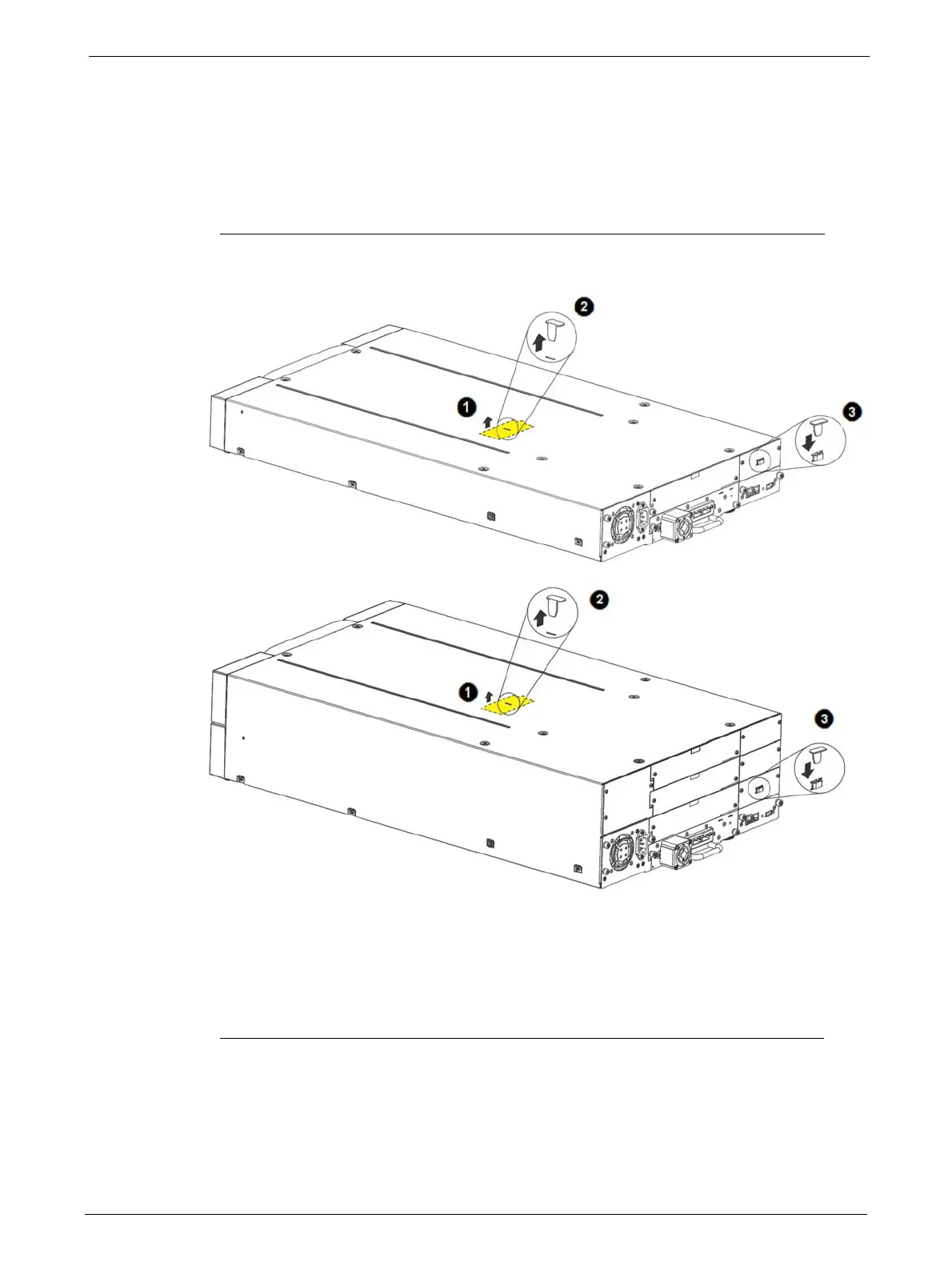
Removing the Shipping Lock
The Shipping Lock, which prevents the media changer transport mechanism from moving
during shipment, must be removed before the library is powered on.
To remove and store the shipping lock:
1. Remove the yellow label that is securing the shipping lock on the top of the
library.
2. Remove the shipping lock.
3. Store the shipping lock in the slot provide
d on the rear panel - The Lock is required if the
library is to be returned or transported to a new location at some future time.
4. Replace the yellow label on the top of the library.



 To Next Page