84 TP-00347-01
Chapter 6: Troubleshooting
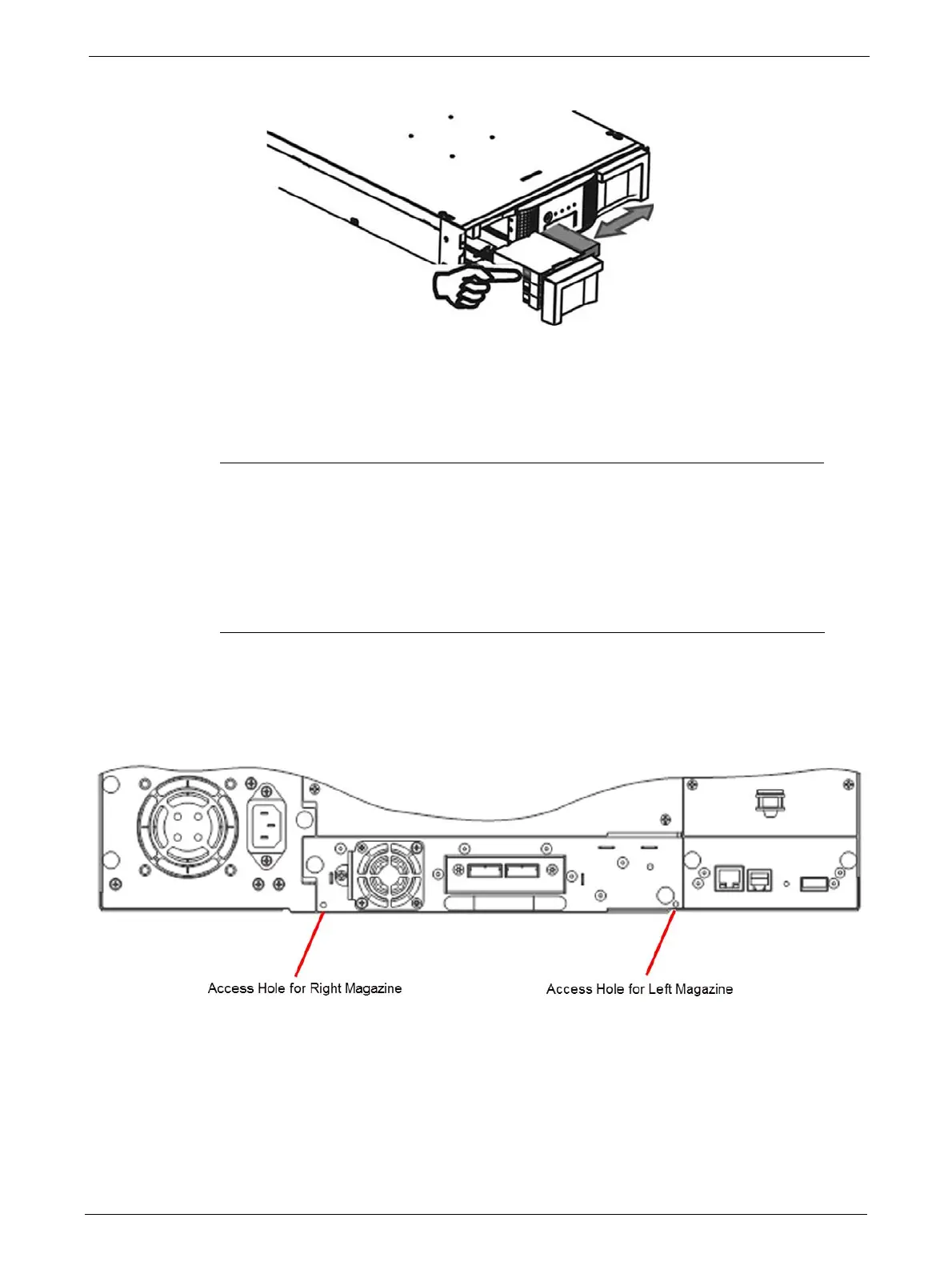
3. To remove the tape cartridge:
• Use the finger holes to push the tape out of the slot.
• If required insert a new tape cartridge.
• Repeat this process until all stuck tape c
artridges are removed.
4. Push the mailslot or magazine back into the library.
Emergency Release
If you cannot remove the magazines via the OCP or RMU, do the following:
1. Press the power button on the front bezel to power down the library.
2. Unplug the power cord from the library.
3. From the rear panel of the library, find the access holes for the right and left
magazines.



 To Next Page