24 TP-00347-01
Chapter 2: Installation
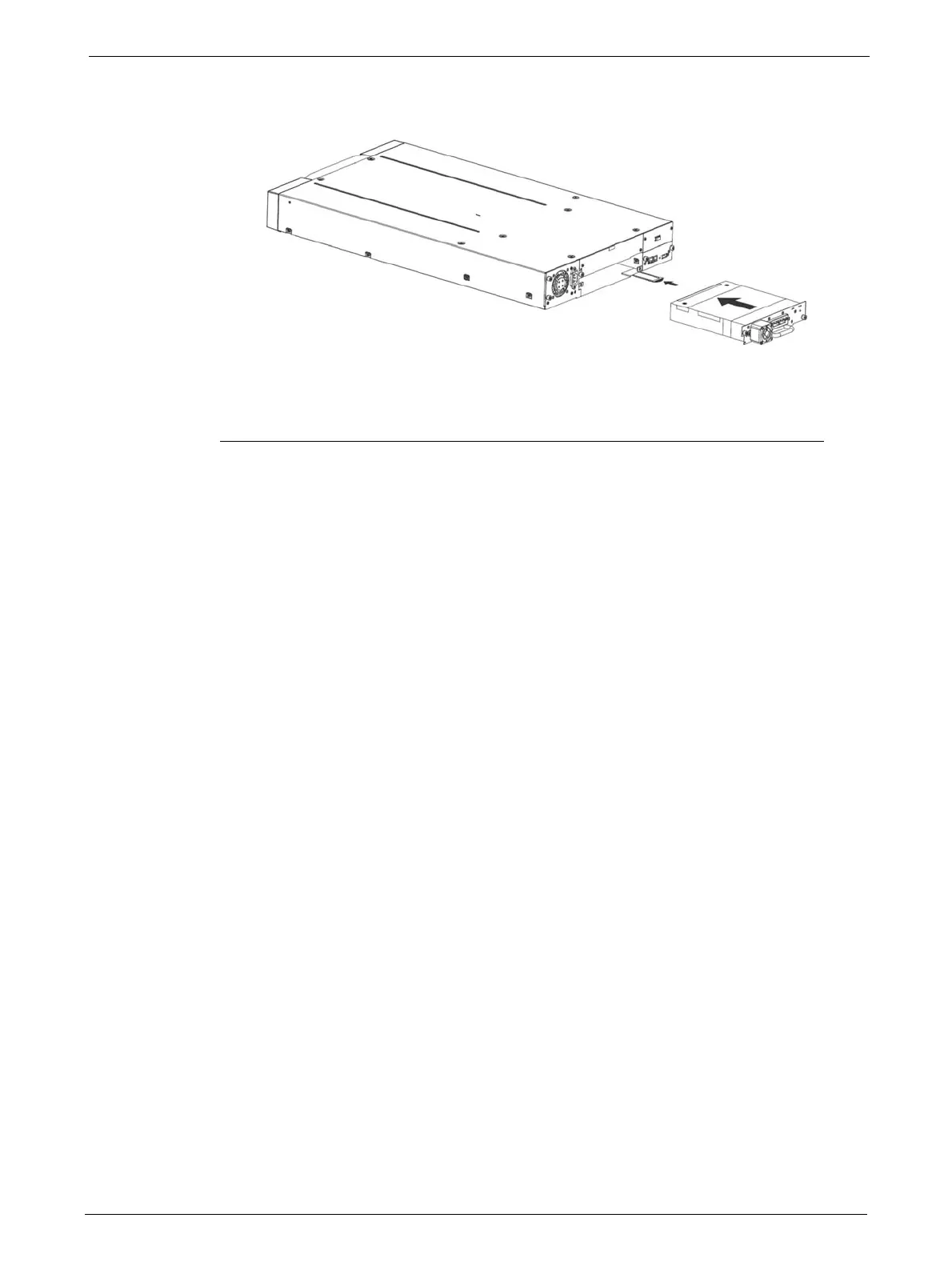
5. Insert the tape drive into the drive bay, and align the connectors on the library while
supporting the
drive.
6. Push the tape drive into the drive bay until the tape
drive seats itself against the back of the
library. If extended, push the tab for the product ID label back into the library.
7. Tighten the blue captive screws with your fingers to secure the tape drive to the library.
Installing the Library Controller
The library controller is installed from the rear of the library. If the library does not already have a
library controller installed, install it now.
Tools Required
The following tool is required:
•No 2 Phillips screwdriver



 To Next Page