74 TP-00347-01
Chapter 5: Servicing
Power Supplies
Removing a Power Supply
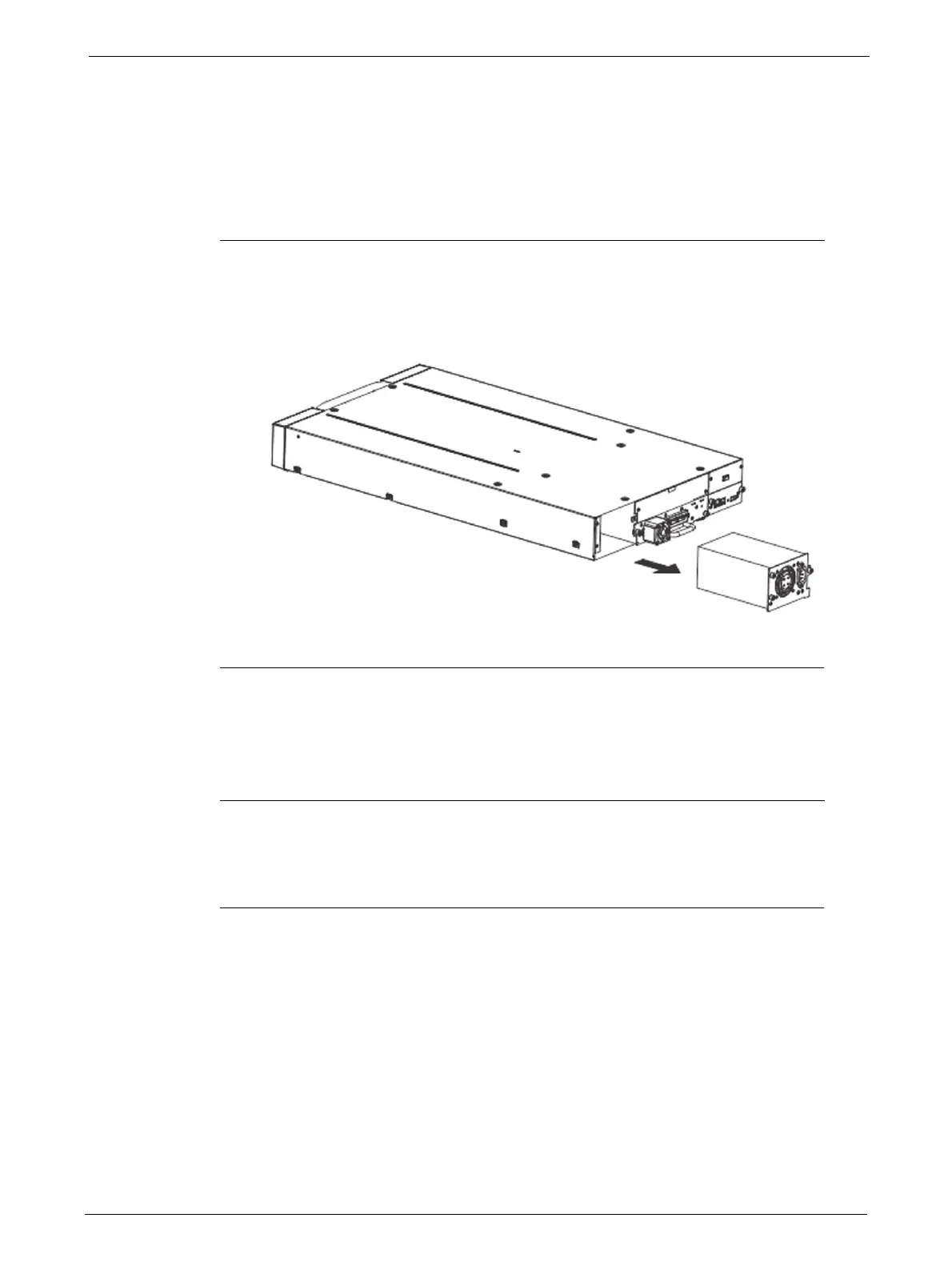
To remove a power supply:
1. Power down the library by pressing the power button on the front panel.
2. Remove the power cord on the rear panel of the library.
3. Loosen the blue thumbscrews located on the rear
of the power supply with your fingers.
4. Pull the power supply straight out of the library as shown in the diagram.
Replacing a Power Supply
To replace a power supply:
1. Remove the power supply from the library, as described in "Removing a Power Supply" on
page 74.
2. To install the new power supply, see "Power Supply Installation" on page 25



 To Next Page