26 TP-00347-01
Chapter 2: Installation
Installation Procedure
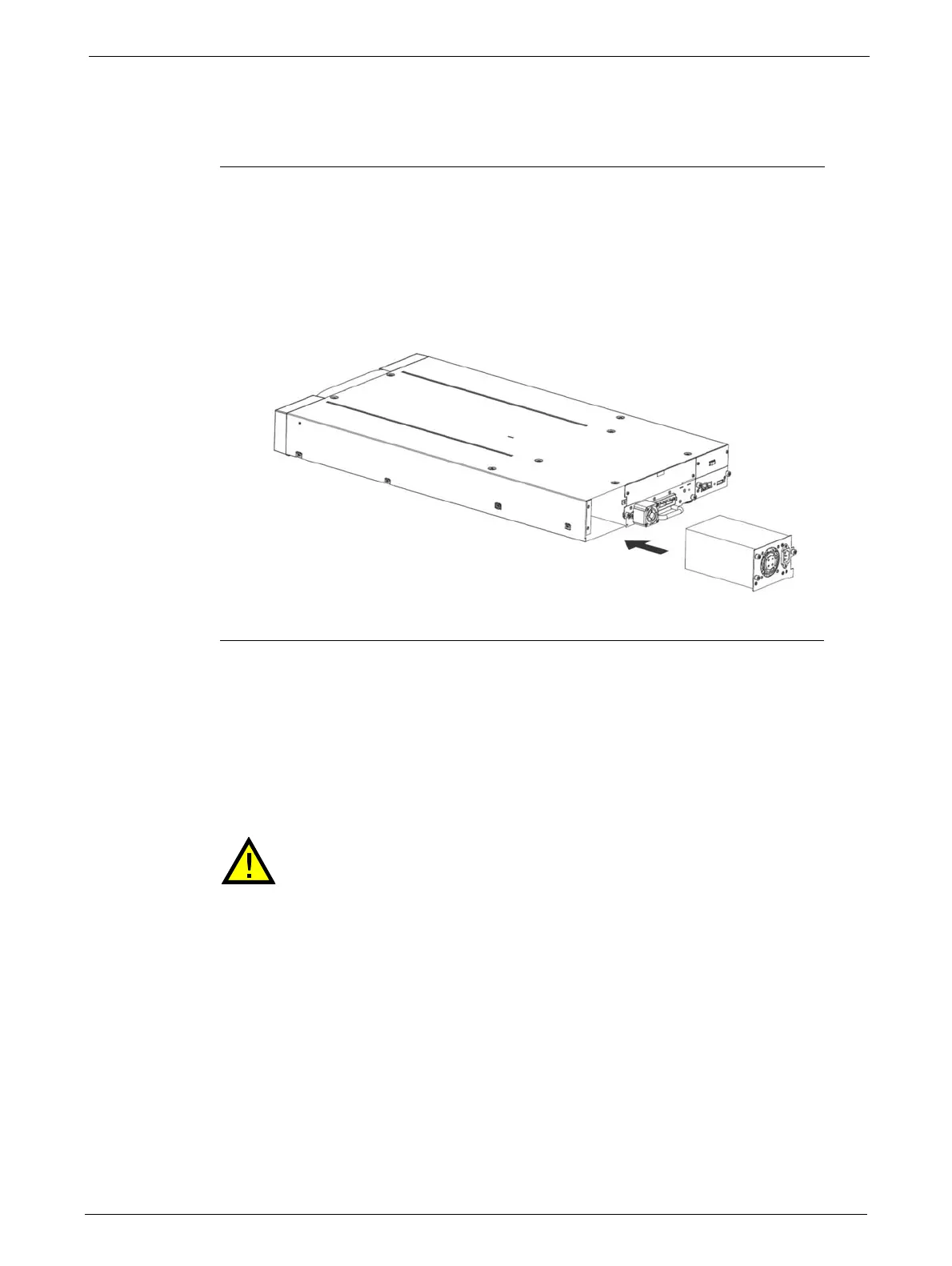
To install a power supply:
1. Locate the power supply bay on the lower left side of the rear panel of the library.
2. If present, loosen the screws and remove the power supply bay cover.
3. Before installing the power supply, inspect its connectors. Ensure that the connectors are
intact,
free of any foreign objects, and have no cracks or deformed or bent contacts.
4. Insert the power supply on the alignment rails and push it into the
bay until it seats itself
against the back of the
library.
5. Tighten the blue captive screws with your fingers to secure the power supply to the library.
Cable Connections
Power Cord Connections
Mains voltages are present on this equipment. Before connecting a power cord
to the library:
Ensure that the power cord meets safety standards for
the country where the
equipment is installed.
Use cable rated at 13A to avoid overheating the cord.
Always observe the Safety Warnings and
Cautions described on page 3.
To connect the powe
r cord to the library:



 To Next Page