TP-00347-01 73
Library Controller
Library Controller
Removing a Library Controller
To remove the library controller:
1. Power down the library by pressing the power button on the front panel.
2. Remove the power cord from the rear panel of the library.
3. Remove all cables from the library controller on the rear panel of the library.
4. Loosen the blue thumbscrews lo
cated on the library controller with your fingers.
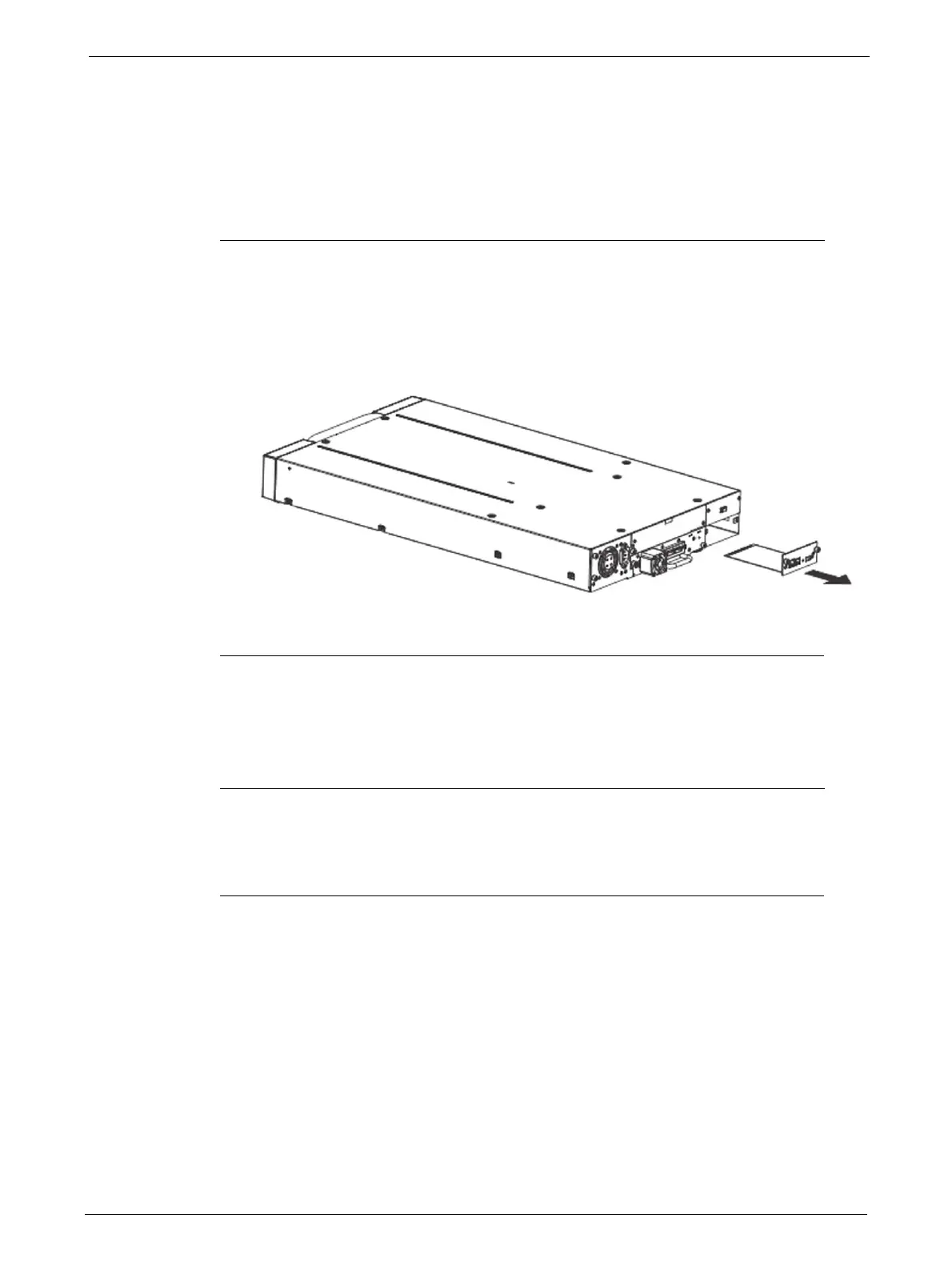
5. Pull the library controller straight out of the library as shown in the diagram.
Replacing a Library Controller
To replace the library controller with unit:
1. Remove the library controller from the library, as described in "Removing a Library
Controller" on page 73.
2. To install the new library controller, see "Installing the Library Controller" on page 24.



 To Next Page