52 TP-00347-01
Chapter 4: Operation
Configuration
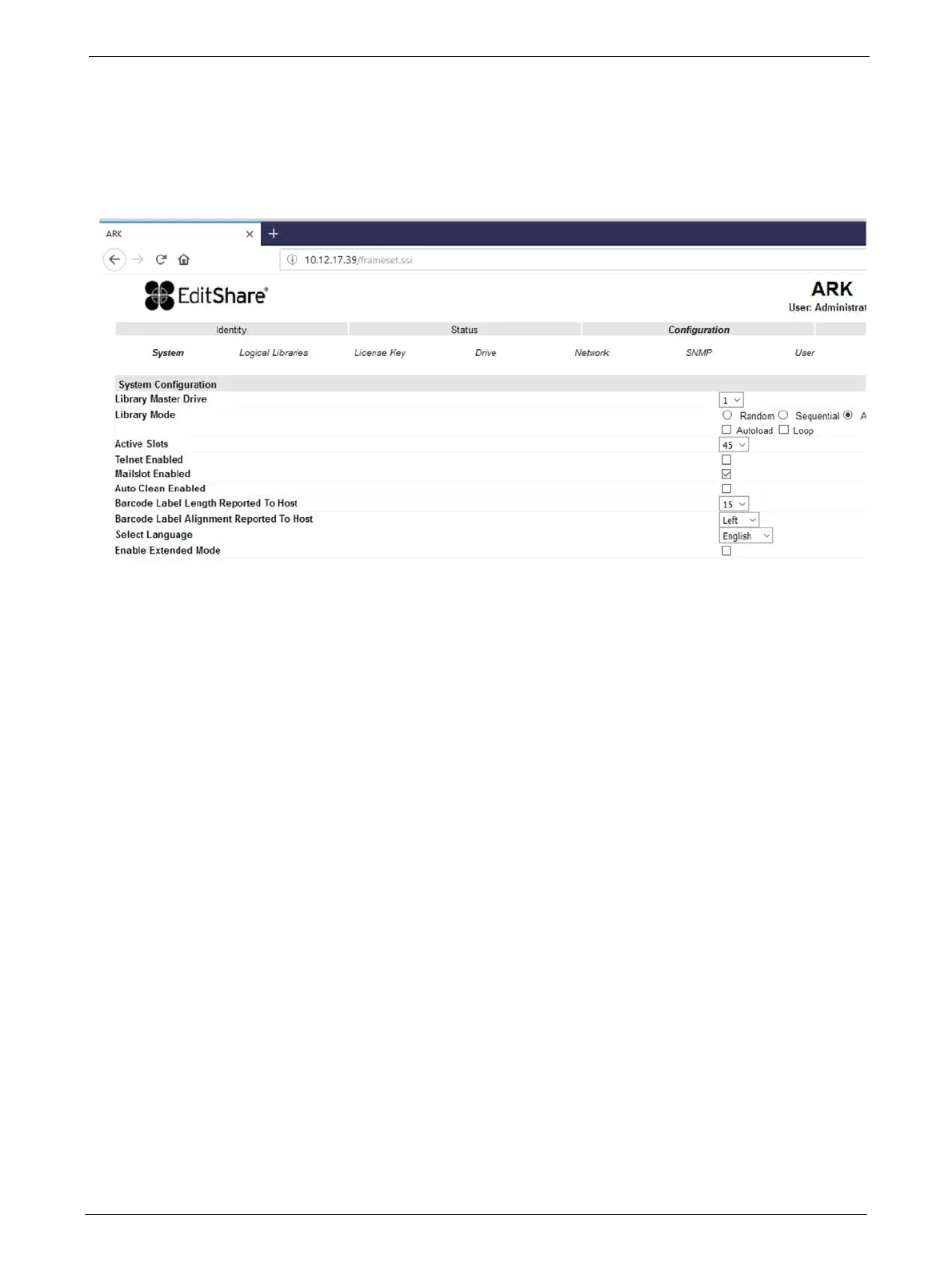
Changing the System Configuration
This page allows the user to change the system configuration.
The following information displays:
1) Library Master Drive: - The drive number that will host the library's logical unit number (LUN)
2) Library Mode: - One of three
behavior modes - Random, Sequential or Automatic
• <Random> In random mode, the library does not automatically load tapes into the tape
dr
ives. The random mode is used with a full featured or a media changer-aware backup
application and is the most common mode of operation.
• <Sequential > In sequential mode, th
e library automatically loads and unloads tapes
from the tape drive. The sequential mode is used when the backup software is not
media changer-aware or was designed for standalone drives only.
• <Automatic> This is the defa
ult mode. In automatic mode, the library switches from
sequential mode into random mode when it receives library SCSI commands through
its unique LUN.
In sequential mode, the user can set the <Loo
p> and <Autoload> options. In the auto
load mode, the library automatically loads the tapes from the lowest-numbered full slot
into the tape drive. In loop mode, the original first tape in the sequence is reloaded after
the library has cycled through all available tapes.
3) Active Slots: - In this field the user can select the number of slots in the library that are avail-
able to the backup software.
4) Mailslot Enabled: - Enabling the mailslot in the library reduces the total number of available
storage slots to the library's max
imum slot count, less the number of mailbox slots.
5) Auto Clean Enabled: - When auto clean is enable
d, the library automatically loads a cleaning
cartridge when a tape drive needs to be cleaned. The library identifies a tape as a cleaning
tape if it has a bar code label that starting with CLN or after an unlabeled cleaning tape has
been loaded into the tape drive.



 To Next Page