28 TP-00347-01
Chapter 2: Installation
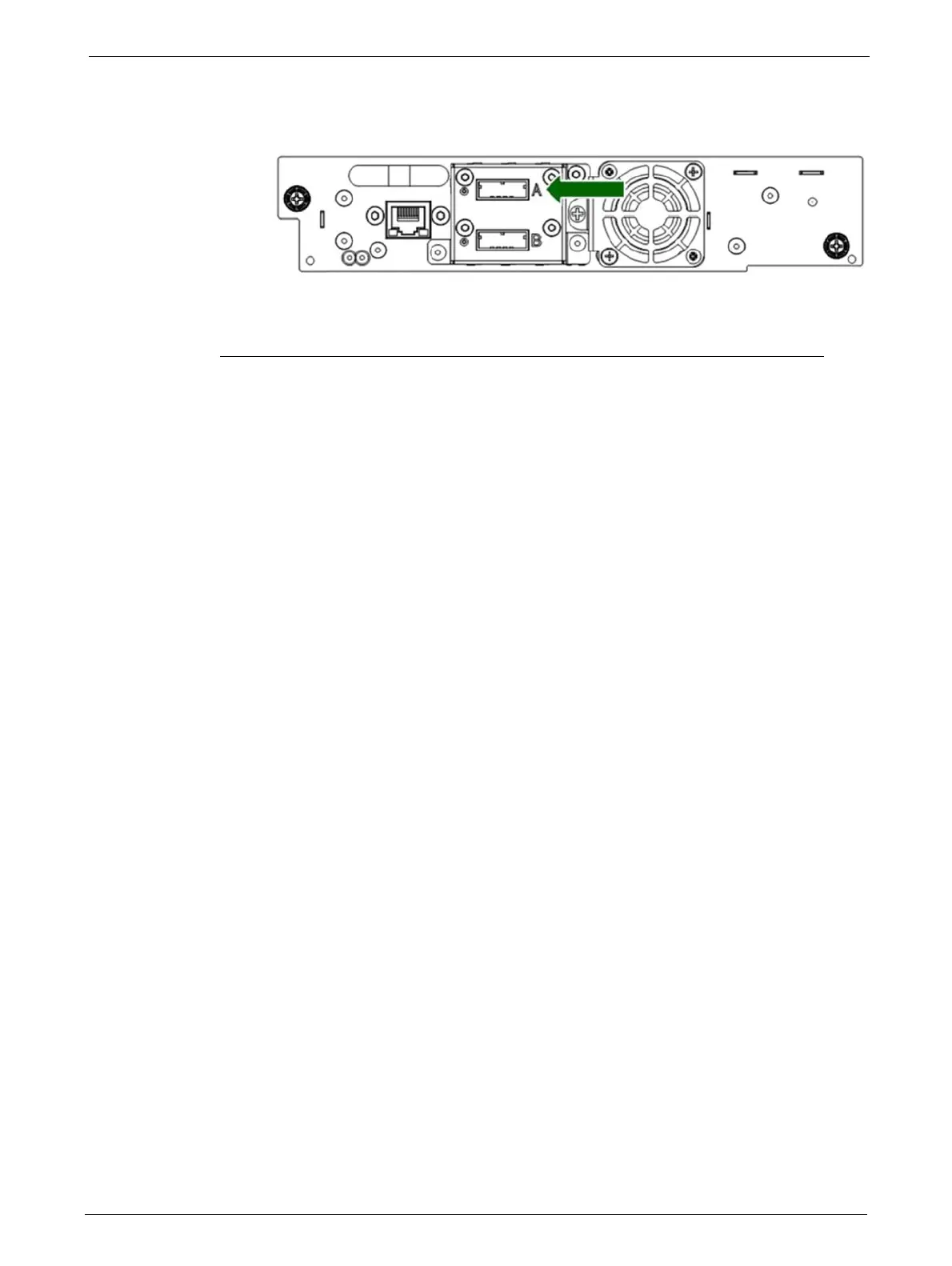
2. Connect the drive end of the cable:
• If you are using a cable with a single connector on each end, attach the
other end into the
connector on the
tape drive.
• If you are using a SAS fanout/Hydra cable, attach one mini-SAS connector into the
co
nnector on each tape drive. Coil and secure any unused fanout cables to the rack to
minimize stress on the cables and connectors.
Connecting an Ethernet Cable
The connection to the Ethernet network is via an industry standard RJ45 copper interface on the
rear panel of the library. The Ethernet connection is used to access the library RMU over a network.
To connect the library to the Ethernet network,
insert the Ethernet cable into the Ethernet port of
the library. When the plug is in the correct position, a click should be heard.
Connecting a USB device
The USB port is on the rear of the library. It can be used for firmware upgrades/skin file updates
initiated via the Operator Control Panel (OCP).



 To Next Page