32 TP-00347-01
Chapter 3: Cartridges and Magazines
Read/Write Compatibility
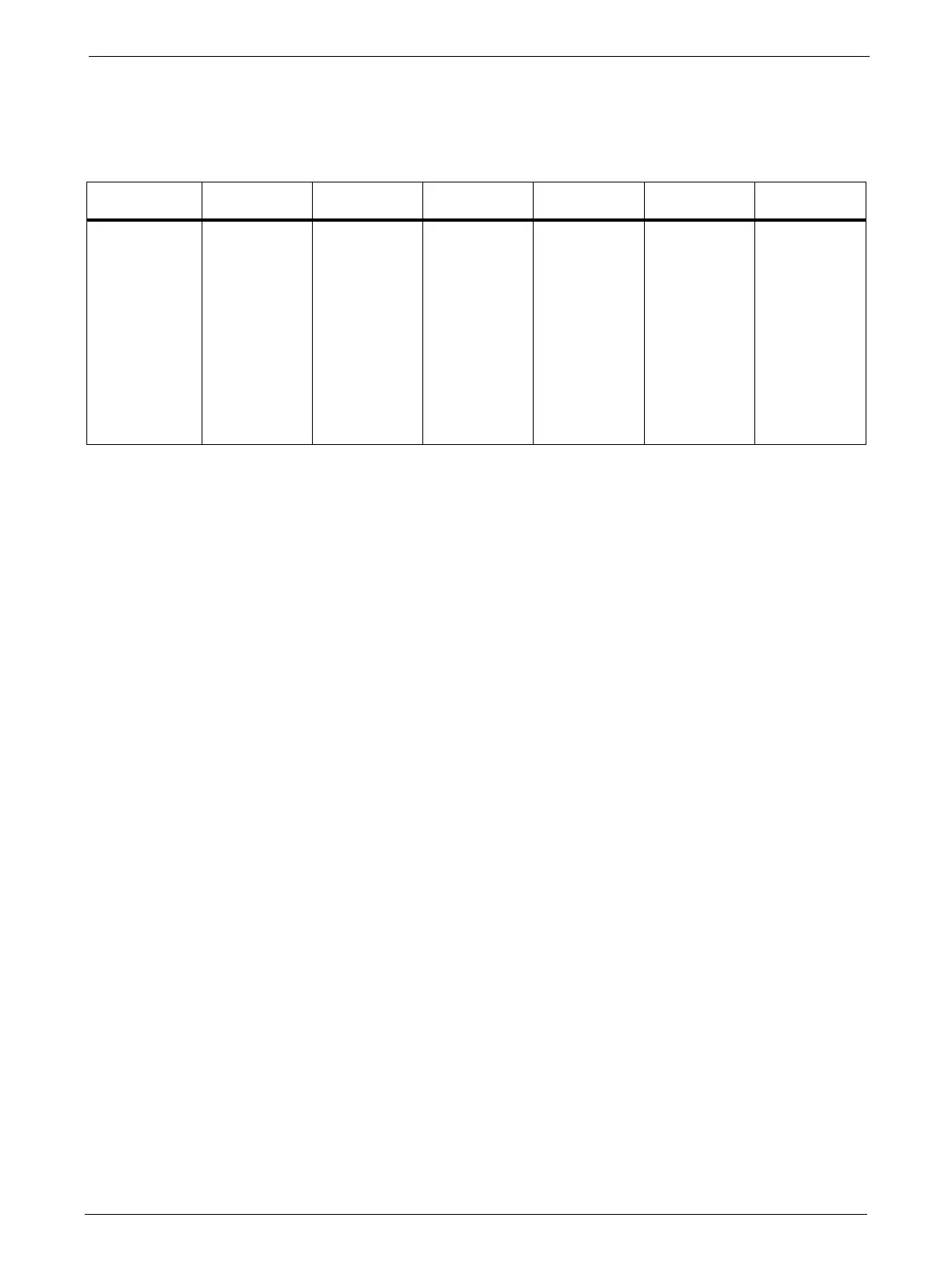
The following table summarizes the Read/Write compatibility of the Ultrium LTO drives:
LTO-3 Dr ive LTO-4 Dri ve LTO -5 Dr ive LTO -6 D ri ve LTO-7 Dr ive LTO -8 D ri ve
LTO-3 Media Read/Write Read/Write Read-Only Incompatible Incompatible Incompatible
LTO-4 Media Incompatible Read/Write Read/Write Read-Only Incompatible Incompatible
LTO-5 Medi a Incompatible Incompatible Read/Write Read/Write Read-Only Incompatible
LTO-6 Media Incompatible Incompatible Incompatible Read/Write Read/Write Incompatible
LTO-7 Media Incompatible Incompatible Incompatible Incompatible Read/Write Read/Write
LTO-8 Media Incompatible Incompatible Incompatible Incompatible Incompatible Read/Write
LTO-7M Media Incompatible Incompatible Incompatible Incompatible Incompatible Read/Write
All listed media is incompatible with LTO-1 and
L
TO-2 drives.
Magazines
The Ark Tape Libraries make use of removable magazines. Tape cartridges are stored in the
magazines. Each magazine can be individually removed, or inserted. Each magazine inserted in the
library, is locked into position, to prevent unauthorized removal. Access to unlock the magazines
can be password protected. For safety reasons, removal of a tape magazine disables media
changer motion.
The magazines can be unlocked via the Operator Control Panel (OCP) or the Remote Management
Unit (RMU).
•OCP, see "Operator Control Panel (OCP)" on page 33
•RMU, see "Servicing a Magazine" on page 75
In case the OCP or RMU initiated process fails or
the library no longer has power, a manual
emergency release is available, see "Emergency Release" on page 84.
Slot Usage
Each magazine contains four slots for tape cartridge storage. However, the front slot in the
left-hand magazine can function as a ‘mailslot’.
The mailslot is used to import/export individual ta
pe cartridges without interrupting the library
operation. The command to open the mailslot may be denied if the media changer is busy with
some operation. In that case, "Busy" is displayed on the OCP and the command has to be repeated
once the media changer operation is finished.



 To Next Page