62 TP-00347-01
Chapter 4: Operation
Releasing and Replacing Magazines
To release a magazine manually, see "Emergency Release" on page 84. This manual
process should only be used if the magazine cannot be released using the OCP or the
RMU.
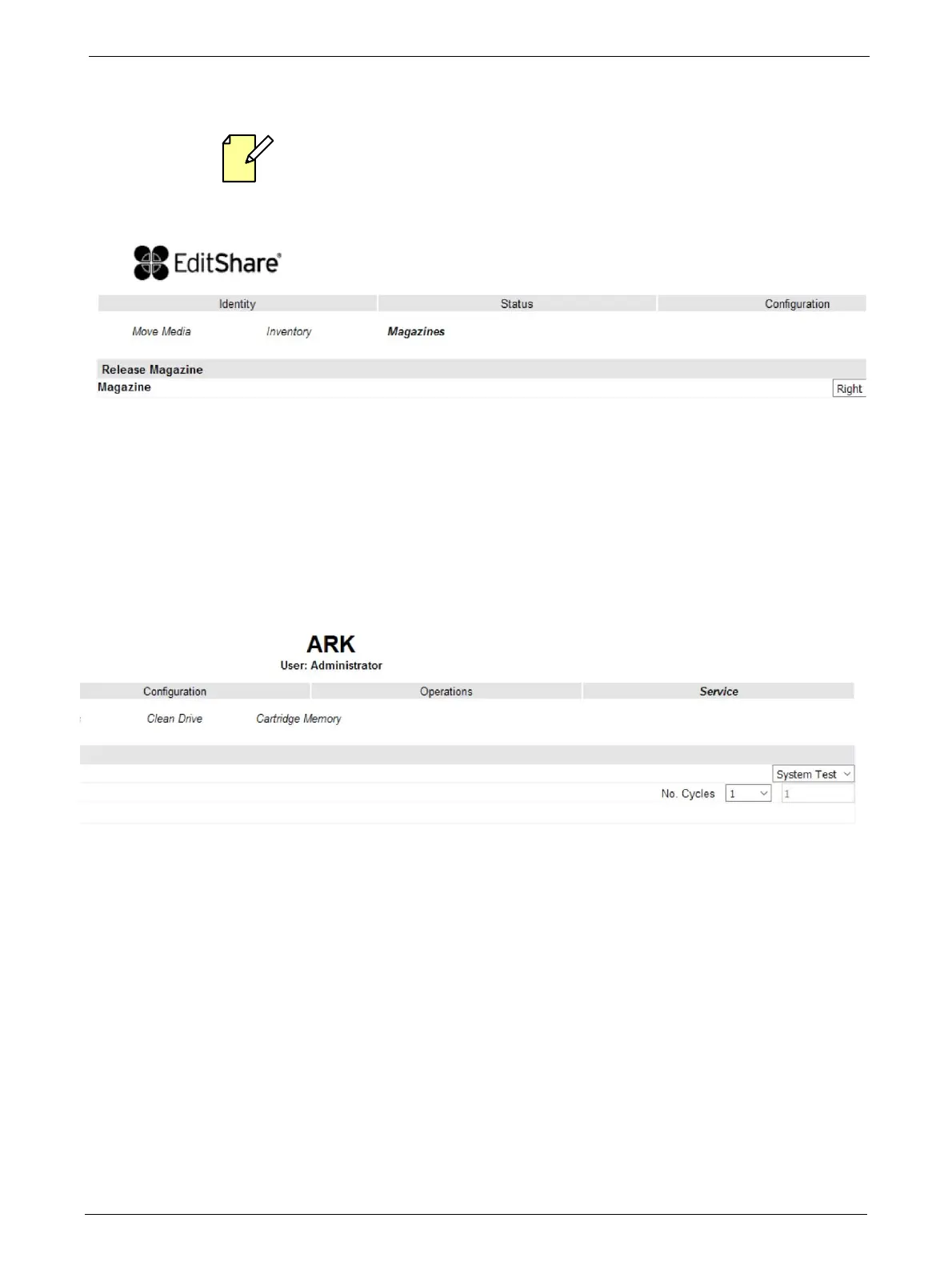
This page allows the user to release the right or left magazine from the library.
Select the magazine in the pull down menu and then click the <Release> button.
Service
Performing General Library Diagnostics
This page provides the system administrator with general tests to verify the usability and reliability
of the
library.
Selections available are:
•System Test
• Slot To Slot Test
Select the number of test cycles (No. Cycles) before sta
r
ting the test. To cancel the test before it
completes, select the <Stop> button.



 To Next Page