76 TP-00347-01
Chapter 5: Servicing
Removing the Base Chassis from the Rack
To remove the Base Chassis from the Rack:
1. Using a 3# Phillips screwdriver placed through the small holes in the mounting bracket to
loosen the M5 screw(s) on each side of the library.
2. Remove the library from the rack rails, and then remove the mounting brackets of the
library.
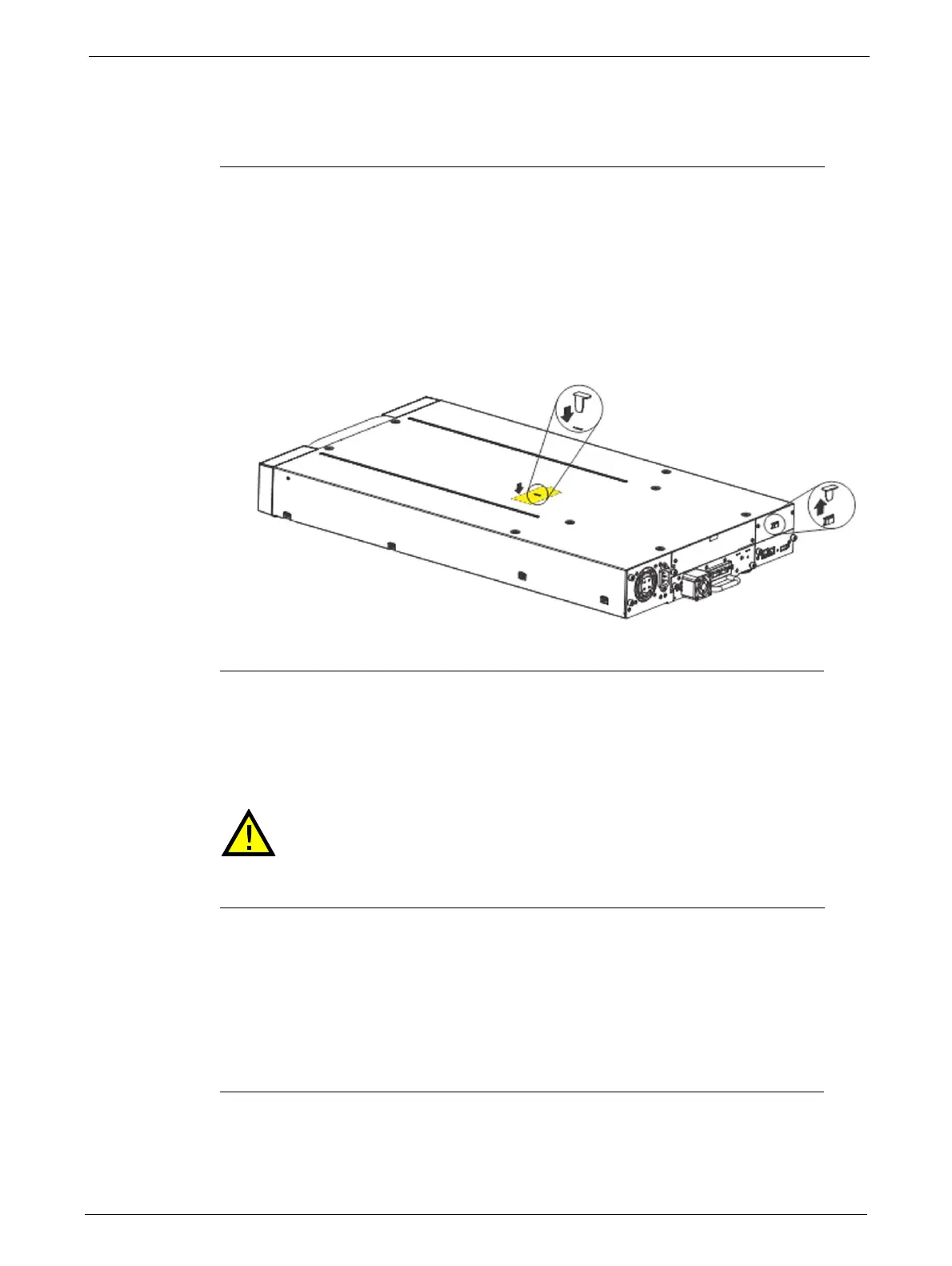
3. If available:
• Remove the shipping lock and the yellow label from the rear panel.
• Insert the shipping lock into
the slot on top of the library.
• Stick the yellow label over the shipping lock to secure it in place.
Packaging the Unit for Transportation
The Base Chassis is heavy, observe the Safety Procedures described in page 3.
Before packaging the library:
1. Pull out the tab with the product ID label (1)
2. Note the part and serial number (2)
3. Package the library as shown in page 77 (24Q Ark Tape Library) or page 78 (48Q Ark Tape
Library).
4. If returning the unit to Editshare for repair, please call the Technical Support department to
request an RMA number.



 To Next Page