TP-00347-01 25
Power Supply Installation
Installation Procedure
To install tape drives:
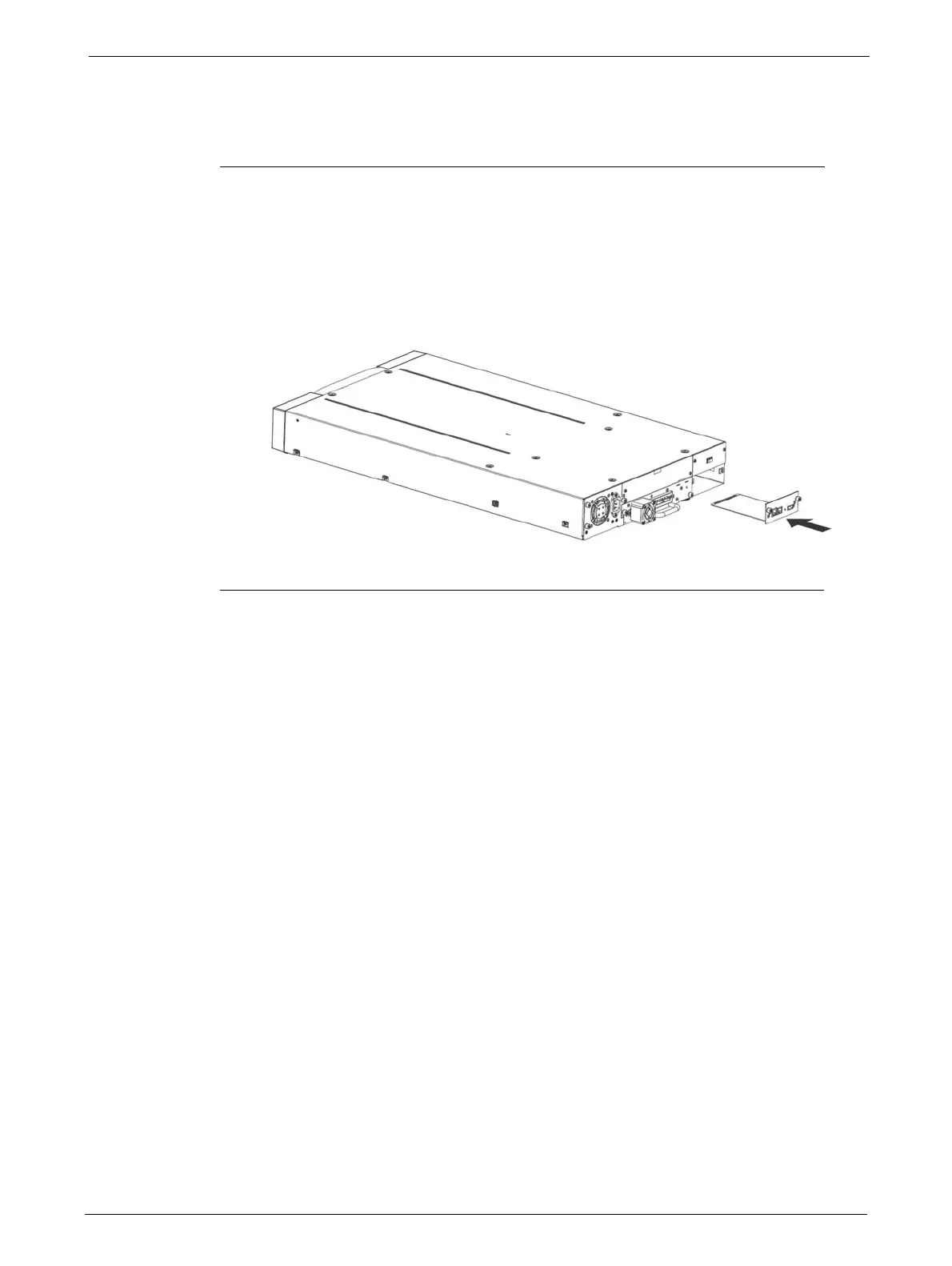
1. Locate the vacant library controller bay on the lower right side of the rear panel.
2. If present, loosen the screws and remove the library controller bay cover.
3. Before installing the library controller, inspect its connectors. Ensure that the connectors are
intact,
free of any foreign objects, and have no cracks or deformed or bent contacts.
4. Insert the library controller on the alignment rails and push it into the
bay until it seats itself
against the back of the
library.
5. Tighten the blue captive screws with your fingers to secure the library controller.
Power Supply Installation
The power supply is installed from the rear of the library. If the library does not have a power supply
installed, install it in the left power supply bay now.
Tools Required
The following tool is required:
•No 2 Phillips screwdriver



 To Next Page