TP-00347-01 61
Operations
Operations
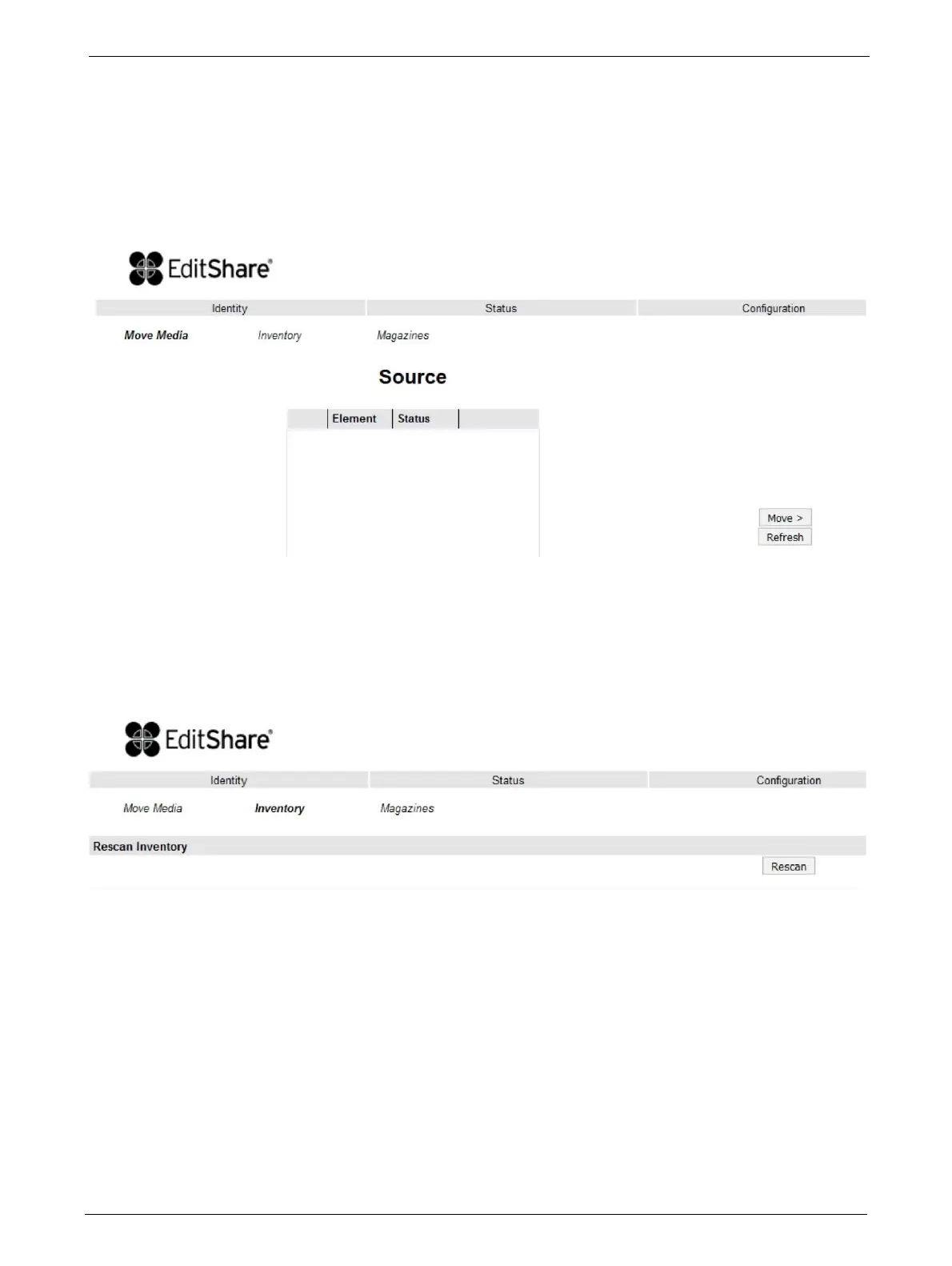
Move Media within the Library
This page allows the user to move tape cartridges within the library.
Select the source and destination and then click
the <Move> button to move a tape cartridge.
Determining Current Media Inventory
This page allows the user to rescan the library to determine the current media inventory.
Changes are only applied after the <Rescan> button is selected.



 To Next Page