60 TP-00347-01
Chapter 4: Operation
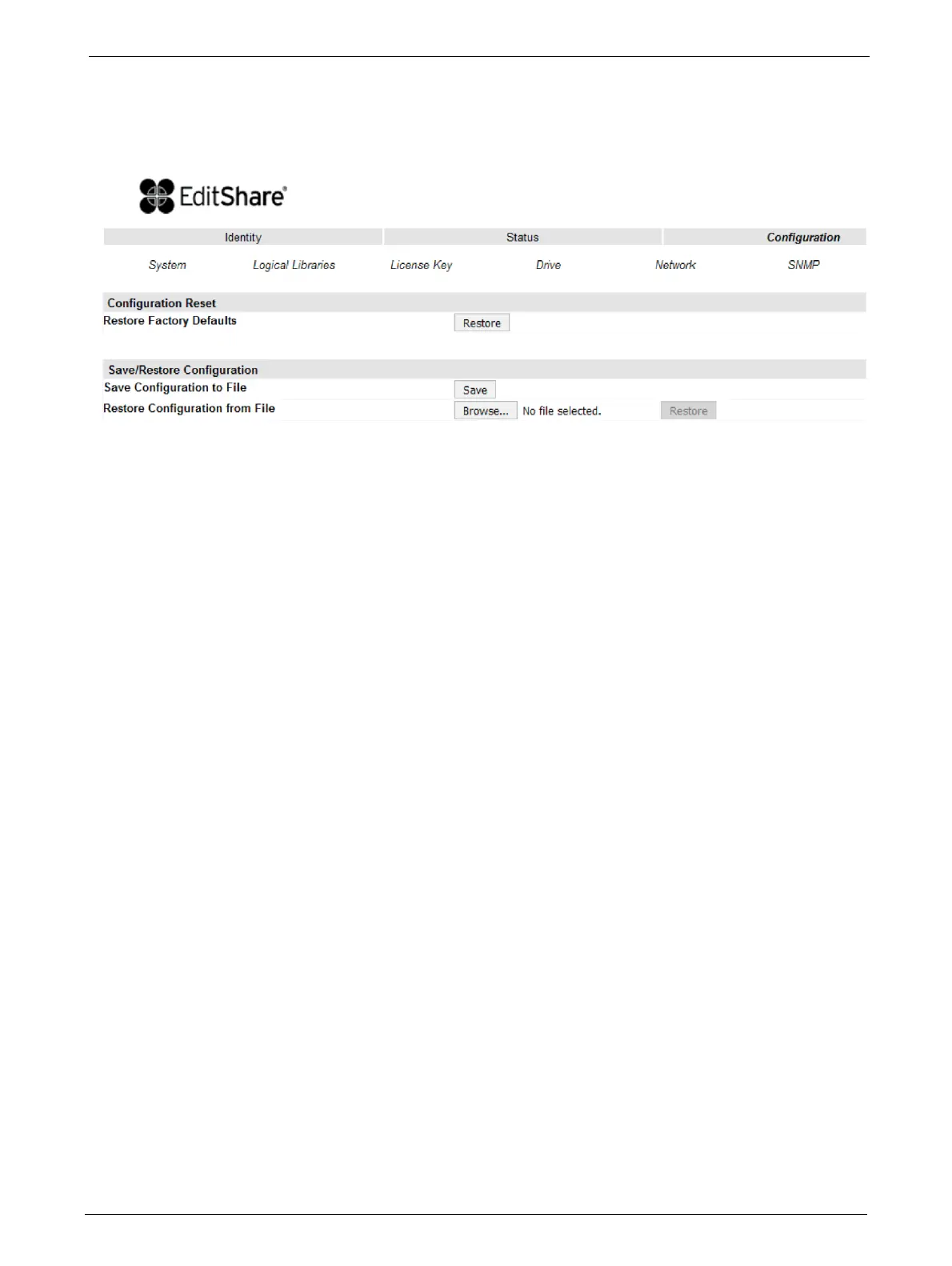
Restoring Factory Defaults
This page allows the user to reset the configuration to the factory defaults, and save or restore vital
product
data.
Selections available are:
Configuration Reset
<Restore> factory
defaults:
Selection of this button will restore all factory default settings
as outlined in Section 5.4. Please note that OEM library
applications may require operational settings which differ
from the factory default settings. Please consult your system
vendor to verify proper operational settings of the unit after a
restore to factory defaults.
Save/Restore Configuration
<Save> Configuration
to
F
ile:
The <Save> button will save the current library settings to a
file which can later be uploaded back to the library to restore
the settings. library configuration files have a ".dbb" file
extension with a file name format structure consisting of the
unique 10 character library unit serial number followed by a
space
,
followed by a date time stamp formatted
"YYMMDDTTTT" (YY= last two digits of current year, MM =
month number, DD = date, TTTT= Hour/minute time stamp
(24 hour time format)).
<Restore>
C
o
nfiguration from File:
The <Browse> / <Restore> buttons enable the administrator
to select a path to a previously generated configuration file.
Once the correct file is located the <Restore> button is used to
upload the file back to the library.



 To Next Page