TP-00347-01 59
Overview
Setting Error Log Mode
Only Service personnel can set the log configuration.
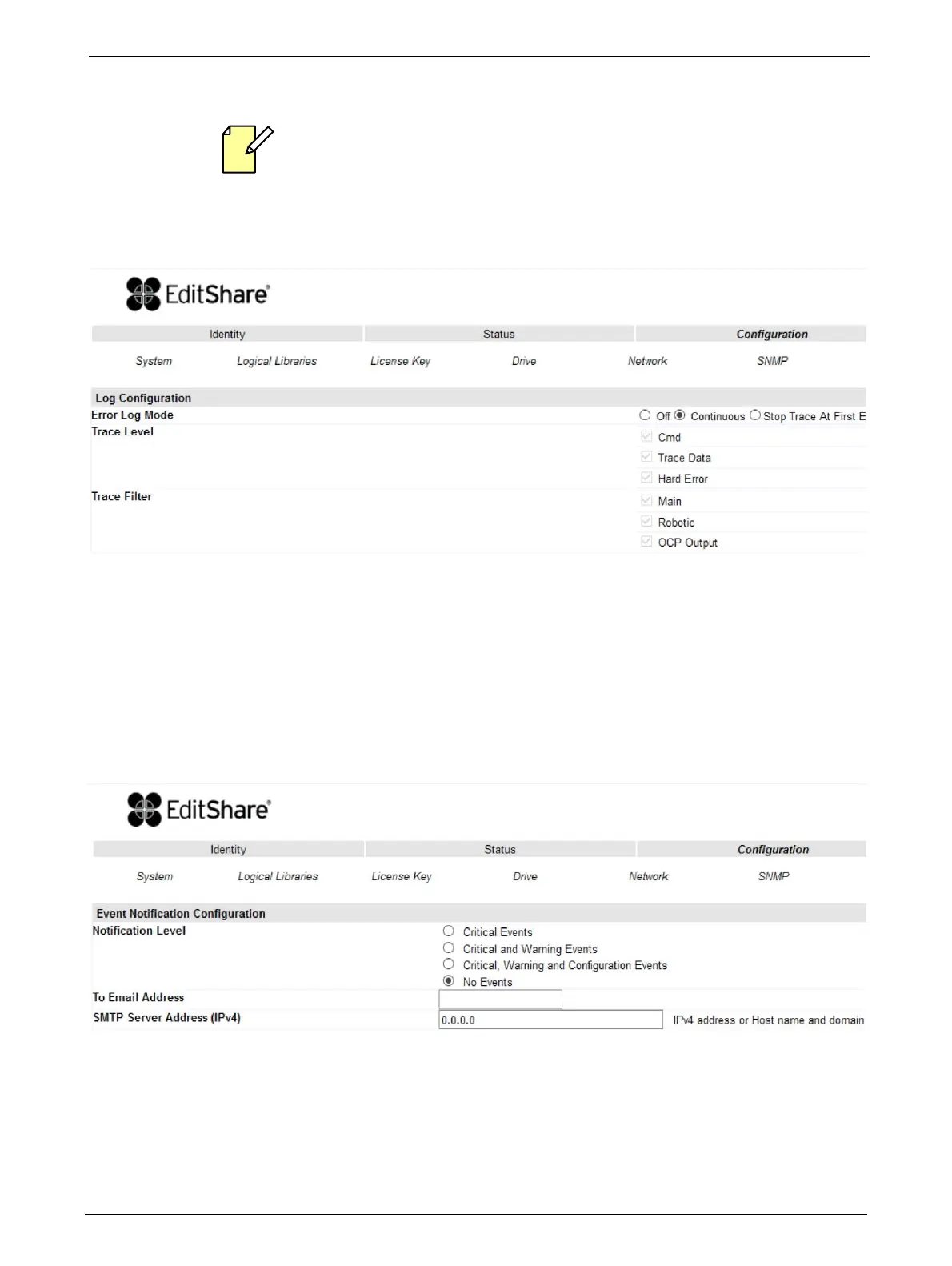
The Log menu can be used to set behavior of the error log collection. Your service person may ask
you to alter sett
ings in this field during the diagnostic process. The default setting is for continuous
collection of logs, with the most recent events overwriting the oldest events (circular
buffer).
Selections available are:
•Error Log
•Trace Level
•Trace Filter
Configuring Event Parameters for Email Notification
This page allows the user to modify the event notification parameters.
Changes that can be made are:
Notification Level: Critical / Warning / Configuration events / none
To Email Address: max 40 characters
SMTP Server Address: IPv4 address or Host
name and domain



 To Next Page